mccanns

Forum Replies Created
-
Hi Sarah,
Unfortunately the plugin won’t help improve the page speed of the forms yet. We’re aware of this and we are coordinating with the other teams owning these features about how we can improve this.
Samuel
I’ve put out an update v8.4.90 that resolves this. Thanks again for helping resolve this!
Hey,
I understand there is a very limited trial for migrating portals from the NA datacentre to the EU datacentre.
Could you reach out to me at directly at
smccann@hubspot.comwith some more details about the steps you took to move from the NA datacenter to the EU datacenter? There really shouldn’t be any need for the either of you to have to modify code for things to work. I’d love to get to the bottom of this.Cheers,
SamuelI’m still looking into this and I’ll get back with some solutions once I get them. Thanks for letting me know.
Hi Nick,
Thanks for reaching out and apologies for this. We’ll take a look and get a fix out for this.
In the meantime, your best two options for telling the plugin you are an EU portal is either
– Set the option in your DBleadin_hublettoeu1.
or
– Update class-leadinfilters.php, the functionget_leadin_hubletto return'eu1'.Either of those two changes will tell the plugin you are hosted in the EU datacentre.
- This reply was modified 4 years, 8 months ago by mccanns.
Great, I just pushed out an update for version 5.8 of WordPress, so I’ll mark this thread as resolved for now. I’m also putting out a fix for the broken link you had encountered soon. Let me know if you run into any other issues.
Cheers,
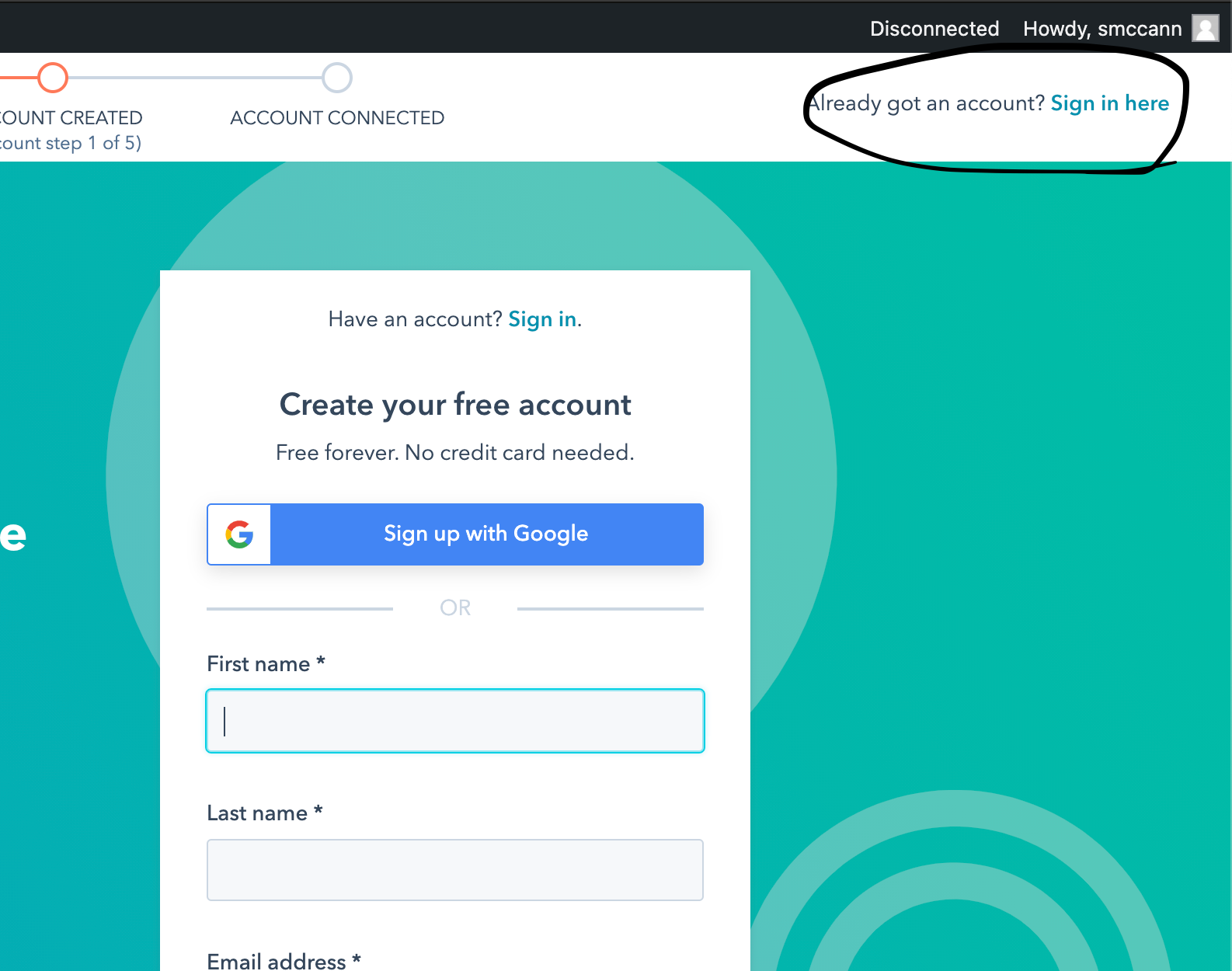
SamuelLet me know what is happening when you try to connect the plugin through the sign in option at the top right https://snipboard.io/ratECG.jpg
And just to confirm, after activating the HubSpot plugin, did you go to the plugin inside of WordPress and go through the connection process? If there is a red exclamation icon beside HubSpot in the sidebar like so: https://snipboard.io/u8nHEz.jpg, then the plugin in WordPress hasn’t connected to your portal.
Do you mind linking me to the website homepage you’re having issues with? I can take a quick look at it and investigate why things might not be working on it.
Cheers
Hi!
I’m in the process of preparing a release for WordPress 5.8
I wouldn’t have expected the connection process to HubSpot to fail with WordPress 5.8, can you you provide any more details about where and when in the process connecting fails?
Cheers,
Samuel- This reply was modified 4 years, 8 months ago by mccanns.
Hi!
Sorry, we don’t have any plans to implement this at the moment.
I’ll mark this resolved
Hi!
We do have translations for forms in the dropdown actions of your forms inside the plugin. https://knowledge.hubspot.com/forms/create-forms-in-multiple-languages
This will generate a new form for you in your desired language though, so it will still be a separate form dedicated to the translated language.
Cheers,
SamuelHey, just wanted to follow up, I actually managed to get my hands on the builder provided by elegant themes themselves to look into this. Unfortunately they do indeed load the webpage from an iframe for the builder like I had assumed, so the best thing you can do is still just edit the rules of the popup form to not show up during the time you are editing it. Thanks for reaching out about the problem.
I wouldn’t expect it to if the builder is loading your site in an iframe from
http://sld-design.com/test/grm/. Does temporarily excluding the page with an exclusion rule like https://imgur.com/a/35NWWIz work for now while you build the page? You can re-enable it by just deleting the exclusion rule then after you’ve finished editing. I haven’t used the Divi builder before, so unless I have access to one there isn’t much else I can suggest currently. Ultimately, the quick fix for now is to turn the popup form off for the time you work on the page, and re-enable afterwards.