helloplanetat

Forum Replies Created
-
Forum: Plugins
In reply to: [Novo-Map : your WP posts on custom google maps] Info Boxes not workingI get this error:
VM2187:65 Uncaught TypeError: infobox34.open is not a function at _.Qg.<anonymous> (<anonymous>:65:1306) at gf.lj (js?v=3.43&key=AIzaSyBc16nOsCf9oUsybEPeUpFLHWm35DZ7bSw&_=1613641959945:210) at Object._.M.trigger (js?v=3.43&key=AIzaSyBc16nOsCf9oUsybEPeUpFLHWm35DZ7bSw&_=1613641959945:207) at wU.<anonymous> (marker.js:29) at gf.lj (js?v=3.43&key=AIzaSyBc16nOsCf9oUsybEPeUpFLHWm35DZ7bSw&_=1613641959945:210) at Object._.M.trigger (js?v=3.43&key=AIzaSyBc16nOsCf9oUsybEPeUpFLHWm35DZ7bSw&_=1613641959945:207) at Object.onClick (marker.js:18) at qp._.n.onClick (common.js:127) at HTMLDivElement.Qp.ta._.cp.Qb (common.js:49) (anonymous) @ VM2187:65 gf.lj @ js?v=3.43&key=AIzaSyBc16nOsCf9oUsybEPeUpFLHWm35DZ7bSw&_=1613641959945:210 _.M.trigger @ js?v=3.43&key=AIzaSyBc16nOsCf9oUsybEPeUpFLHWm35DZ7bSw&_=1613641959945:207 (anonymous) @ marker.js:29 gf.lj @ js?v=3.43&key=AIzaSyBc16nOsCf9oUsybEPeUpFLHWm35DZ7bSw&_=1613641959945:210 _.M.trigger @ js?v=3.43&key=AIzaSyBc16nOsCf9oUsybEPeUpFLHWm35DZ7bSw&_=1613641959945:207 onClick @ marker.js:18 _.n.onClick @ common.js:127 Qp.ta._.cp.Qb @ common.js:49will do that
- This reply was modified 6 years, 1 month ago by helloplanetat.
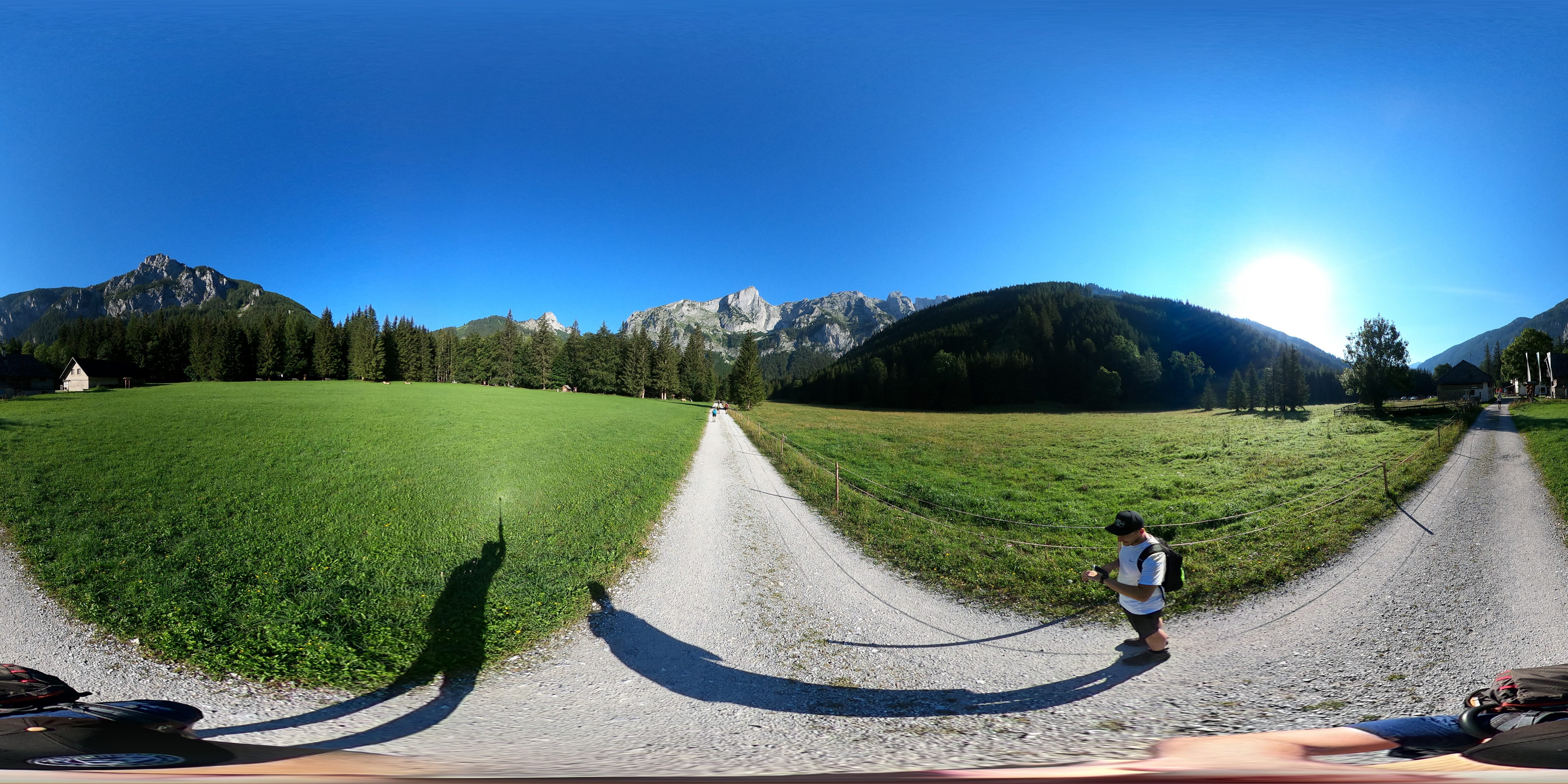
Hey! Thanks for getting back. I just rolled back to the newest possible version 5.6.0 and now all the tours load the right image size again as you can see here: https://rauf-und-davon.at/hochschwab-ghackte/ – same tour as before with the same Media Link: https://rauf-und-davon.at/wp-content/uploads/2020/08/Hochschwab-Ghackte-360-Grad-Foto-1-scaled.jpg
It now has some other problems (Home Button on the wrong place and Scene Names not showing properly), but i think that’s because i can’t activate WP VR PRO anymore. It says “WP VR (v6.4.0) is required. Please update it before activating this plugin.”
You can also see it in the code that it doesn’t load another file size anymore:
var response = [{“panoid”:”pano9773″},{“autoLoad”:false,”showControls”:false,”compass”:false,”orientationOnByDefault”:false,”mouseZoom”:true,”draggable”:true,”disableKeyboardCtrl”:false,”keyboardZoom”:true,”preview”:”https:\/\/rauf-und-davon.at\/wp-content\/uploads\/2020\/08\/Vorschaubild-Tour-1.jpg”,”default”:{“firstScene”:”1″,”sceneFadeDuration”:””},”scenes”:{“1”:{“type”:”equirectangular”,”panorama”:”https:\/\/rauf-und-davon.at\/wp-content\/uploads\/2020\/08\/Hochschwab-Ghackte-360-Grad-Foto-1-scaled.jpg“,”pitch”:0,”yaw”:0,”hfov”:100,”maxHfov”:120,”minHfov”:50,”title”:”1″,”hotSpots”:[{“text”:”1zu2″,”pitch”:” -9.179124391229902″,”yaw”:” -13.116077311119994″,”type”:”scene”,”cssClass”:”far fa-arrow-alt-circle-up”,”URL”:””,”clickHandlerArgs”:””,”createTooltipArgs”:””,”sceneId”:”2″,”targetPitch”:28.778646211778831087713115266524255275726318359375,”targetYaw”:-23.976770831127037553187619778327643871307373046875}]},”2″:
- This reply was modified 6 years, 1 month ago by helloplanetat.
- This reply was modified 6 years, 1 month ago by helloplanetat.
Here in the Code it just loads the wrong image:
jQuery(document).ready(function() {var response = [{“panoid”:”pano10064″},{“autoLoad”:true,”showControls”:true,”orientationSupport”:”false”,”compass”:false,”orientationOnByDefault”:false,”mouseZoom”:true,”draggable”:true,”disableKeyboardCtrl”:false,”keyboardZoom”:true,”preview”:””,”default”:{“firstScene”:”1″,”sceneFadeDuration”:””},”scenes”:{“1”:{“type”:”equirectangular”,”panorama”:”https:\/\/rauf-und-davon.at\/wp-content\/uploads\/2020\/08\/Hochschwab-Ghackte-360-Grad-Foto-16-700×350.jpg“,”hotSpots”:[]}}}];var scenes = response[1];if(scenes) {var scenedata = scenes.scenes;for(var i in scenedata) {var scenehotspot = scenedata[i].hotSpots;for(var i = 0; i < scenehotspot.length; i++) {if(scenehotspot[i][“clickHandlerArgs”] != “”) {scenehotspot[i][“clickHandlerFunc”] = wpvrhotspot;}if(scenehotspot[i][“createTooltipArgs”] != “”) {scenehotspot[i][“createTooltipFunc”] = wpvrtooltip;}}}}var panoshow10064 = pannellum.viewer(response[0][“panoid”], scenes);panoshow10064.on(“load”, function (){
Hey,
i renamed the title of the pictures in the wordpress backend to “Hochschwab Ghackte 360 Grad Foto-1-test” & “Hochschwab Ghackte 360 Grad Foto-2-test”, created a new tour and still have the problem. Or shoud i rename them somwhere else?
-> https://rauf-und-davon.at/test-wp-vr/But actually even if it works, that isn’t a real solution for me. I have 18 different Tours with up to 30 scenes (with hot spots) and more … making all of them new would cost me tons of hours … and actually i don’t want to do that, because all of them worked totally fine before the update. And i made all of them before the update. You know what i mean? And as i said, if i roll back to an older version it works again, so can you please fix it?
All the best,
Daniel- This reply was modified 6 years, 1 month ago by helloplanetat.
btw. i just tried a rollback to version 5.5. and it worked again. So it’s definitely a problem with the Plug In and not the Pictures i used 🙂
This is f. ex. the Link to the first picture of the tour I uploaded to scene 1: https://rauf-und-davon.at/wp-content/uploads/2020/08/Hochschwab-Ghackte-360-Grad-Foto-1-scaled.jpg
I have no Idea why WP-VR loads this one on mobile devices: https:\/\/rauf-und-davon.at\/wp-content\/uploads\/2020\/08\/Hochschwab-Ghackte-360-Grad-Foto-1-700×350.jpg
As you can see, on the desktop version it loads the right one.
All the best,
DanielHey,
what do you mean? I didn’t upload optimized images. All my tours looked perfectly good before the Update. I chnaged nothing and all of a sudden the quality was bad.
All the best,
DanielThanks fpr the update. Sadly the tours still have a bad quality 🙁
Hi,
thanks for the answer. Looking forward to the fix 🙂
All the best,
DanielWill you fix this issue? The Scene Gallery would be important for me.
All the best,
DanielSry in the post before i meant it loads even if autoload is turned OFF.
“Inside the Scene Gallery WP VR loads the pictures (Scenes) in Full Size and the Scene Gallery is loaded with the page (even if Autoload is turned OFF).”
All the best,
DanielThank you!
I think I figured out the problem: It only appeares, when the Scene Gallery is turned on. Inside the Scene Gallery WP VR loads the pictures (Scenes) in Full Size and the Scene Gallery is loaded with the page (even if Autoload is turned on). Can you tell me how to block the scene gallery from auto loading?
All the best,
DanielHi! Thanks for getting back. Autoload is turned off. It was never turned on and the problem just appeared from one day to another. Last time when I checked the pages with WP VR implemented with gtmetrix everything was fine. And this week suddenly the problem appeared – maybe an update triggered it? As you can see in the link – there is this “click to Load Panorama” button on the image. Nevertheless WP VR loads all the scenes, when the page is opened, which results in a Page with 40MB resources and a DOMContentLoad of 15 Seconds – and that makes is absolutely impossible to use. Can you please check it out and tell me how to fix that?
All the best,
Daniel