derrida

Forum Replies Created
-
Forum: Plugins
In reply to: [Polylang] how to make another language menu in 5.9?good to know it exists, but obviously the plugin itself should be compatible with 5.9 at least.
not sure how to delete the question. everything is working fine
regarding colisions with other plugins, no worries there, cause i see you have a unique prefix to each class.
regarding the important, i would go with mobile first approach. that means, that the default styling is for mobile (but not in its own breakpoint), and then all others breakpoints just use the rule of the break point.
so for example: without breakpoint (which will be the mobile) i will put margin or padding 0, or nothing. and in tablent or desktop the margin or padding the user chose, without any important.
or if you do use the important, for colisions with other plugins, i would use it on every breakpoint.
as i said, i tried putting marging on desktop, and it get the important. then i put margin 0 on mobile. but the mobile one doesn’t get the important flag, so even on mobile, it display the desktop style, which obviously doesn’t work.just my suggestion
hi
the box-shadow is indeed working after update.
in fact it is not recommanded to use the important unless it is neccesary. if you go with mobile first approach then you don’t need it. and if you do use it, then use it on ll breakpoints, otherwise the breakpoint with the important is the one that will be displayed.
so if i add margin to an element on the desktop, and this get the important, then on mobile that element will not be displayed correctly.
regarding jquery: hopefully you will remove it as dependency since you don’t need a library for some DOM manipulations.also, it will be great if you can add position, so we can position absolute an element.
anyway, keep up with the good work.
- This reply was modified 5 years, 7 months ago by derrida.
also, you use jquery, when wordpress moves away from it. it just add bloated code. hopefully on next versions, this dependency will be dropped.
rshtig
hey
i have contacted but didn’t got any responsehey
this is really bizarre. this is the situation on the staging site now:theme: twenty nineteen.
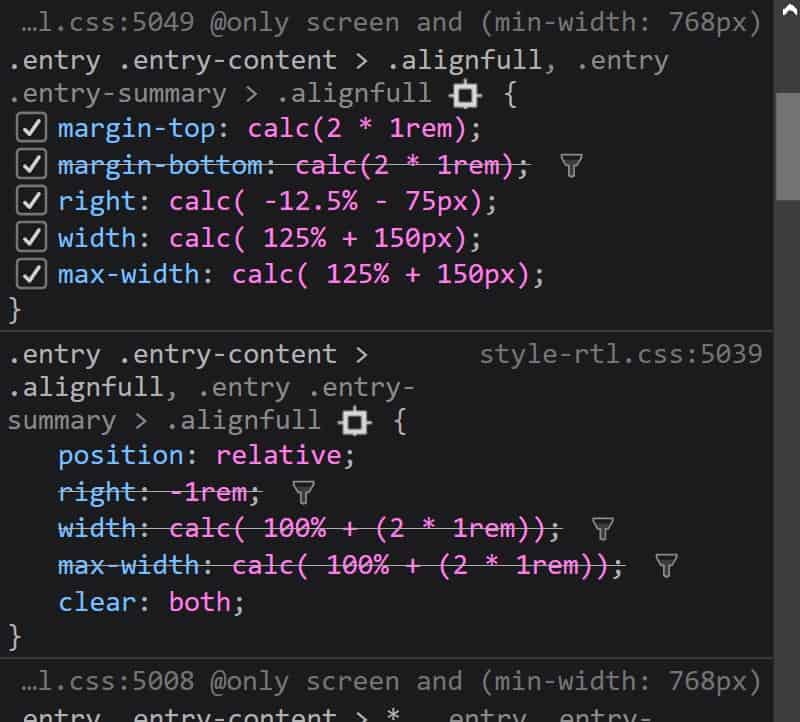
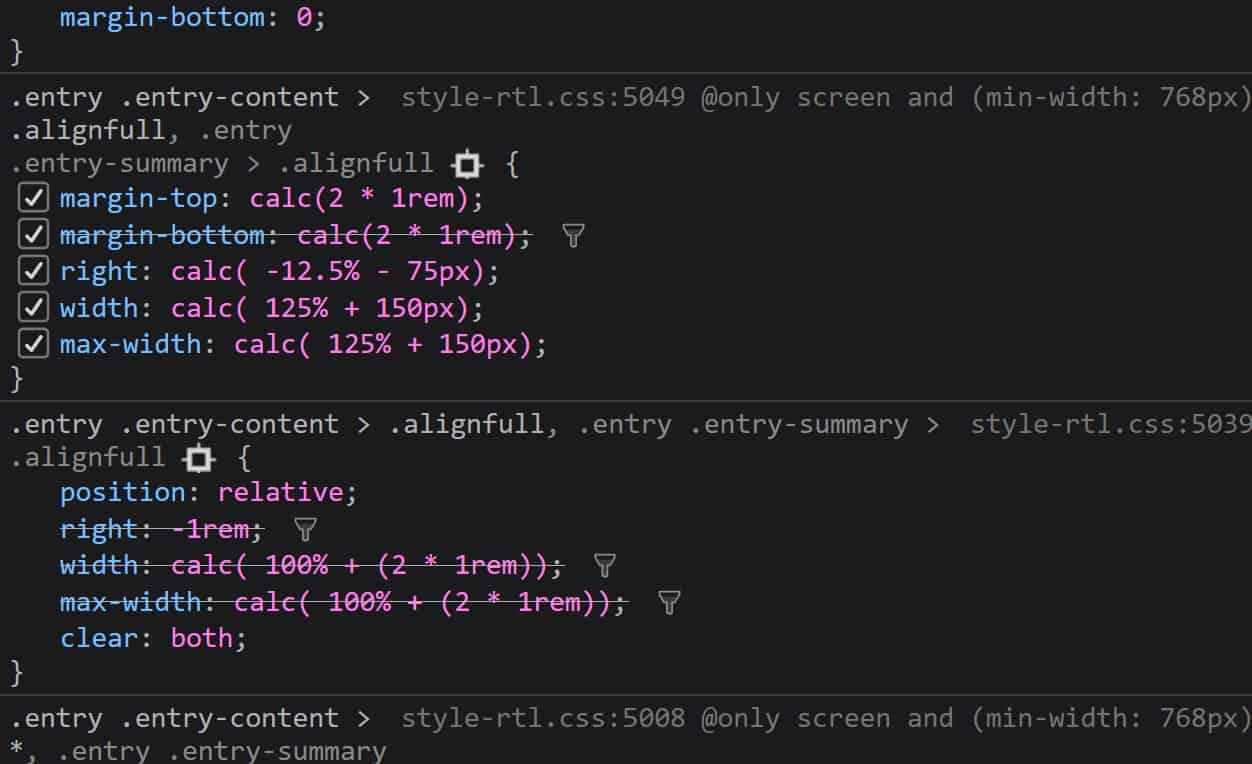
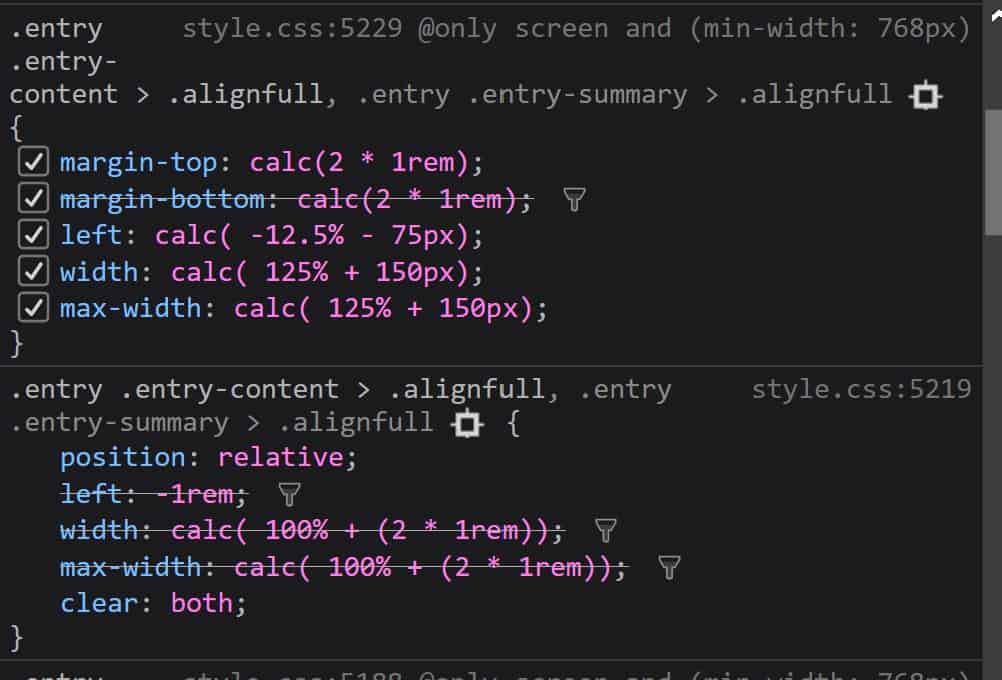
plugins: jetpack and polylang.i have noticed this: the issue is with alignfull (and i would assume also alignwide) on the rtl side of the site, only when those two plugins are enabled together:
without polylang (only jetpack):
http://www.shtigliz.com/wp-content/uploads/2019/03/withoutpoly.jpgwithout jetpack:
http://www.shtigliz.com/wp-content/uploads/2019/03/withoutjet.jpgwith both enabled:
http://www.shtigliz.com/wp-content/uploads/2019/03/withketandpoly.jpgso somehow when both enabled they override the css? i do not understand why and how exactly.
hey
i have changed my custom theme to twenty nineteen and as you can see the mess is persisting, so i assume it is not my theme. in addition my theme works without jetpack or polylang. so i am not sure what is going on.
my main interest in jetpack is the free image cdn and lazy loading.hey
i have a staging area which is here: http://staging.shtigliz.com/%d7%93%d7%a3-%d7%94%d7%91%d7%99%d7%aa/after testing some things on the staging area i am pretty sure there is a conflict between jetpack and polylang (which is the plugin i use for multiple languages).
if polylang is on without jetpack all is good. if i have jetpack without polylang all is good. once i have both turned on the issue returns.
this conflict should be adressed, since i am sure i am not the only one who use both those plugins. in order for you to check i have them both on on my staging site.
hey
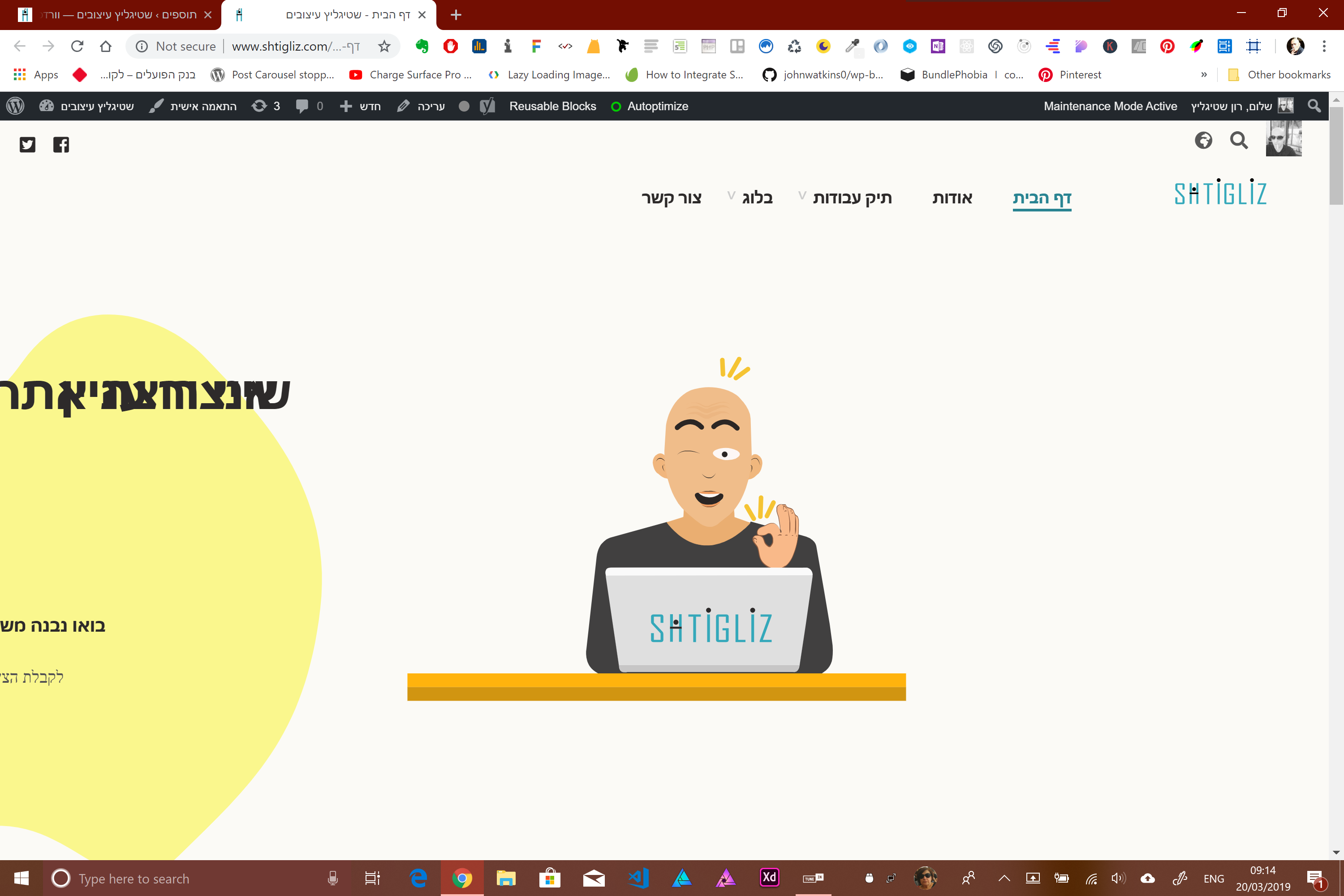
so i have tried to turn off all plugins and also changed the theme to twenty nineteen and the issue still there, only on the rtl side of the site?
the only plugin that make the issue appear is jetpack, i have tested one plugin at a time.
this is the image url:
http://www.shtigliz.com/wp-content/uploads/2019/03/Screenshot-37.pngany idea what can it be?
it is resolved
it is fixed. thanks
by the way if i first save it as a regular product and only after save it as my custom product type, it does stick.
any idea? because i want it to work smoothly.best regards
hi Julian
it wasn’t any external plugin, but a custom product type that i have written. is there a way for me to know what conflict? or maybe the multi currency doesn’t work with custom product type?
because with my custom product type, regular prices and sale prices does work, and there is no problem with them.