It doesn’t look like you are using a child theme, so first install a CSS plugin like Jetpack or Custom CSS Manager.
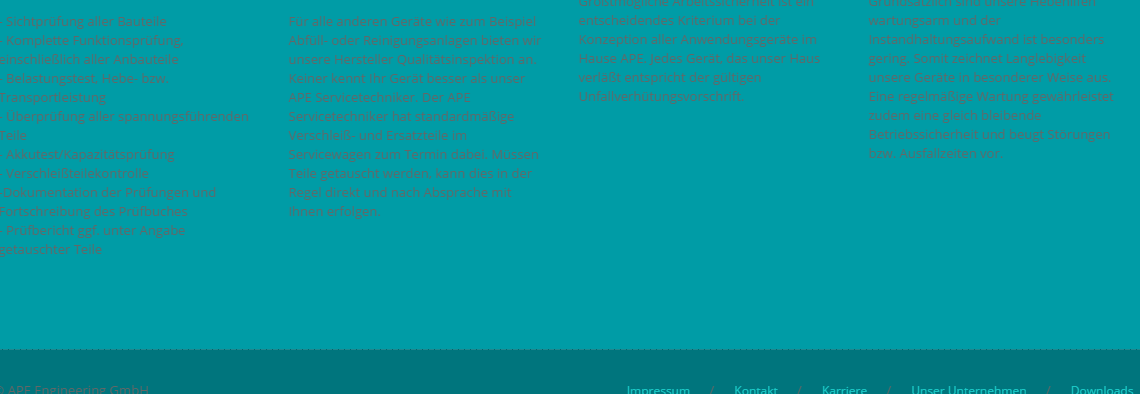
For the footer font color, add these rules:
.footer_copyright {
    color: #666666;
}
.footer_menu a {
    color: #1ccdca !important;
}
The first rule is for the copyright notice on the left. The second rule is for the menu links on the right. The values which are listed are the current values. Change them to whatever color you want.
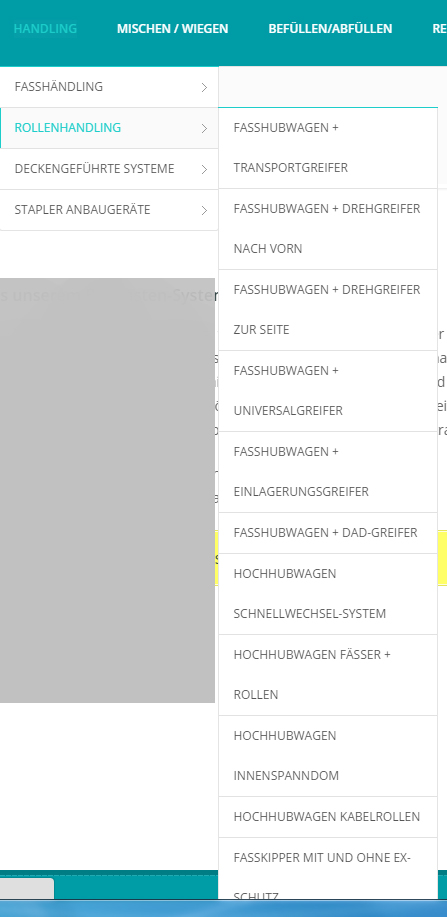
I’m not sure what you mean by wanting to make the menu longer, it already looks too long.
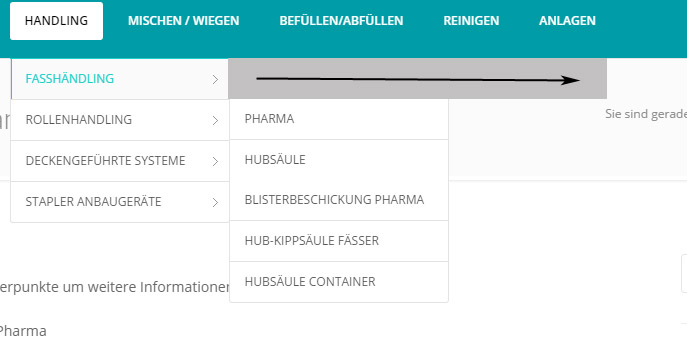
For the last problem, you can add this rule to change the menu color of the current page:
#nav_menu:not(.mobile_menu) #navy > li.current_page_item > a:not(.nav_trigger) > span,
#nav_menu:not(.mobile_menu) #navy > li:hover > a:not(.nav_trigger) > span {
    color: #000;
}
Thank you for your fast response. Everythink worked fine!
Take a look at the photo, there you’ll see it want i want:)
http://fs5.directupload.net/images/160722/vbtvujcf.jpg
Hi,
Put below CSS Rules into Custom CSS Editor:
@media only screen and (min-width: 992px){
#navy .dropdown-submenu ul {
    width: 350px;
}
#logo a h3, .light_header #navy > li > a, .light_header #navy > li > a:hover {
    color: #000;
}
}
Save the changes.
Hope it will work for you.
Thank You
perfect, everythink worked fine. Thank you
Can you tell me how i change the color of the footer?
http://fs5.directupload.net/images/160722/nghawi6z.png
Hi,
here is the css to change the font color of footer widget text
#footer .textwidget {
    color: #000;
}
This will work on only text widget.
Thanks