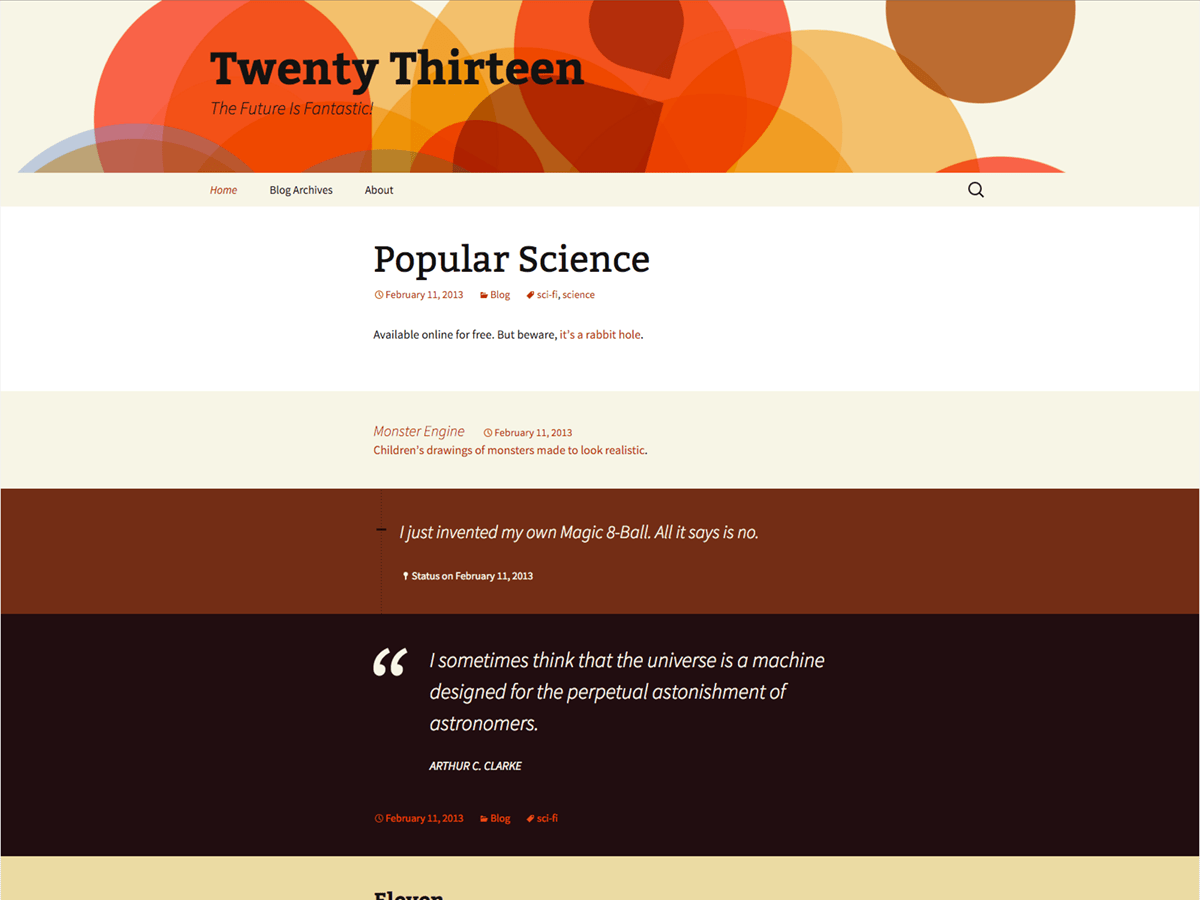
Preview Elements
-
When I looked at the Preview for Twenty Thirty, is shows “Elements” (scroll down) and then shows various fonts, sizes, bullet list, radio buttons, etc. I don’t know how I can access these. When I post, there is no editor bar like in Microsoft Word where you can choose a bullet list, for example. I am very new and have not been able to find any way to use word processing formatting in this theme or the last WP themes. I am not a developer and will not use any css style sheets if that’s what it takes. I just wondered if there were a way to access these features. Thanks.

Viewing 2 replies - 1 through 2 (of 2 total)

Viewing 2 replies - 1 through 2 (of 2 total)
The topic ‘Preview Elements’ is closed to new replies.