Posterboard Customization Options
-
Where are the options to customize posterboard view?
For example, the sample given is
https://ps.w.org/all-in-one-event-calendar/assets/screenshot-1.jpg?rev=1038272
where the image does not get cropped and the text summary appears below the image.
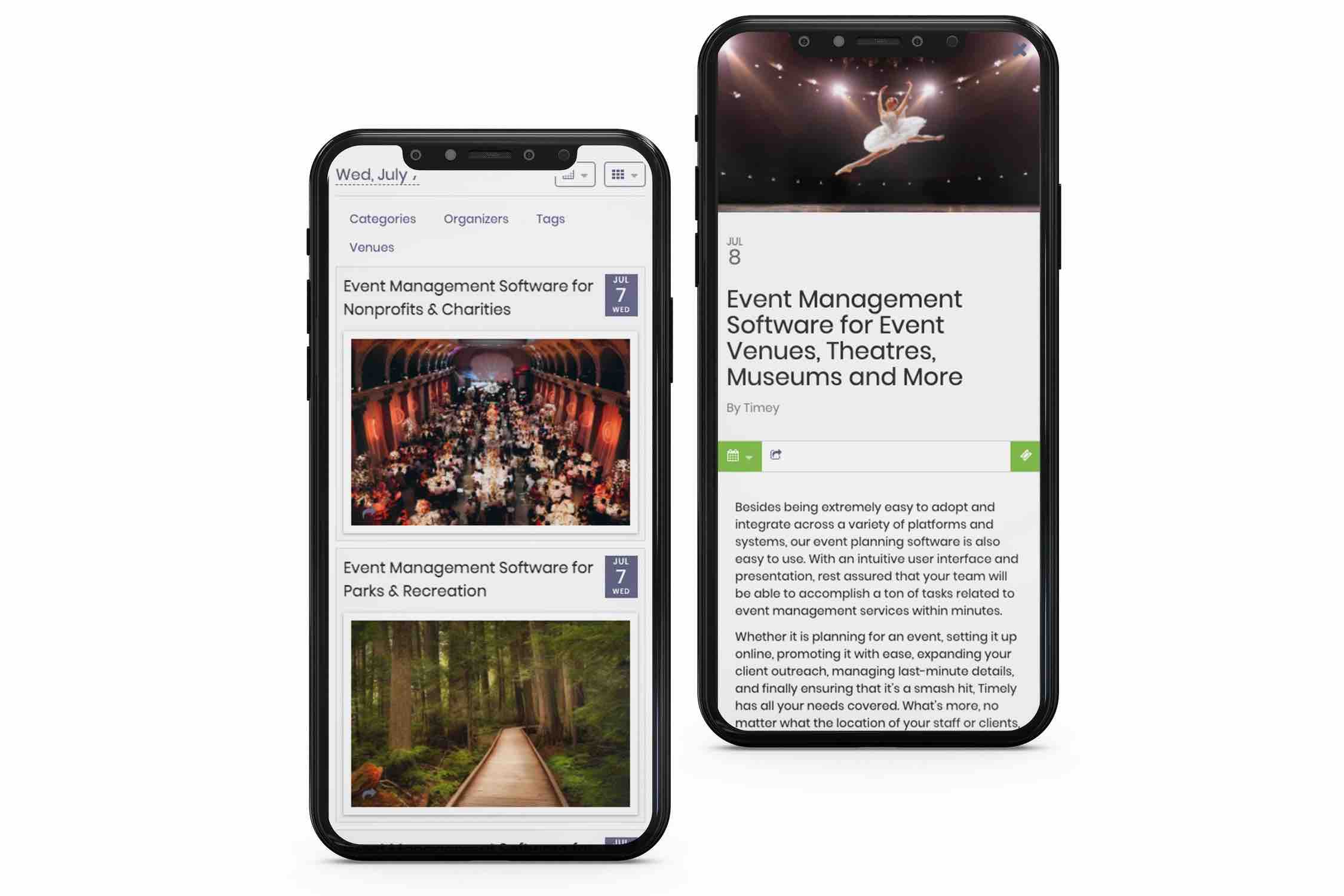
The calendar I am using has posterboard events cropped to square, and the text appearing on the image on hover.
I cannot see any options to switch between the two in the dashboard settings for the calendar – I have gone through all posterboard posts in this forum and it seems these options might have once appeared under Extended Views or Add Ons.
Thank you for your help.

Viewing 5 replies - 1 through 5 (of 5 total)


Viewing 5 replies - 1 through 5 (of 5 total)
The topic ‘Posterboard Customization Options’ is closed to new replies.