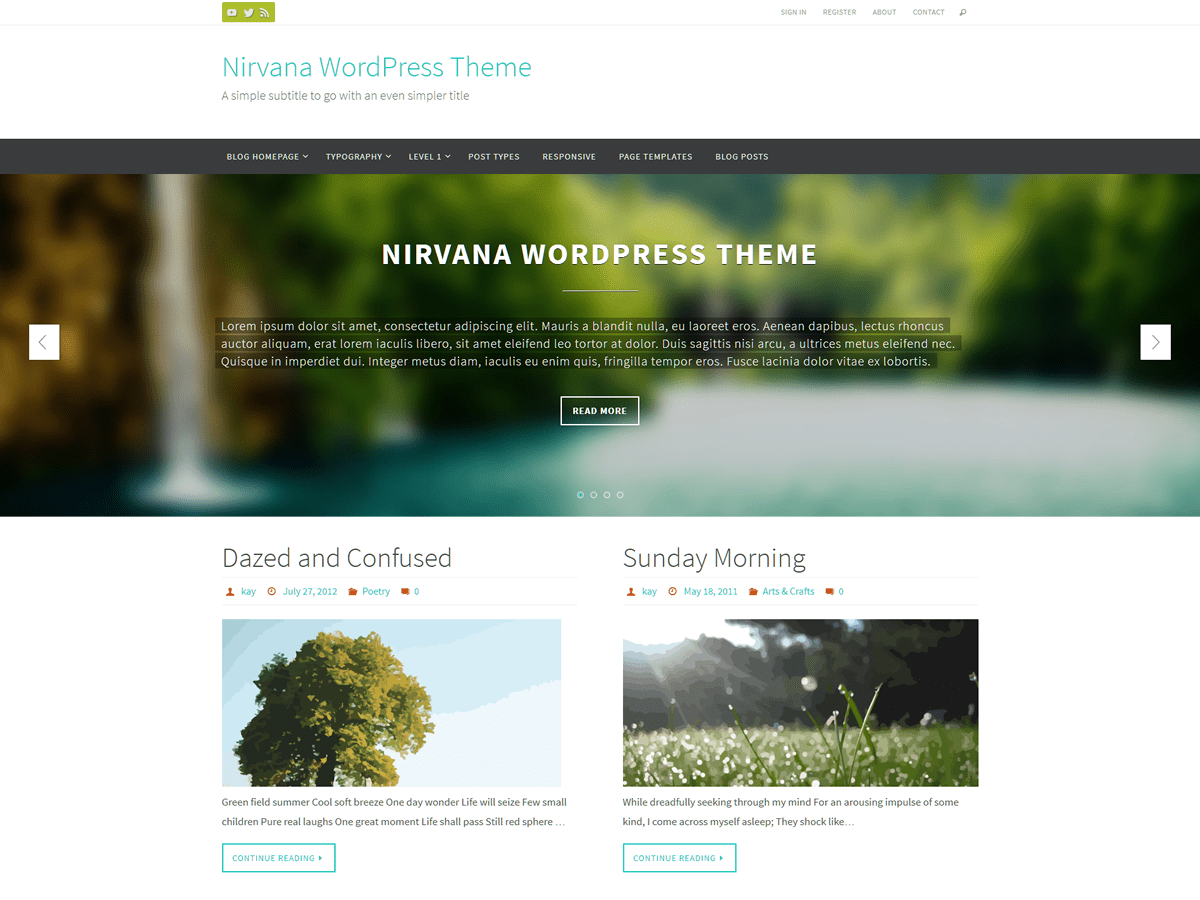
Can you provide a screenshot ?
Gif
There you have a Gif. If you pay attention, you’ll notice that I choose the option “Cursos” and it starts immediatly loading the page, not giving me enough time to choose any sub-item of the menu.
Thank you
Your site is working fine from my end. Could you try clearing browser cache? Or perhaps disable few plugins to see the issue disappears and then enabling them back again Or change to a default WordPress theme and then change back to your theme again.
I would like to have enough time to choose a sub-item from the menu “Cursos”, instead of loading the page “Cursos”.
Did you try the steps I suggested ? you navigation works fine from my end and I can’t reproduce it. So I can’t help you in this regard. Sorry
It happens on at least three different mobile devices. It’s not a cache-related problem.
So if you look at the Gif, how can I choose any sub-item from the menu “Cursos”?
It opens imediately the page “Cursos”, which I dont want. I want to be able to choose a sub-item, like on this picture:
http://s9.postimg.org/mmblm0u3j/image.png
Could be a theme specific issue, Without being able to reproduce the issue from my end, I can’t help you, Sorry.
Well, actually I solved it by injecting this javascript in the “CUSTOM JAVASCRIPT” field of the Nirvana Settings:
var _hack_nirvana = document.getElementsByClassName("page_item_has_children");
for (var i in _hack_nirvana) {
   var item = _hack_nirvana[i];
    if (item.firstChild) {
   item.firstChild.removeAttribute("href");
}
}