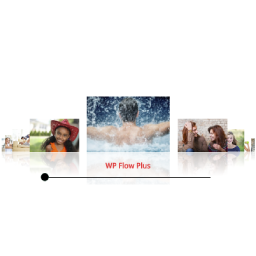
The WP Flow Plus carousel will automatically use the thumbnail size for the carousel images, and the full size for the Lightbox images.
I don’t know if you have visted the plugin website, but it does have some documentation that might help explain things.
http://wpflowplus.com
– Bev
Thread Starter
 tbur3
tbur3
(@tbur3)
What i mean is if you use the media library then you can add a link to the image to go to a new page or site altogether instead of a lightbox window. When I use a Nextgen gallery I do not have this option as I can see so far. It appears that if I add pictures to WP Flow plus via Nextgen it can only be a gallery that shows the enlarged ligtbox pop out.
That’s correct, the event link option is only available when using the Media Library images. As far as I can see, there is no way to specify a link to associate with a NextGen gallery image.