Hi Gowtihvo,
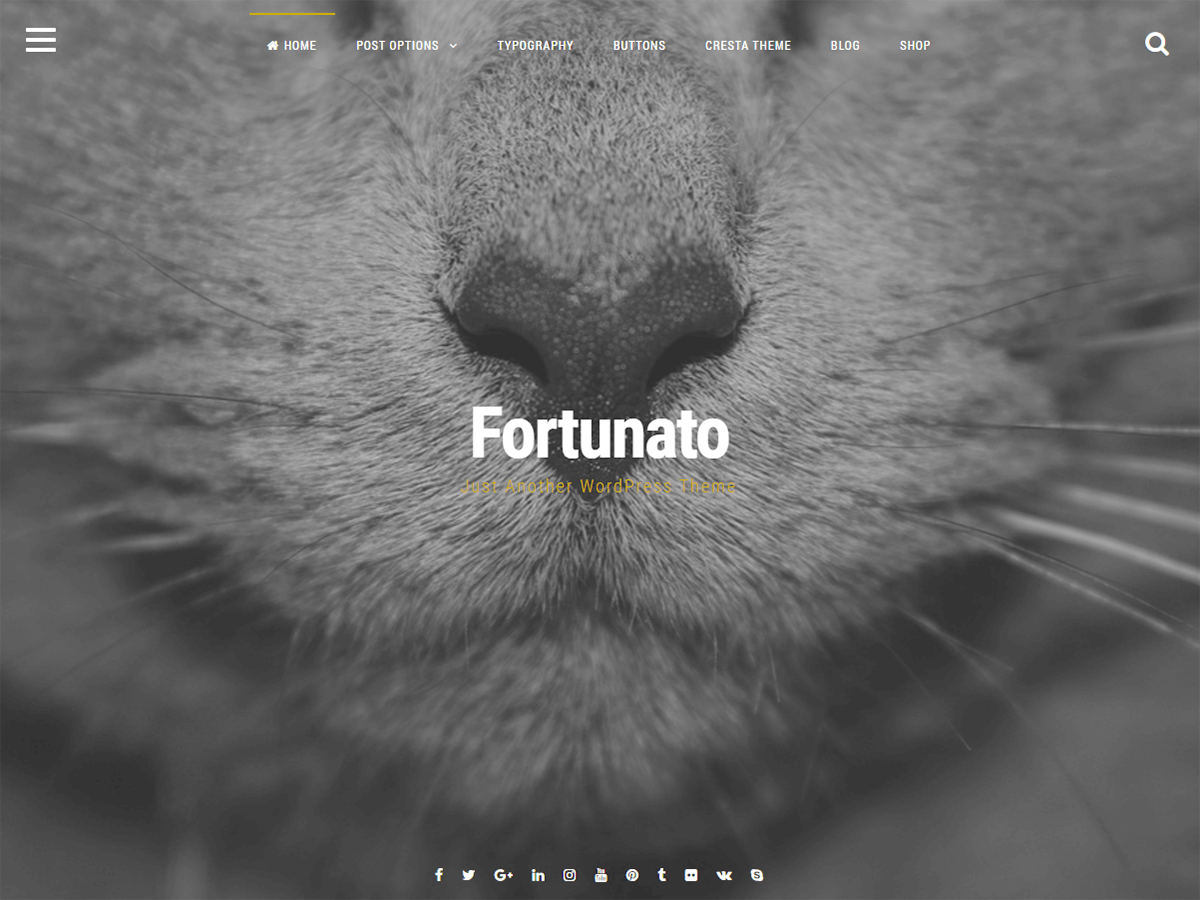
if you want only the header image on the home page you can add this code in the style.css file (at the end of the page):
body.home .site-content, body.home .site-footer {
display: none !important;
}
In this way, the home page, you will see only the header 🙂
Hi Jashvina,
The header can not be eliminated completely (because in it there is also the main menu), but in the PRO version you can choose the size of the header (100% – 90% – 75% – 50%).
Best Regards,
CrestaProject
I have the Pro version of this and since you updated it, my header image on every single page is now completely messed up. I have tried adjusting it but it does not work. The 100%, 90%, 75% option doesn’t do anything at all. Instead I am stuck with a tiny slither of an image at the top of each page which looks hideous.
Can you please advise me on how to fix this because my website is pretty much inaccessible since this update and things like menus and scroll widgets are useless too.
Thanks!
Hi Elegia_dee,
if you have the Pro version does not use this method.
Can you link me you website? If you want to do it in private, you can use the contact form on this page http://crestaproject.com/contact/
Best Regards,
CrestaProject
No worries. My website is here – http://www.elegia.co
Please be aware that it is NSFW.
It seems to be a problem with the plugin “Blog Manager Light”.
This plugin has done crash javascript and consequently the whole site!
Try disabling the plugin, everything should return to normal 🙂
Best Regards,
CrestaProject
Great. Thank you! It’s working again. 🙂
CrestaProject post #11 worked great for resizing header sitewide. Thanks.
i write something in jquery.fortunato.js
——————————————————-
if ( window.location.href == ‘your-page-url’)
{
var windowHeight = $(window).innerHeight();
} else { var windowHeight = (‘300px’); }
———————————————————
full picture only in ‘your-page-url’