Hi
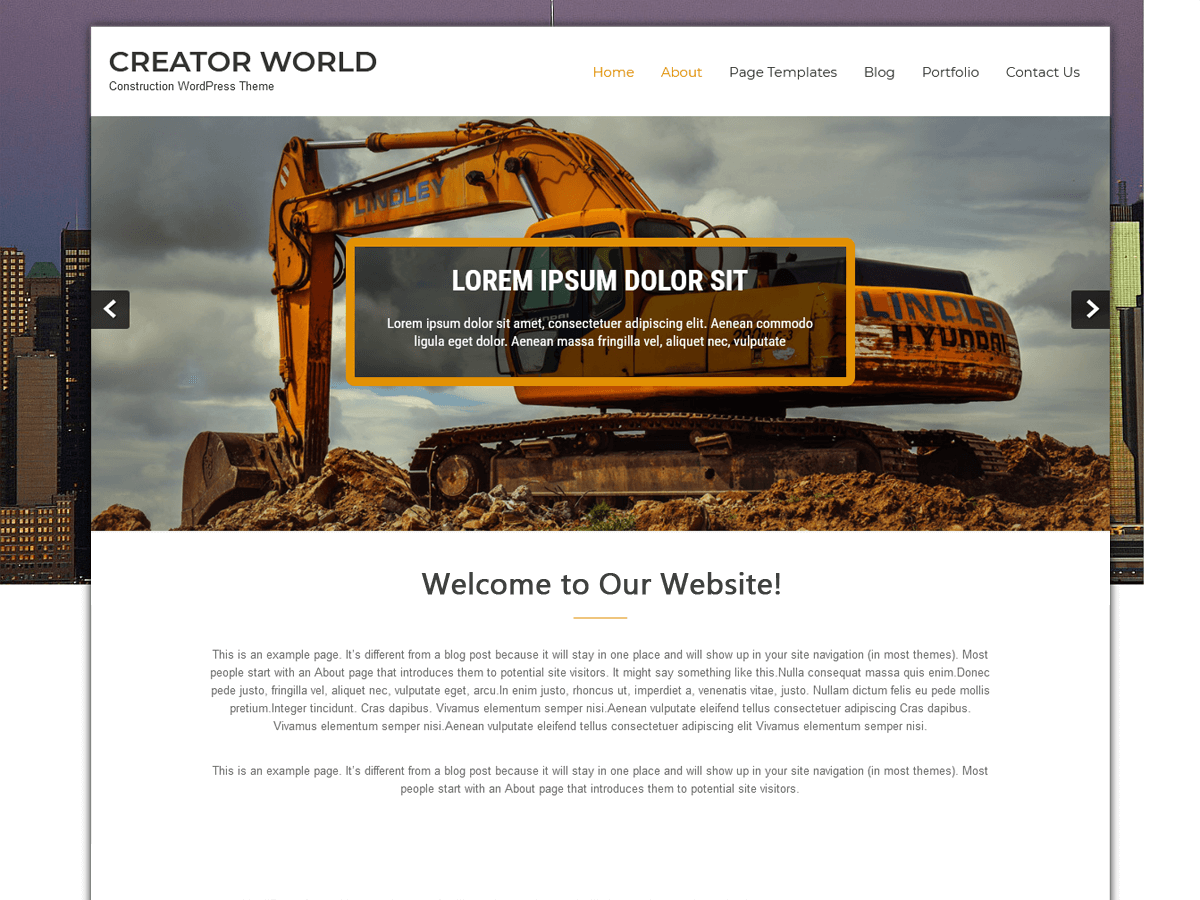
It seems that you are using custom header image for background and the background image is automatically adjust with the scree sizes.
Please use the logo with the transparent custom header image.
To upload logo
Go to Appearance -> Customize -> Site Identity -> Logo
Regards
Grace Themes
Hi
This issue was already discussed and solved on our Support Forums.
I just noted that the URL is not set properly
http://myindieeditor.com/index.php/about/
You need to set permalinks
Go to Settings -> Permalink Settings -> Post name -> click on Save Changes
Regards
Grace Themes
https://gracethemes.com
It wasn’t actually resolved. I installed all of the file updates and it didn’t work. The permalinks is a good tip, though–thanks!
The logo is not sized correctly for my design purposes. How do I change the size of the logo in the template?
Hi
To change the size of logo mage
Go to functions.php file
at line no.39 you will find the below code
add_theme_support( ‘custom-logo’, array(
‘height’ => 80,
‘width’ => 150,
‘flex-height’ => true,
) );
Change the height and width of logo images as per your requirement.
After changing size, remove the old logo and re upload new logo image.
Regards
Grace Themes
-
This reply was modified 8 years, 11 months ago by
 gracethemes.