Thread Starter
 uzip
uzip
(@uzip)
Thread Starter
uzip
(@uzip)
Hi @uzip,
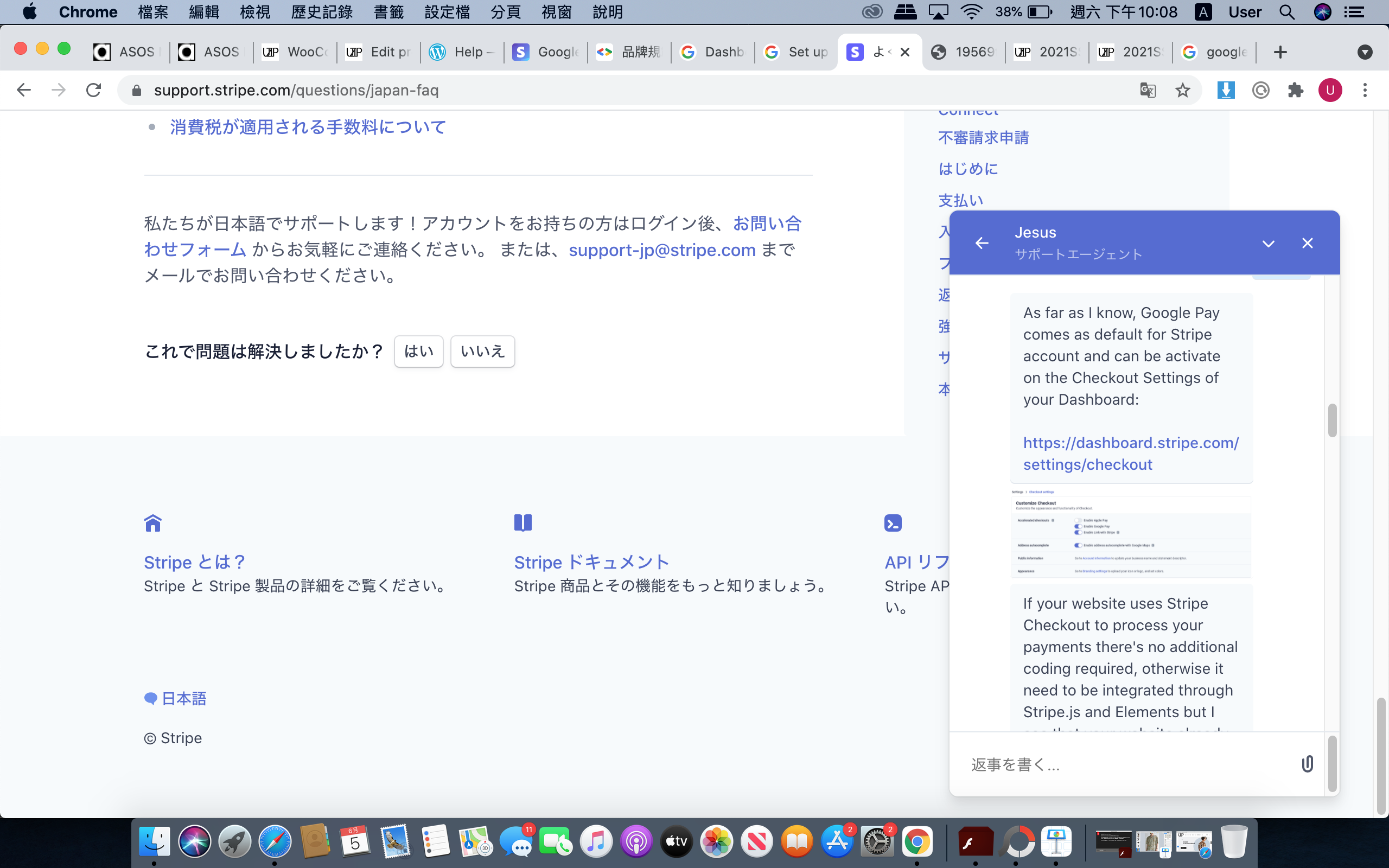
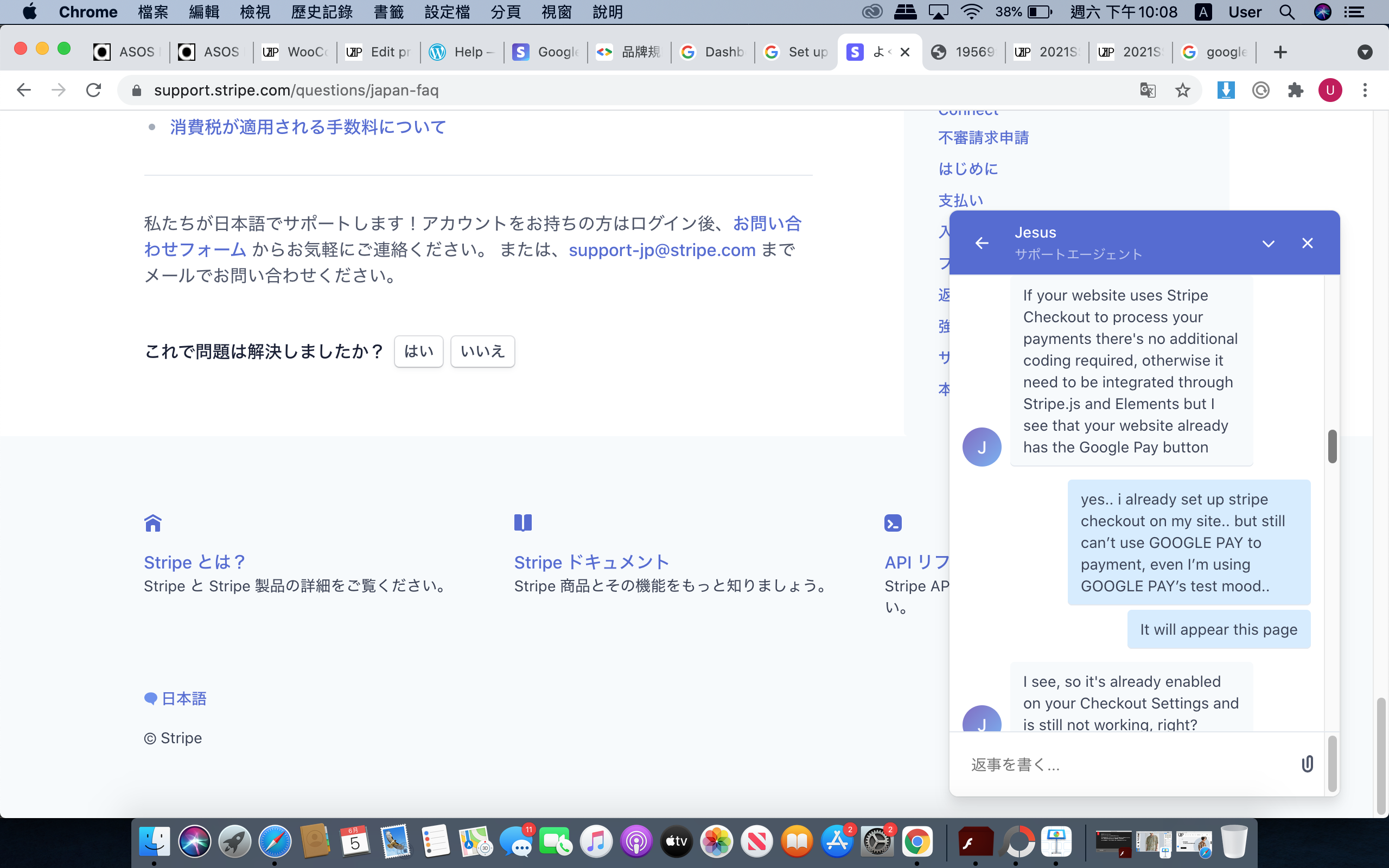
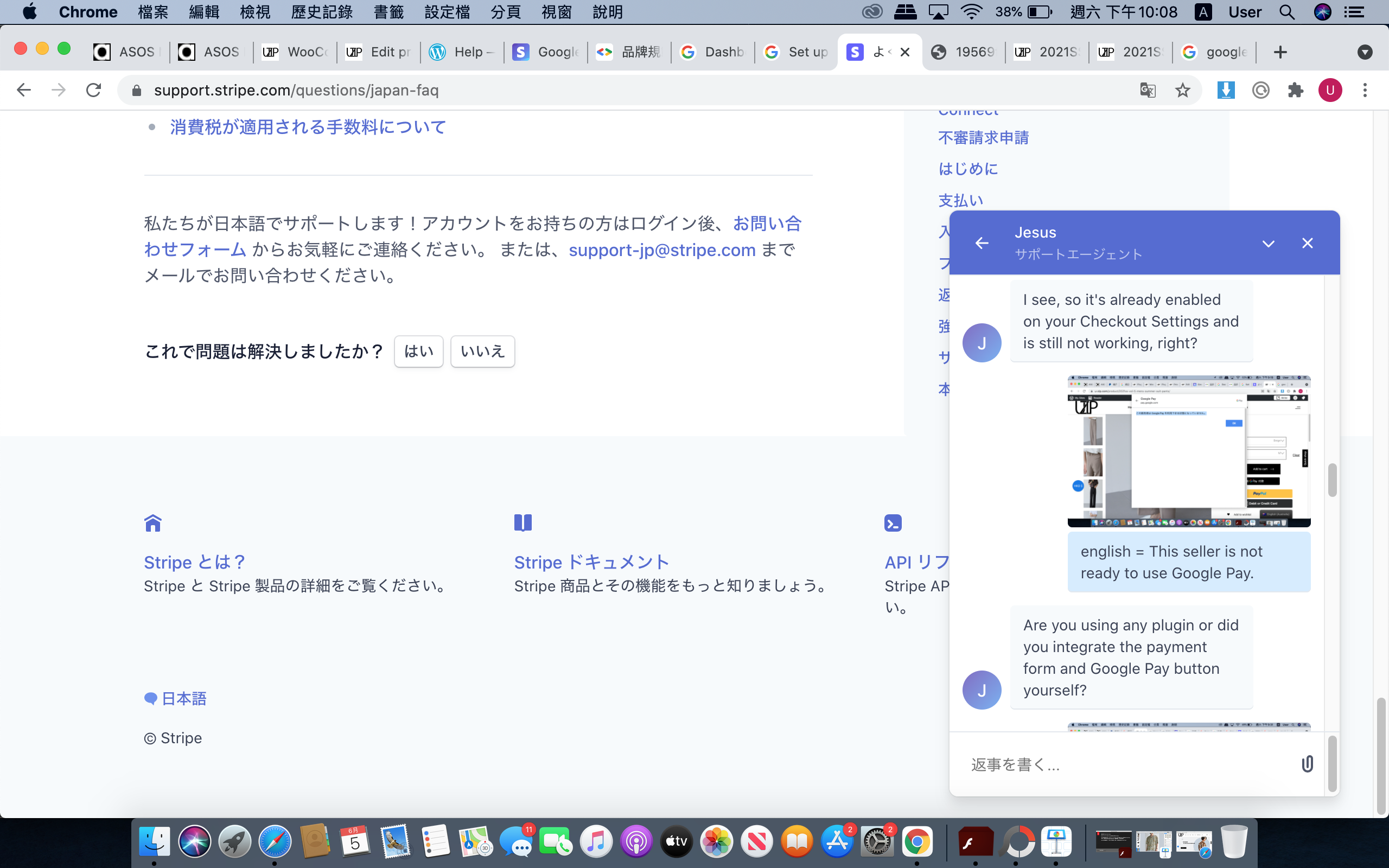
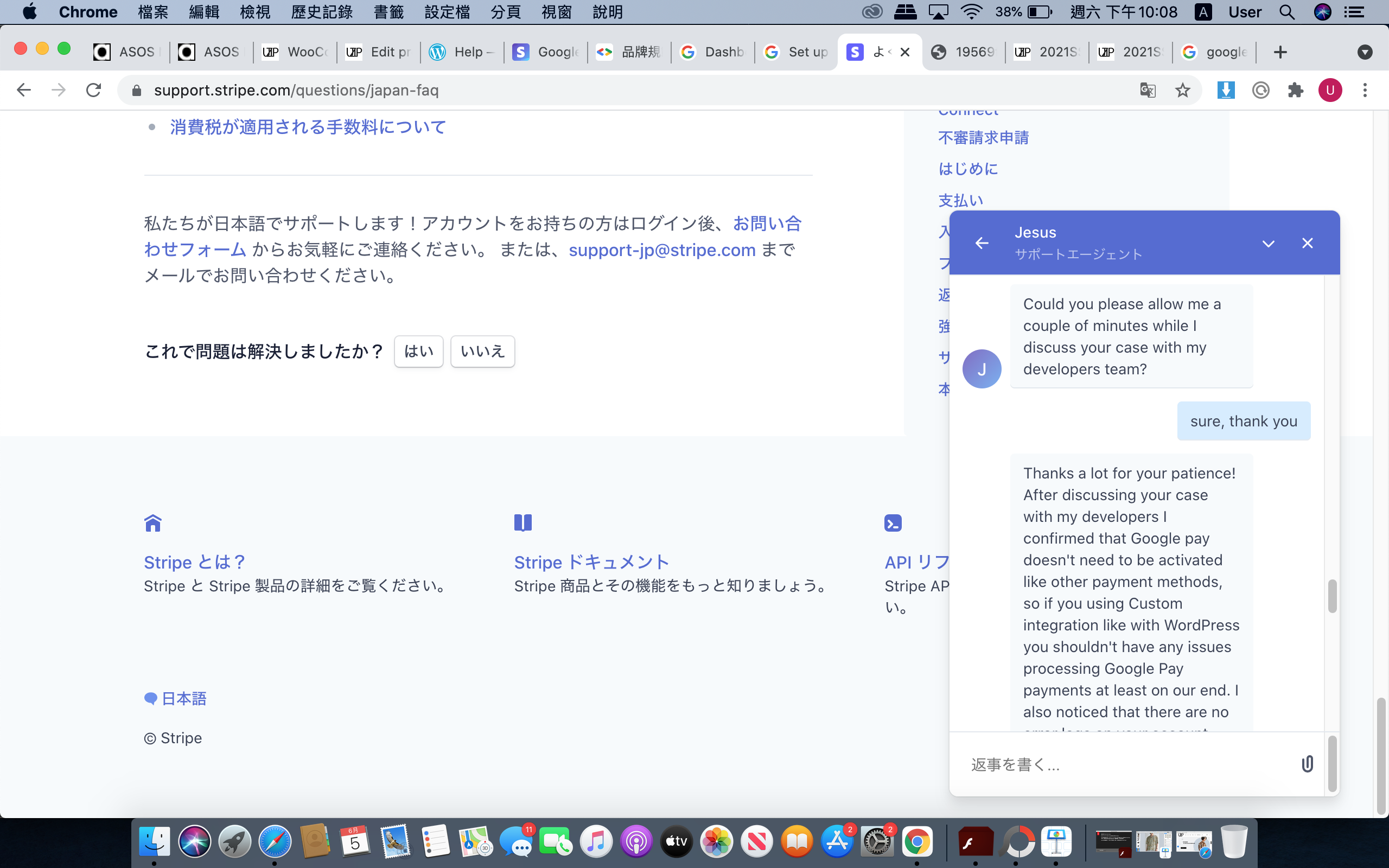
You have live mode enabled on your site and you have not gone through the Google Pay sign up process which is detailed in the plugin’s documentation.
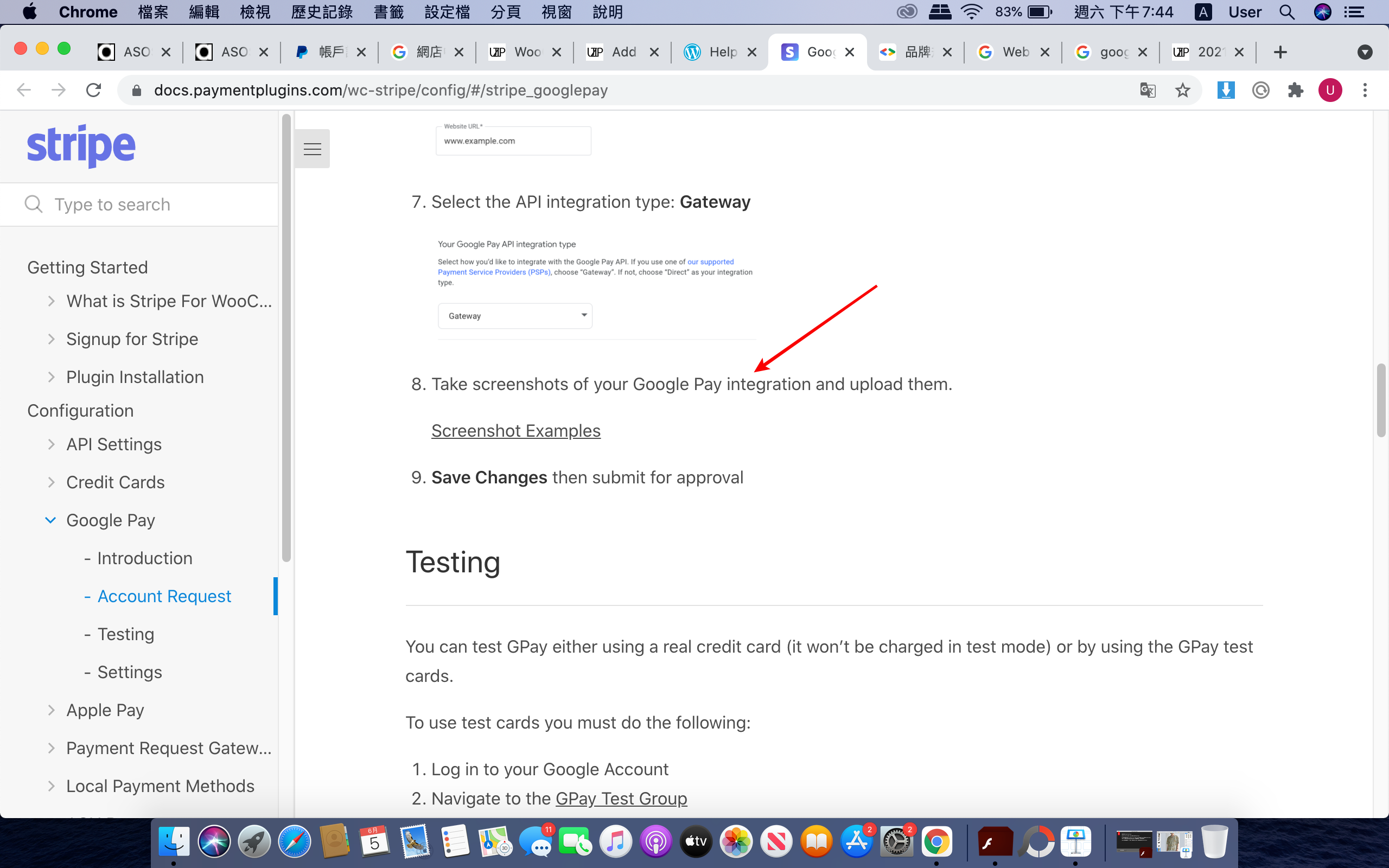
https://docs.paymentplugins.com/wc-stripe/config/#/stripe_googlepay
Before you can use Google Pay, you must request a Google Merchant ID. The documentation walks you through all this.
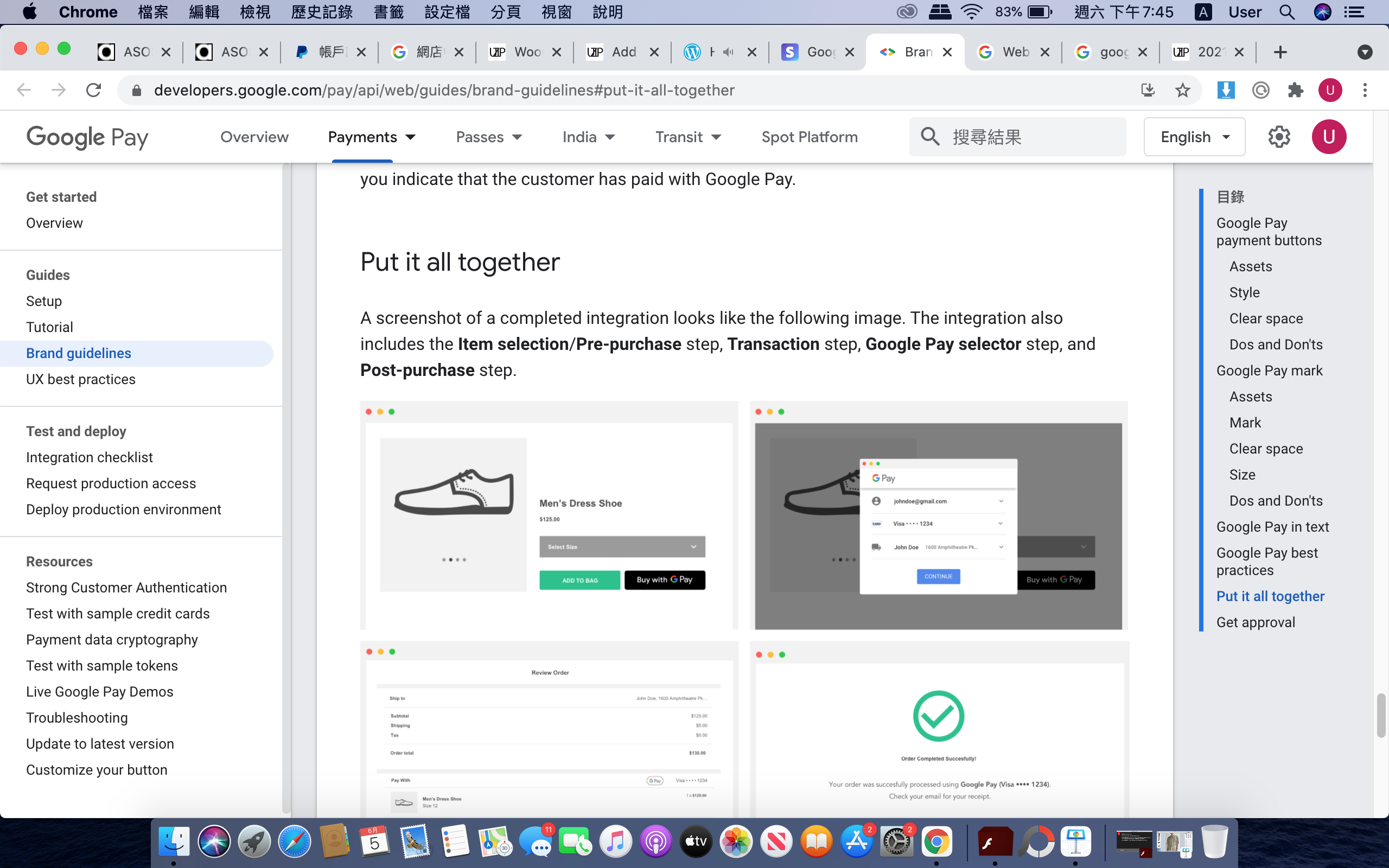
To capture the screenshots Google needs, set the plugin to test mode. GPay works automatically in test mode without a merchant ID.
Kind Regards,
Thread Starter
uzip
(@uzip)
Thread Starter
uzip
(@uzip)
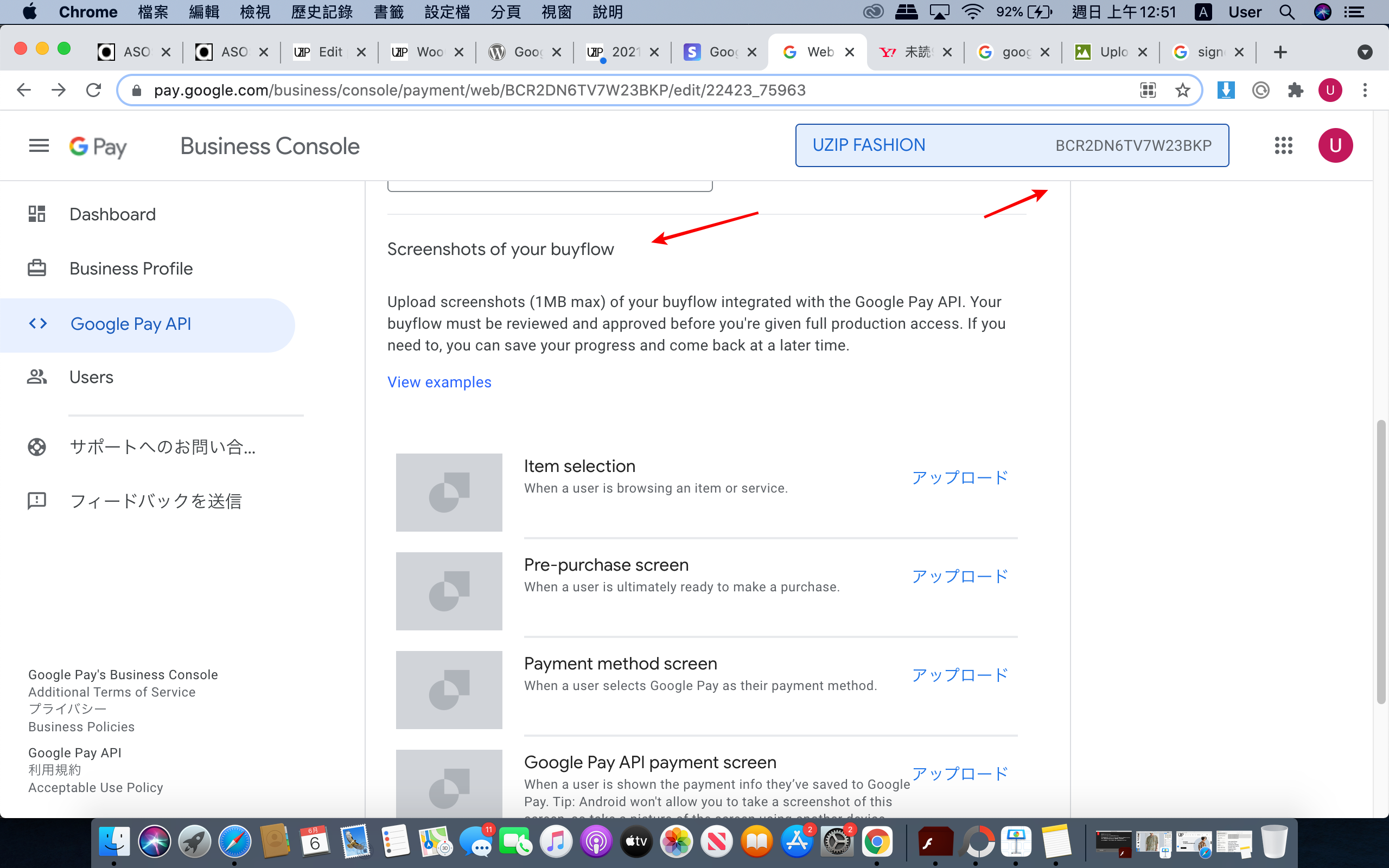
I signed up and applied for their Google Merchant ID
https://upload.cc/i1/2021/06/06/V5gipb.png
@uzip,
Per the plugin documentation, Google Pay works without a merchant ID when you enable test mode on the API Settings page.
Go to the API Settings page of the Stripe plugin and enable test mode, then you can process a test payment using GPay.
I reviewed your site and you have live mode enabled.
Kind Regards,
Thread Starter
uzip
(@uzip)
Hi mr.clayton,
Thank you very much for your great support.
Really appreciate the help.
Thank you.