Hi Paul,
You cannot keep everyone from doing things wrong. Even considering people changing their own information would be wrong 🙂
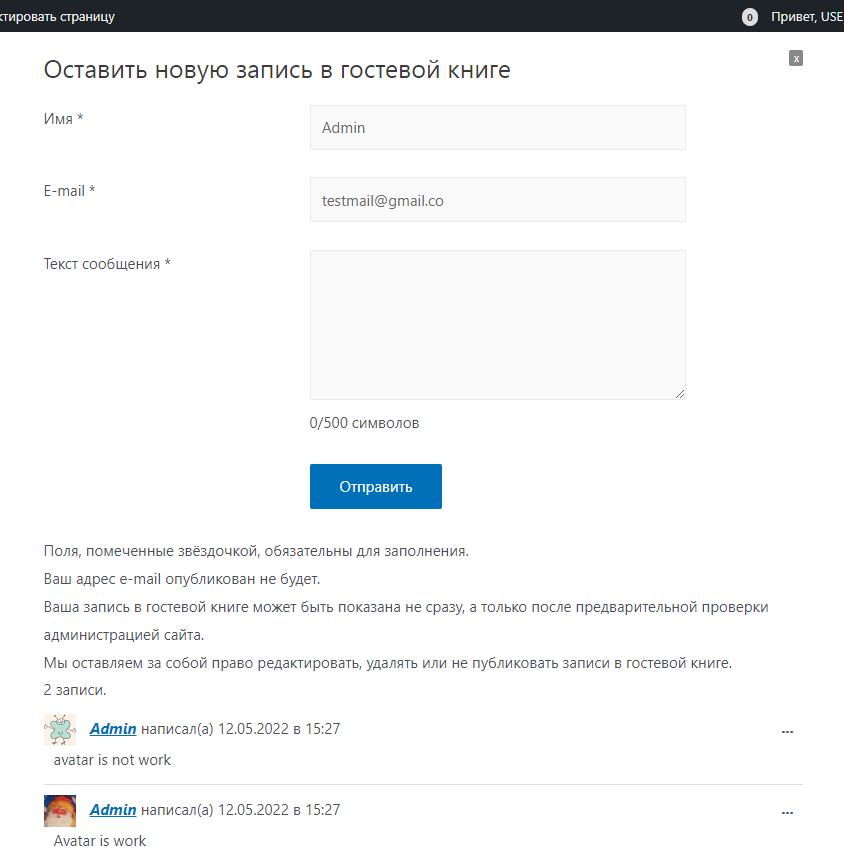
The next vesrion has a class added to the form, so you could target the fields of logged-in users and have them with CSS become invisible by adding display; none; to those elements.
If you dare to use it from git (not many changes yet), you can find it here:
https://gitlab.com/toomanybicycles/gwolle-gb
Most fields, like email and name have a custom class, you will need to check which classes your form has.
Can you manage?
If not, can you post the address of your website?
Thread Starter
 paulpi
(@paulpi)
Thanks for the quick response. I am making a website on a local server.
I have never programmed, so I do not understand where exactly to write for the classdisplay; none;
Thread Starter
paulpi
(@paulpi)
watched the video on youtube, added to css
div.gwolle_gb_5fc2a06c1557c6b40f73b1f2cede220d {
	display: none;
}
div.gwolle_gb_e48689fee6ea0cda90bfed04362b68a7 {
	display: none;
}
but now those who are not logged in do not see “name” and “email”
Thread Starter
paulpi
(@paulpi)
I thought a little, probably the class should refer to another class?(I don’t know how to describe it correctly)
form.gwolle-gb-logged-in div.gwolle_gb_5fc2a06c1557c6b40f73b1f2cede220d {
	display: none;
}
form.gwolle-gb-logged-in div.gwolle_gb_e48689fee6ea0cda90bfed04362b68a7 {
	display: none;
}
-
This reply was modified 3 years, 10 months ago by
 paulpi.