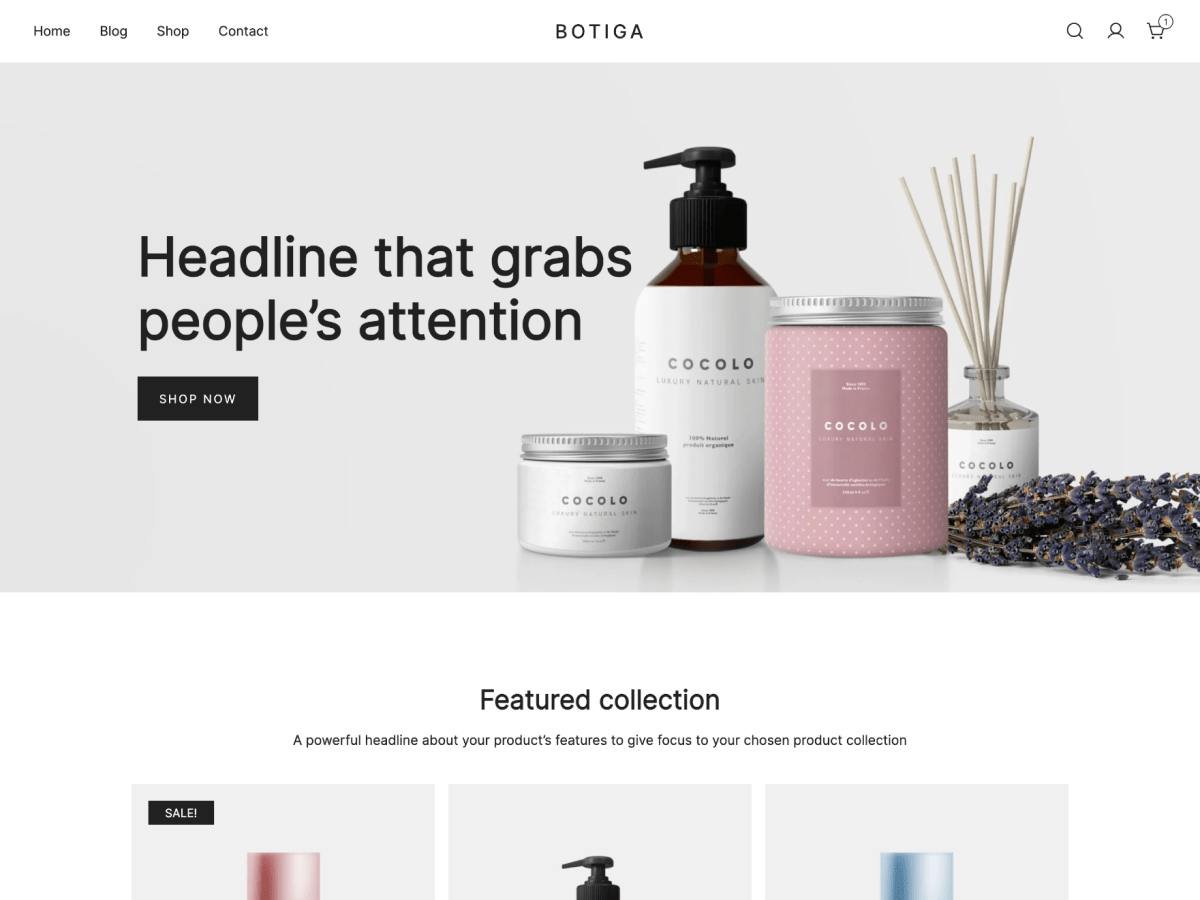
I have the same issue with a few spots on my pages, I do not seem able to find where to customize them. You can see on the screenshots : the newsletter at the bottom of page, the shop header (there is something written already but I do not know where it came from) plus the button which is set in the side menu and the contact infos.
Thank you for your help!
The page I need help with: [log in to see the link]
I have another issue with some info on the off-canvas menu. Here’s the screenshot : I did not set the contact infos and I do not know where to change this. Same for the button : do you know where does it come from ?
I can activate it on the customize settings for the off-canvas menu but I don’t know how to change the info. I would like to set my e-mail address, my phone number and the text plus the link that I want on the button.
Options only show for main header’s left side and right side. Not directly for the off-canvas menu. I had to modify each element on the main header, disable them and then reactive them on the off-canvas menu.
Viewing 5 replies - 1 through 5 (of 5 total)
The topic ‘Customization blind spots’ is closed to new replies.