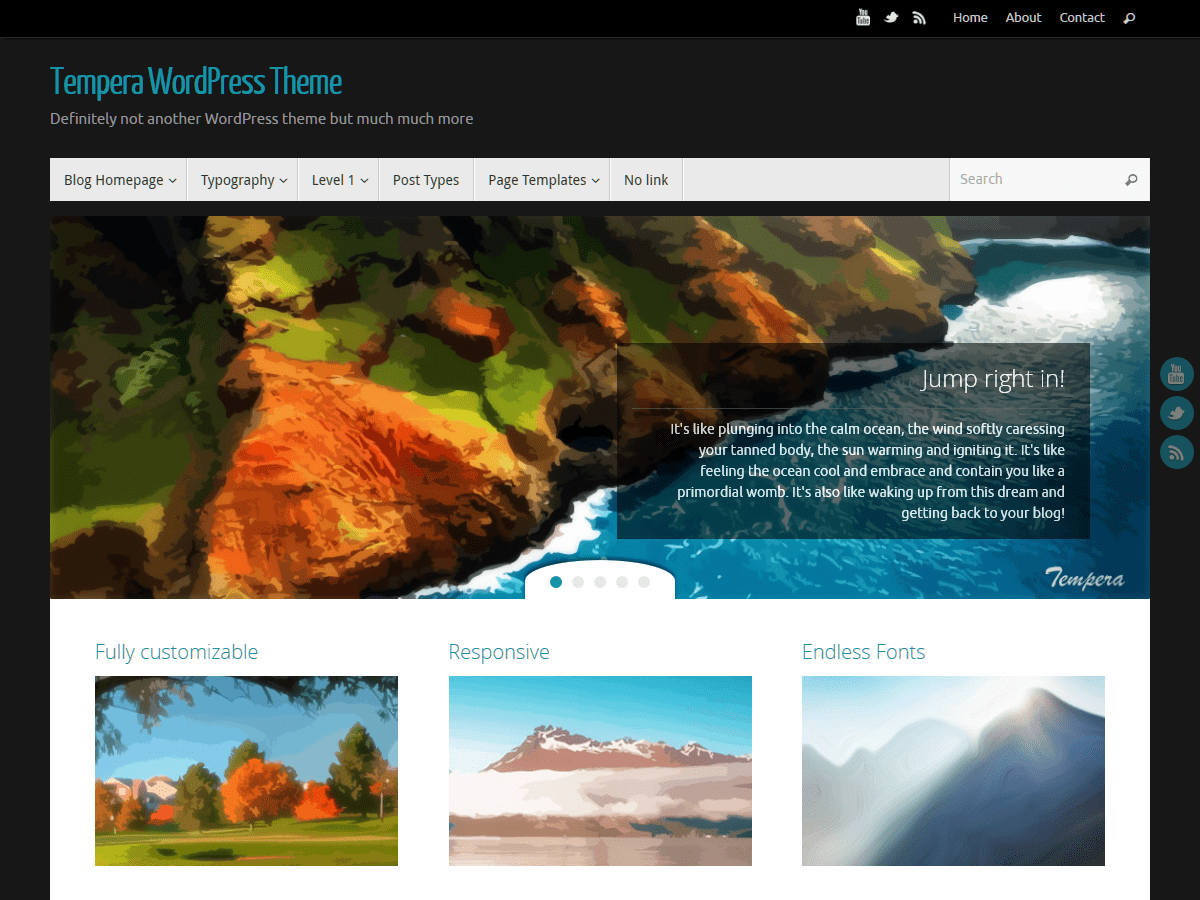
OK… I found the the missing file , its under styles folder, and its in style-frontpage.css
However when I change it in my child theme – it did not change the alignment nor fond weight or size.
Where should this file be in a child theme please?
Guy
 Andrew Nevins
(@anevins)
WCLDN 2018 Contributor | Volunteer support
Hi Andrew,
The site is still unfinished :
here
But keep in mind that I found the missing css file, it is “style-frontpage.css” , that can be found under: “…..\wp-content\themes\tempera\styles”
The new question is where and how to call the file in a child theme….
Thanks again!!!
additional info:
I found ….\wp-content\themes\tempera\includes\theme-styles.php
There you can find :
if($tempera_frontpage==”Enable” ) { wp_register_style( ‘tempera-frontpage’, get_template_directory_uri() . ‘/styles/style-frontpage.css’ );}
But that does not support theme child which is probably a better method to use themes….
or am I doing something wrong… ?
Guy
Hi guy1407,
go to the the Misc section of Tempera Settings (in admin) of your chil theme and just add this into the Custom CSS textarea:
.column-header-image {
text-align:center;
}
Don’t forget to remove the change you made in the original Tempera file (“style-frontpage.css”) before that 😉
Hope this will help!
Works like magic!
Thanks a lot !!!