Hello!
Can you please post a link to your site?
Thanks!
Brenda
thanks Brenda, it’s http://yumasmattressplus.com/
I was unable to find the hex code in any of the files.
Hello!
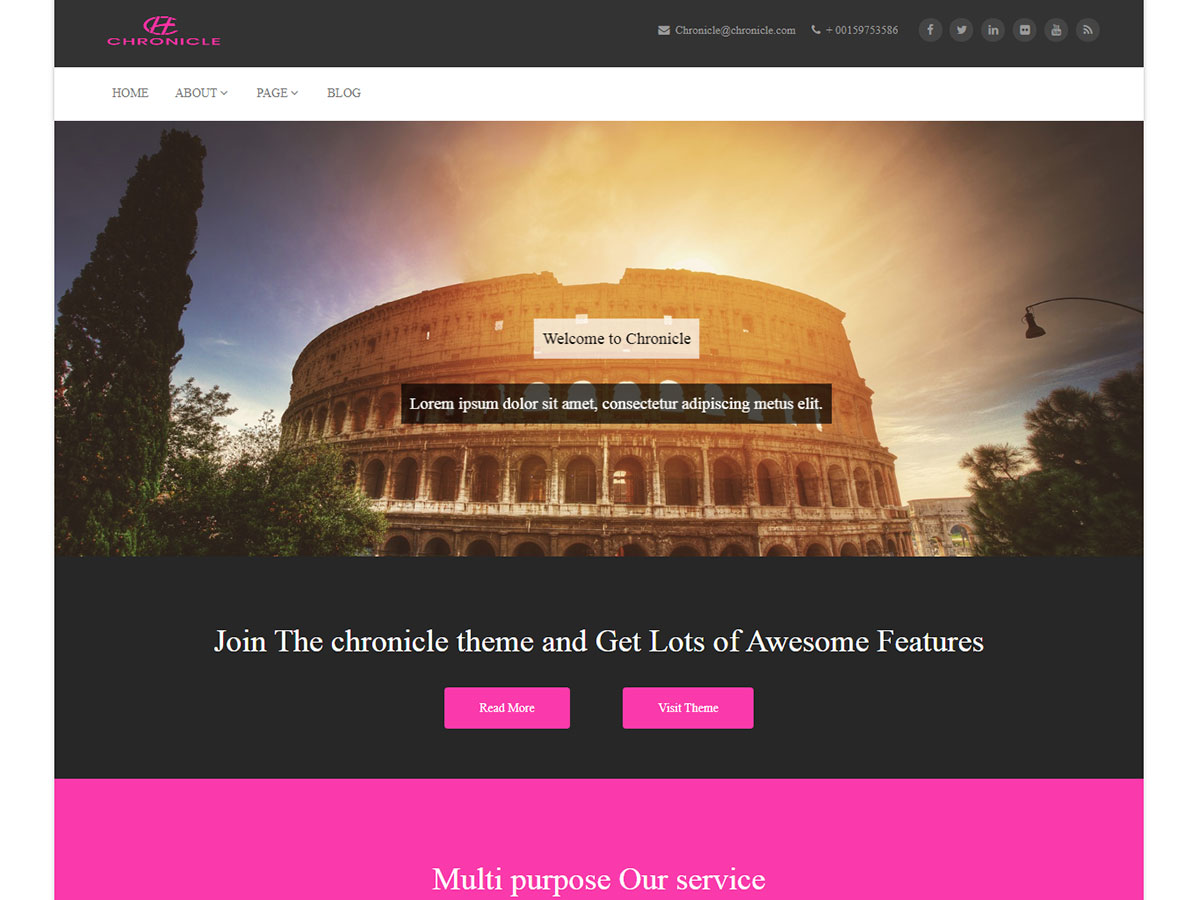
Whoa…that is a LOT of pink! 🙂
Ok…Ive changed each of the colors so you can more easily find where these codes go to once you put this into your CUSTOM CSS!!
/*this changes the READMORE and PURCHASE button color */
.readmore_but9 {
background-color: #7ab700;
}
/*this changes the background of the MULTI SERVICE section */
.feature_section15 {
background-color: #89A384;
}
/*this changes the CORPORATE and CREATIVE button colors in the above section */
.feature_section15 strong {
background-color: #263526;
}
Let me know if I can help your further!
Brenda
Hi,
Did the above solution work for you.
Thanks.
The Above solution worked for me halfway -Except:
The pink under the hoover of the Pages Link tabs is still there, though I have pasted the code from this link in a CSS editor:https://wordpress.org/support/topic/last-little-bit-of-pink-in-the-menu?replies=8
Okay Solution Found!
I Deleted all The Contents of my CSS Editor and Replaced it with the CCSS code supplied by Webiliar_Support and it now WORKS.
https://wordpress.org/support/topic/link-from-slider-to-url?replies=22
#trueHeader div.menu_main ul li a:hover{
background-color: #0000FF;
}
.readmore_but9{
background-color: #0000FF;
}
.feature_section15{
background-color: #0000FF;
}
.feature_section15 strong{
background-color: #0000FF;
}
#blog_title a:hover, .section5 .one_third a:hover, .chronicle_home_portfolio_caption a:hover{
color: #0000FF;
}