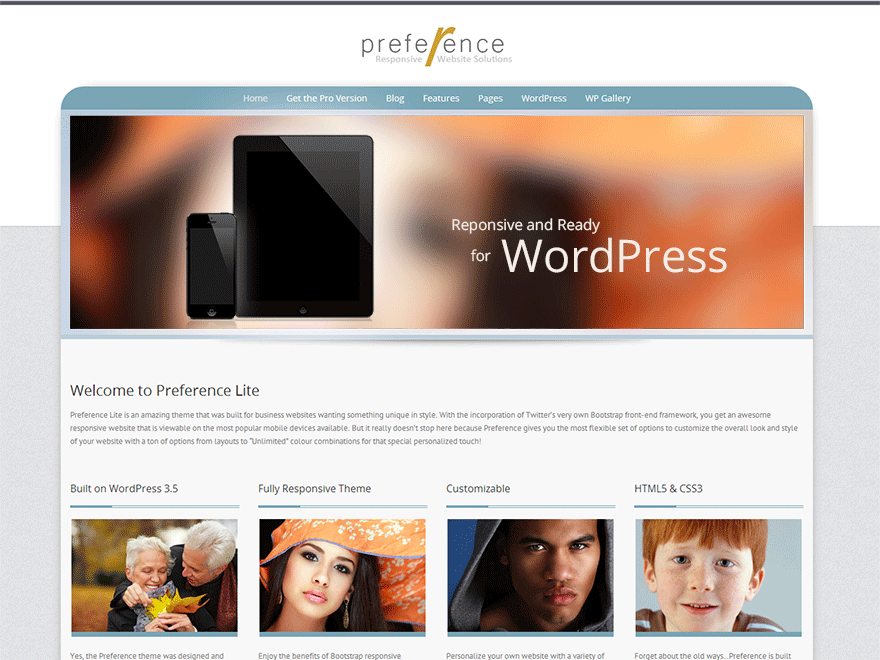
• I wanted to make the background dynamic to the size that the user has the browser open…. i found this code:

    html {
    background-image: url(‘http://randomimg.jpg’);
    background-position: center center;
    background-repeat: no-repeat;

    -webkit-background-size: cover;
    -moz-background-size: cover;
    -ms-background-size: cover;
    -o-background-size: cover;
    background-size: cover;
    }

    i believe this is correct but where is it easiest to add this code? i have a child theme setup just not sure which file or div-id i should be searching for to find the background img i have currently set.

Viewing 10 replies - 1 through 10 (of 10 total)
  • Thread Starter justinrsharp

    (@justinrsharp)

    current website….
    http://mike.justinrsharp.com

    Theme Author Styled Themes

    (@gejay)

    The code you did is CSS so this would go into the child theme’s style.css file.

    Thread Starter justinrsharp

    (@justinrsharp)

    would that automatically be called after the image is so that it is correctly applied?

    Thread Starter justinrsharp

    (@justinrsharp)

    i just added that to my style.css as: (and when i stretch the page out wide im still getting white)

    /*
    Theme Name: Child
    Template: Child
    Author: Justin Sharp
    Version: 1.0.01
    Updated: 2014-07-29 03:34:36
    */

    @charset “UTF-8”;
    @import url(‘../preference-lite/style.css’);

    html {
    background-image: url(‘http://mike.justinrsharp.com/?p=26’);
    background-position: center center;
    background-repeat: no-repeat;

    -webkit-background-size: cover;
    -moz-background-size: cover;
    -ms-background-size: cover;
    -o-background-size: cover;
    background-size: cover;
    }

    Theme Author Styled Themes

    (@gejay)

    Perhaps I’m missing something, but your image of the mountain country scene is not resizing so you are getting white on both sides of it…your image is only 1500 px wide. Are you not seeing any background photo, just white background?

    By the way, there are special plugins for doing page backgrounds, from static images to even video backgrounds.

    Thread Starter justinrsharp

    (@justinrsharp)

    im getting the background image its just not stretching the image larger than the 1500 px. or shrinking it when i go smaller. the goal is to have the image match the window size.

    Thread Starter justinrsharp

    (@justinrsharp)

    ill look into the plugin, that would be nice to have, do you have one that you suggest?

    Theme Author Styled Themes

    (@gejay)

    I’ve never used any plugins for this, but know they exist. Best thing is to try them out and see which ones work best for you.

    Thread Starter justinrsharp

    (@justinrsharp)

    found a few but nothing with the cover feature.

    Theme Author Styled Themes

    (@gejay)

    Then your only other option is using a script or even trying Media Queries which is used to detect window size and applies whatever CSS you need for the different window sizes (ie: different photo background sizes depending on the viewing size.

Viewing 10 replies - 1 through 10 (of 10 total)

The topic ‘Background Image – Cover’ is closed to new replies.