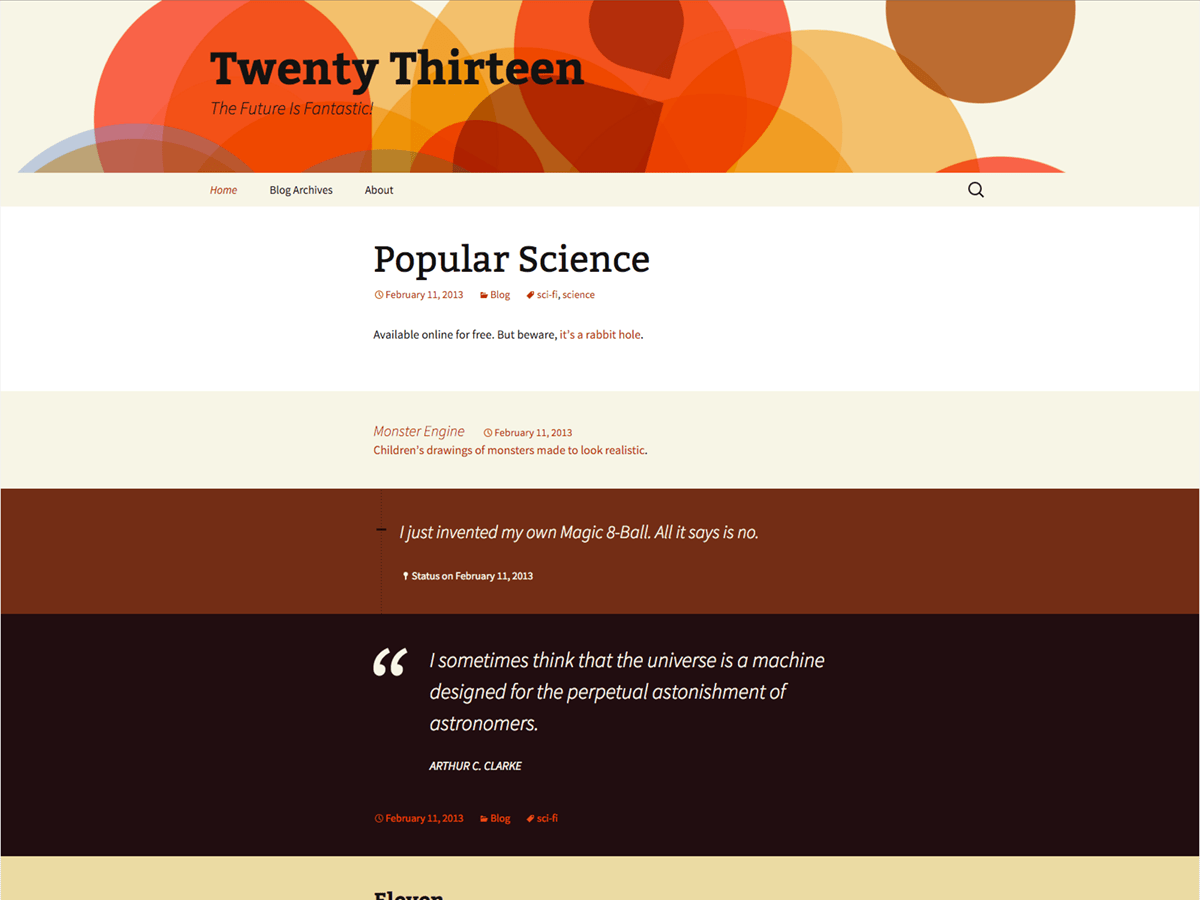
you can do this by 2 ways:
1. edit css file in your custom theme folder
2. add custom function in function.php file in your theme directory.
I am useless with html (css etc), but I need to change the background of ALL my WordPress websites from a DRAB WHITE with something else. I would like to play around with quite a few colours.
Now i am using “Twenty Thirteen” and have changed the header etc.but when one logs in, the whole setup looks AWFUL.
See what I mean. Please log into http://ourprostateproblems.com .
Thank You and Regards Harry (Sydney, Australia).
just go to your custom theme folder and open style.css file from wp-content/themes/yourtheme/style.css and in your case that is wp-content/themes/twentythirteen/style.css but the main problem is this if you do some change in style.css file in twentythirteen theme it will be lost when you update the WP so please make a child theme of twentythirteen and do your all the work in it.
1. replace body and site class like
body {
color: #141412;
line-height: 1.5;
margin: 0;
}
and
.site {
background-color: #fff;
border-left: 1px solid #f2f2f2;
border-right: 1px solid #f2f2f2;
margin: 0 auto;
max-width: 1600px;
width: 100%;
}
with
body {
color: #141412;
line-height: 1.5;
margin: 0;
background: red;
}
and
.site {
background-color: #fff;
border-left: 1px solid #f2f2f2;
border-right: 1px solid #f2f2f2;
margin: 0 auto;
max-width: 1600px;
width: 100%;
background: red;
}
i have added “background: red;” in both the code and if you want to change the color you can change it with hex code like #c5c5c5 or any other color code available on http://www.w3schools.com/cssref/css_colorsfull.asp. And you can also use image in backgound available on http://www.w3schools.com/css/css_background.asp
Do NOT modify theme files in the default theme – Those changes will be lost when WP is updated. You should be using a child theme or custom CSS plugin.
To: manavkumar,
Thank You for the excellent information.I will be keeping this very securely.
Harry.