Hi,
What WooCommerce version are you using?
What theme are you using?
Where you see this message?
Try to enable a default theme Twenty XXX.
I think this is caused because of the theme you are using :).
I am using the latest version of woocommerce, with the latest version of WP, this just happened after the updates.
this just happened after the updates.
which could still mean its theme related if its not compatible.
Link would also help as well as the answers to the questions beankiller made above.
Pure and simple theme, woocommerce 2.5.5
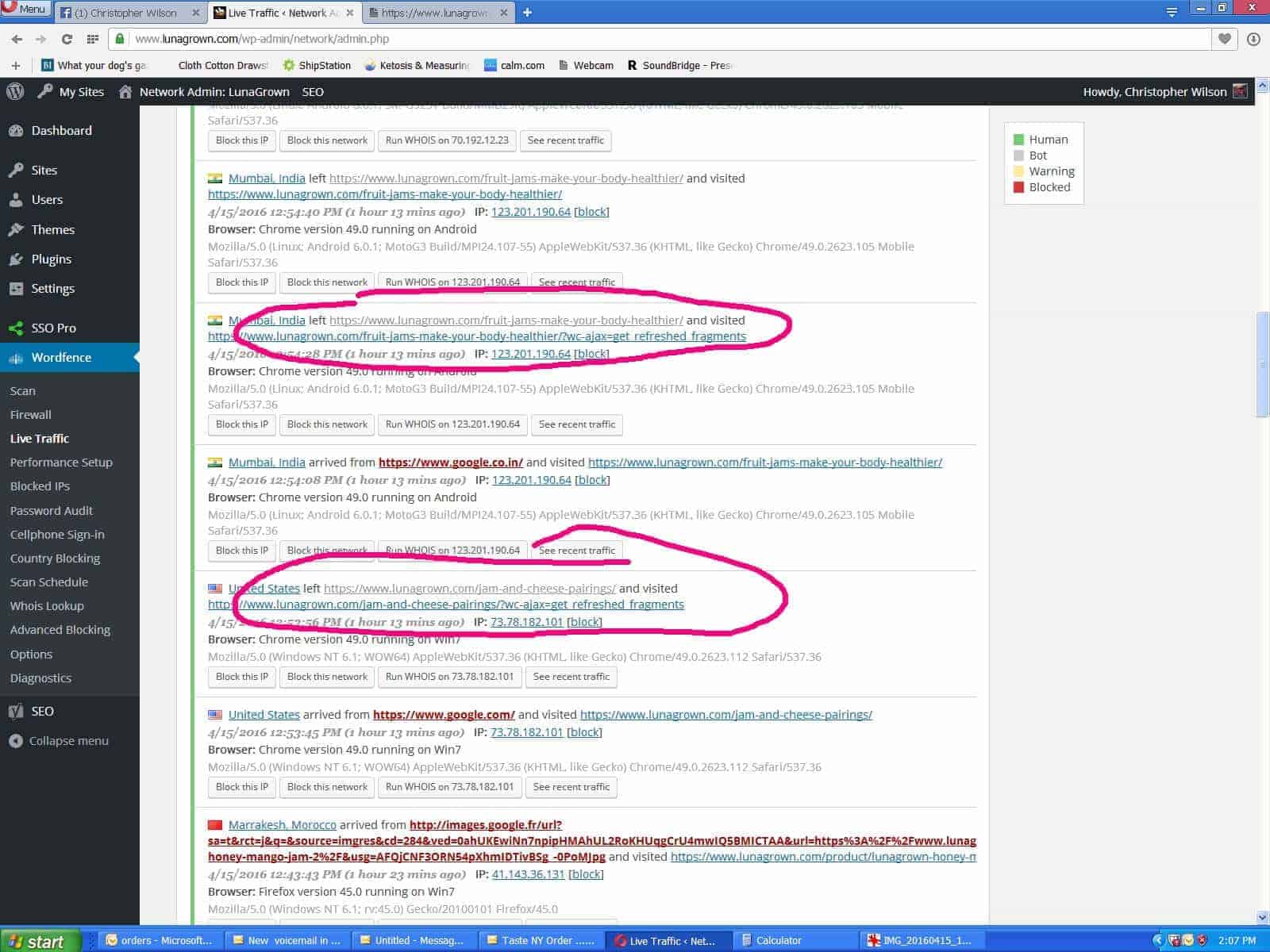
I see the message on the live traffic from Wordfence Security.
This is the link to what shows above re:fragments etc..
this is a link to the information shown by wordfence
I have not tried TwentyXXX yet
This isn’t an error then. This is the correct response for that URL – its loaded in via ajax.
I appreciate your time, maybe I just don’t understand. why would the site send or allow a customer to view this link? especially on a non-purchase link?
This is something woocommerce calls on a page load to get the latest version of elements such as cart widget. It’s never visited directly; your reporting just seems wrong.
Researching this further the topic was visited on this thread.link These links to the wc cart via ajax are being reported in the WordFence plug-in, I have written them as well. Maybe it’s a reporting error, maybe not.
That would be best. They should exclude requests where DOING_AJAX is true.