Hello
Please drop me exact link to the issue.
But I think that this is correct behavior. Because the filter does the recalculation in the context of the current taxonomy (in your case tag). And on this page it makes sense to show only child taxonomies (in your case, the tag has no child elements) This is because the choice of any other taxonomy on this page will show zero products
Thread Starter
 Bia
Bia
(@biancaakanaonda)
Hi,
here a copy: http://www.srgl.cloud/morso/mood/go-angry/
I see your point, but in this case I got no child tags.
So why don’t I just remove the widget?
Because this is the widget in the “Shop overwiew pages” area, which is used in the tag pages as well.
Since you are so kind, here’s anothe issue: call it #2
On the category pages, such as: http://www.srgl.cloud/morso/categoria/guinzagli/
if i click a checkbox to filter, I get redirected to the shop page!
I cannt get this behaviour; the url doesn’t change but you can see from the header, that this is the shop page!
Thanks a lot for your time
Hello
If you want hide the widget – http://www.woocommerce-filter.com/how-to-show-or-hide-widget-only-on-selected-site-pages/
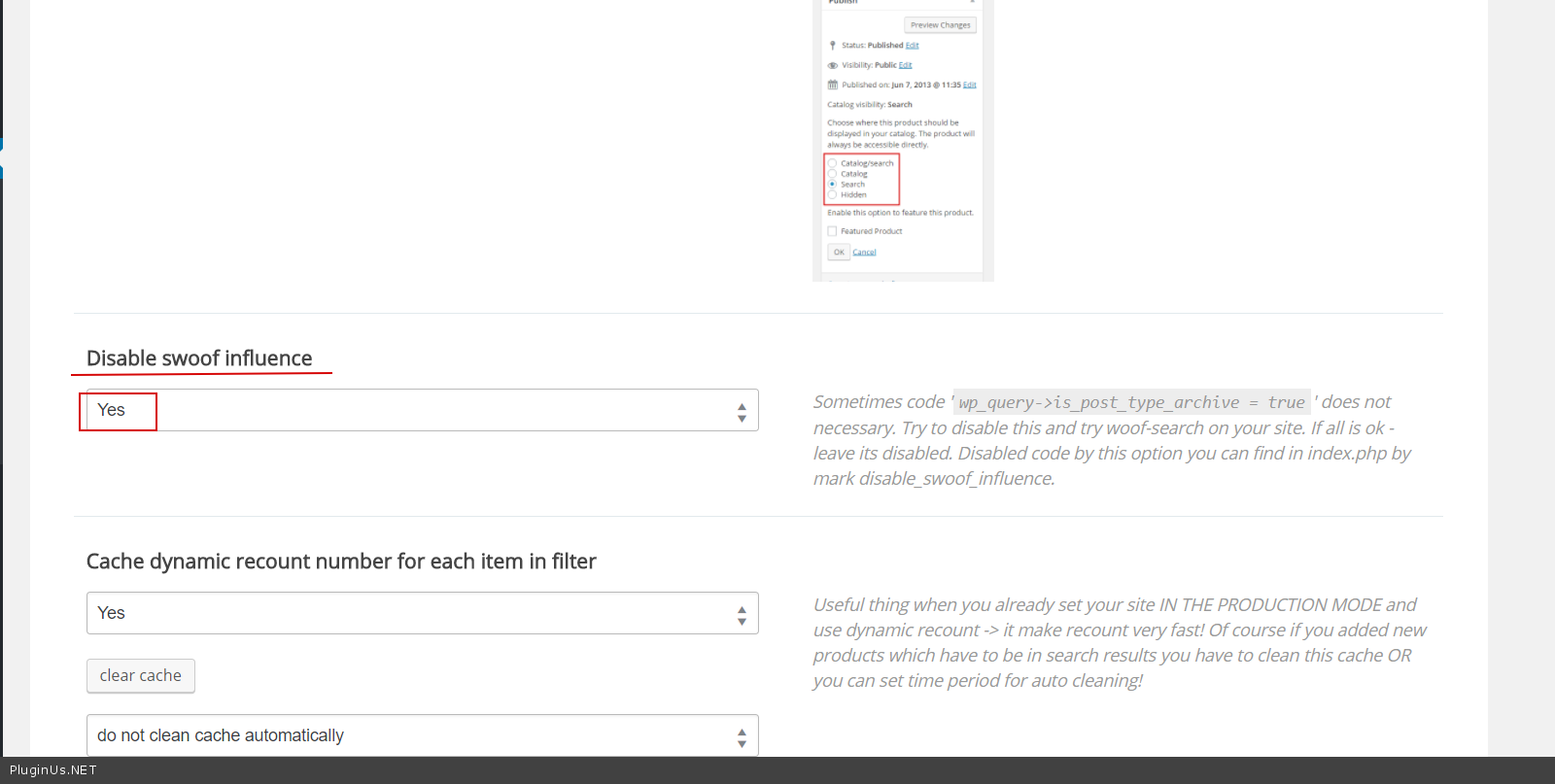
#2 – Filter uses shop template to show products. Try it please – in plugin settings->Advanced->Options – http://c2n.me/3OXoCPO.png
Thread Starter
Bia
(@biancaakanaonda)
Hi Pavlo,
thanks or your help.
#2 worked perfectly!
#1 not so much.
See: on the shop page if you flilter using a checkbox fot the tag “go angry”, the tag page go angry gets loaded INSIDE the shop page
http://www.srgl.cloud/morso/shop/
See the double header?
Thanks,
Bianca
Hello
Very strange! It seems to be a conflict with the current theme! I do not know what uses the current template to show the header. I can only advise you to hide it using CSS
Example:
if(is_shop()){
<style>
.term-description{
display: none;
}
</style>
}