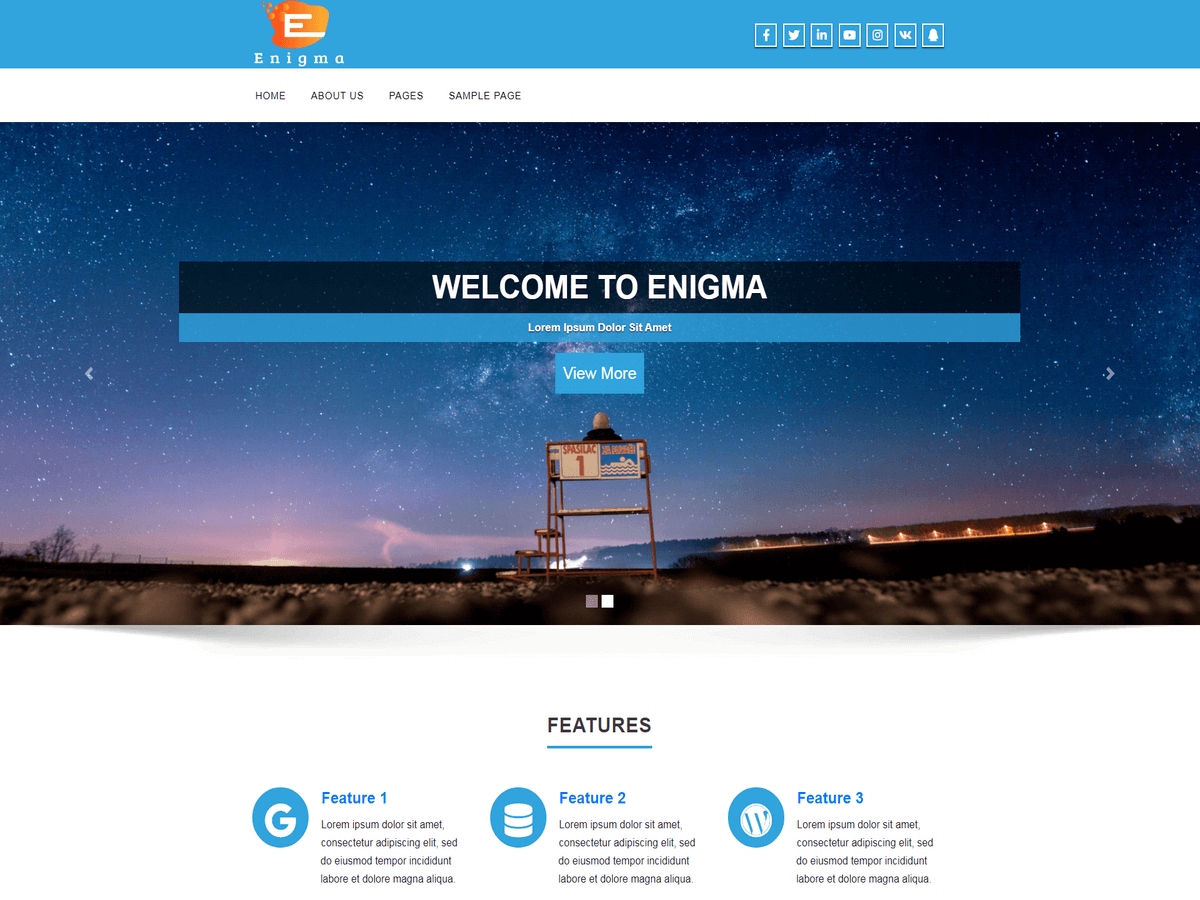
Hi , I also want to reduce the height of my slider .
my site is cloudacropolis.com “Theme: Enigma”
Hii mahshid1,
Go to Dashboard -> Appearance -> Customize -> Theme Options -> Theme General Options -> paste the below code in Custom CSS box and save –
.carousel img.img-responsive {
    height: 300px !important;
}
Thanks.
Hii mahshid1,
Go to Dashboard -> Appearance -> Customize -> Theme Options -> Theme General Options -> paste the below code in Custom CSS box and save –
.carousel img.img-responsive {
    height: 300px !important;
}
You can change height as per your requirement.
Thanks.
Hi Dear,
it is work great now , you are great . thanks a lot.
I need to make the “Portfolio Options” images smaller too it seems icons are so big
and there is a big empty space between slider and portfolio in my front page .
Thanks Mahshid
-
This reply was modified 9 years ago by
 mahshid1.
HI
all portfolio size was solved ,Just there is a large empty space between slider and portfolio and at the bottom of portfolio in my front page too, how i can delete the space .
http://www.cloudacropolis.com
Hii mahshid1,
Please paste the below code in Custom CSS box and save –
.enigma_project_section {
    padding-top: 10px;
    padding-bottom: 10px;
}
Thanks.
Great !
it worked well now.
thanks you
HI Dear,
In home page,slider images is so big in cellphone and it seems it is not responsive.
how i can decrease size of slider in cellphone, thank you.
wwww.cloudacropolis.com
Once again welcome mahshid1,
@media(max-width:480px){
#myCarousel img {
    height: 230px !important;
}
}
Please use the above code in Custom CSS box and save –
you can change the height as per requirement.
i tried to reduce the service section with this code
.enigma_sevice {
padding-top: 10px;
padding-bottom: 10px;
!important;
}
did not work can anyone help me