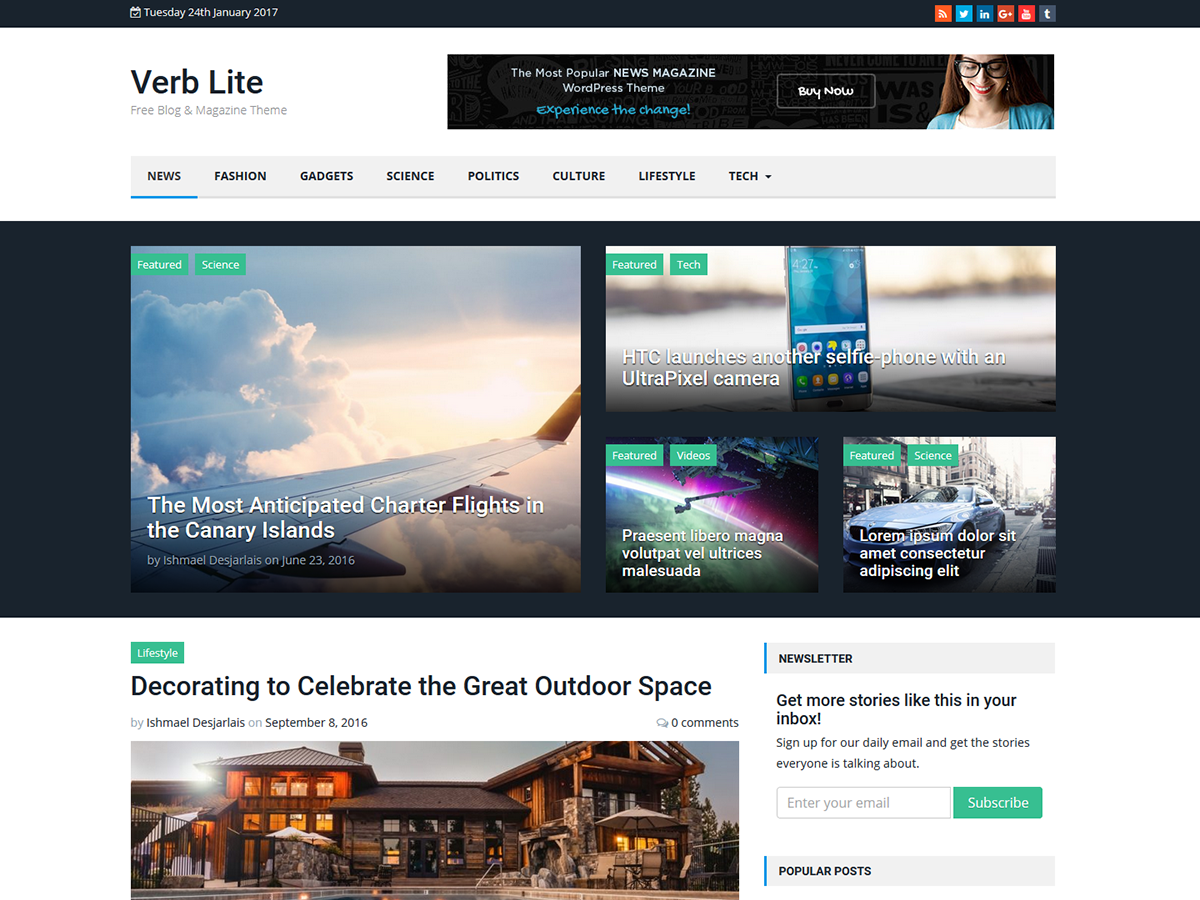
When you say header image are you referring to the logo?
We have not defined a section for a header background image in Verb Lite.
You can crop any image for the logo by selecting inside the image you uploaded.
Let me know if this helps or not.
Thank you for your reply.
I’ve seen in the screen images shawn on the presentation of the verb lite theme many examples showing an image at the top of the page, spanning the whole width.
I think this is the logo image. It takes the place of the title when you define it.
Whatever is the image size that I choose for the logo, my image is cropped to a small size (360×36). This is the size displayed by the Firefox developper tool, but I can’t figure out where (in which CSS or php file) this is defined. I have seen in the source of the page that there where a SRCSET tag, and maybe is it the reason, but is there a way to obtain a whole width logo?
Many thanks for your help.
Correction:
my image is not cropped, it is shrinked (sorry my english is far from perfect)
Can you provide a link to the site you are working on so I can have a look?
Here is a link :
http://www.seusoft.com/blog/
as the logo provided takes the place of the blog title I tried to put the title inside the image and have the image span the whole width of the page.
but, as you can see, the image is shrinked to a very small size.
Is there a workaround ?
Many thanks
I see, ok.
You are referring to the logo.
The recommended size of the logo is 300×90
However, you can add any size you want.
Because the right side of the header is a widget area for banner ads teh logo section only takes up 33% of the width, which is causing it to be reduced in size.
To change that, you will need to edit the header.php file.
On line 52 change col-md-4 to col-md-6
On line 60 change col-md-8 to col-md-6
That should fix your issues.
However, you will have less room for a banner ad in the header.
Hi, thank you for your fast responses.
I did what you say, it’s works, and as I found my logo was still too small I extended the fix and I put col-md-8 and col-md-4.
I understand that, of course, the left side is smaller.
If you want to see the result, here is the URL :
http://www.seusoft.com/blog/
Thanks again
You’re welcome, glad to hear it worked out.