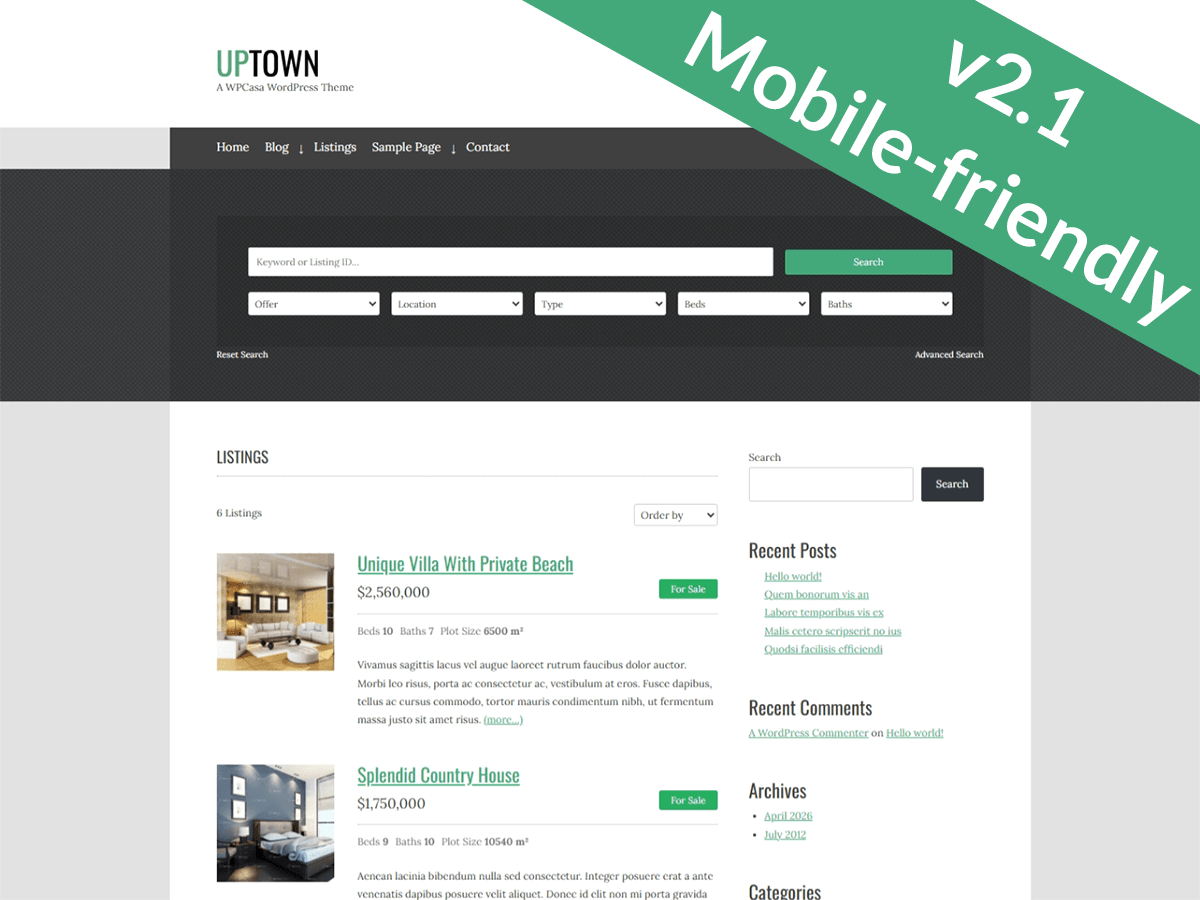
• How do I adjust the height of the header of the UpTown theme?

    I tried going into the CSS editor and entering something like:

    .site-header{
    height: 150px;
    }

    But it didn’t change. I’m hosting the WordPress theme through GoDaddy.com.

    Thanks!

Viewing 4 replies - 1 through 4 (of 4 total)
  • Hello @rightshoes

    To adjust the height of the header ,Please try using the below CSS.

    .site-header {
           height: 96px;
    }

    I hope this will resolve your issue.

    Best Regards!!

    Thread Starter rightshoes

    (@rightshoes)

    Hi @teeru,

    Thanks for the reply, but that didn’t work. Here’s what is currently in that section of the CSS:

    .site-header {
    position: relative;
    background-color: #ffffff;
    -webkit-background-size: cover;
    background-size: cover;
    text-align: center; }

    Is there something in there that might be keeping it from resizing?

    Thanks!

    Theme Author WPSight

    (@wpsight)

    Hello,

    basically you did everything right. Are you sure that your custom CSS loads fine?

    All the best,
    Joe [WPCasa]

    Hi,

    I tried this and it just cut off my current header image. I’m trying to make the header image take up all of the space above the fold (with the exception of the menu bar and logo). Any suggestions?

Viewing 4 replies - 1 through 4 (of 4 total)

The topic ‘How to change the height of the header?’ is closed to new replies.