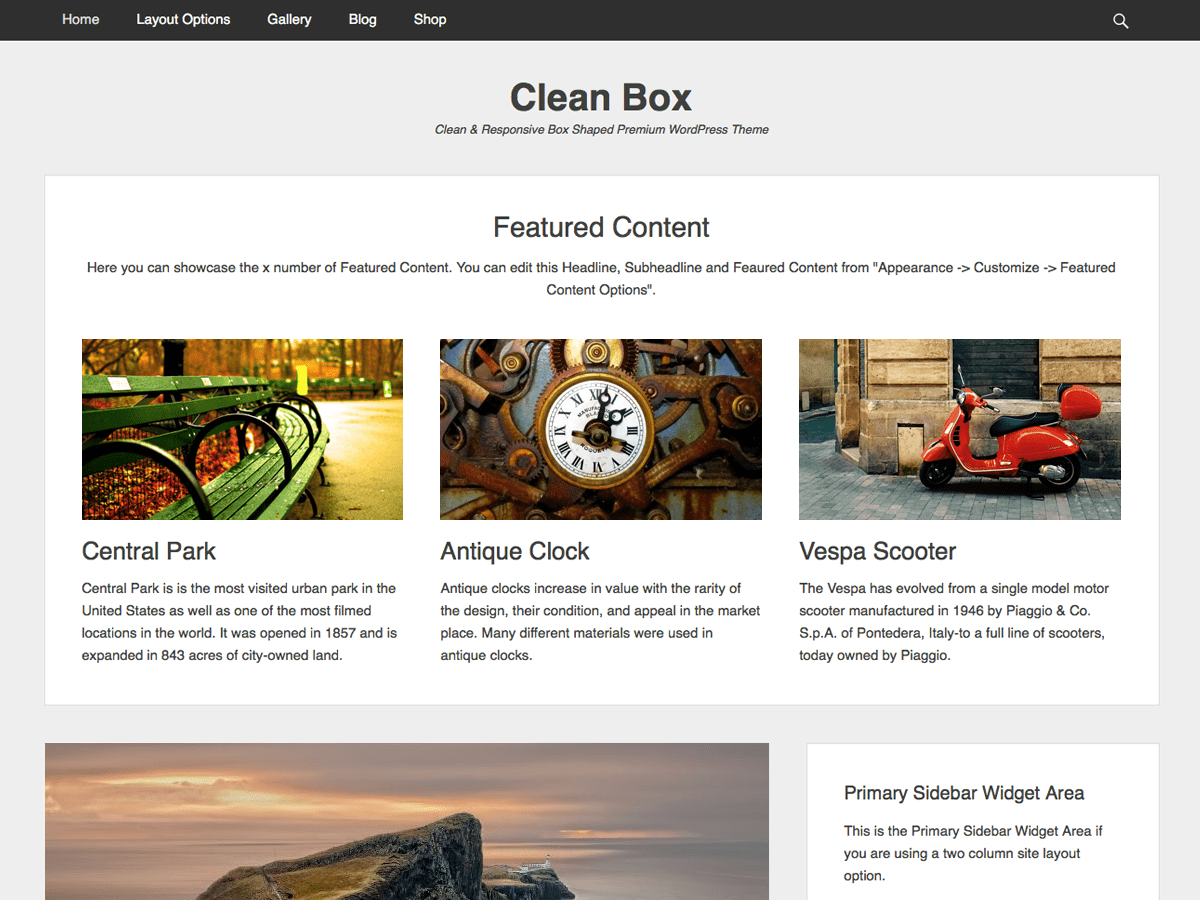
Add widget area to Navigation bar
-
I am using a child theme of Clean Box and would like to replace the search icon at the right of the navigation bar with a widget area.
So far, I’ve registered the widget area, but am not sure how to get it to appear in the nav bar, instead of the search icon.
As a start (just to see if I could add something to the menu successfully), I tried simply adding text to the menu items with:
add_filter( 'wp_nav_menu_items', 'add_widget_area_to_menu', 10, 2 );
function add_widget_area_to_menu ( $items, $args ) {
    if (is_single() && $args->theme_location == 'primary') {
        $items .= '<li>New widget</li>';
    }
    return $items;
}
But that didn’t have any effect on the nav bar.
I also see that to make a widget area appear, I should use the dynamic_sidebar function – I’m just not sure where to use it.
I’m familiar with php but new to WordPress development, and would be extremely grateful for any advice, as it will help me learn. I’m working on the site locally, so unfortunately I can’t paste a URL.


The topic ‘Add widget area to Navigation bar’ is closed to new replies.