• gopink5

    (@gopink5)


    Good morning!

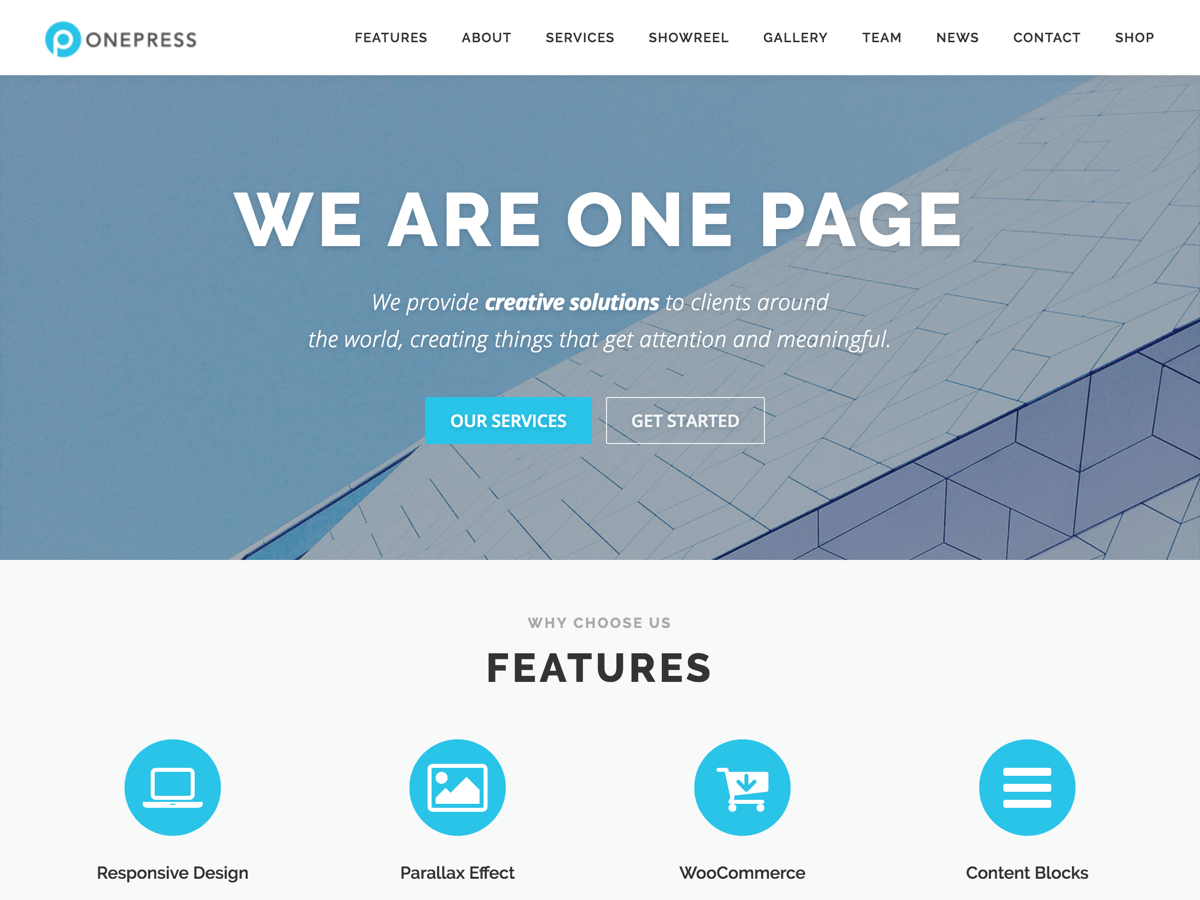
    I am wondering if it is possible to change the color of the buttons in the Features section of OnePress PLUS? They are all one color now and ideally I would love to have a different colored circular logo reflect the different sectioned columns.

    The page is a work in progress, but I am talking about the 4 red buttons under the Hero section starting with “Services,” http://www.gblmarketingservices.com/1

    Thank you for such an awesome theme!!

Viewing 5 replies - 1 through 5 (of 5 total)
  • congthien

    (@congthien)

    Yes. Of course you can change it by apply custom css :

    #features .icon-background-default { background-color: #your-hex-colo !importantr; }

    Let me know!

    Thread Starter gopink5

    (@gopink5)

    Hi Congthien, thanks for your response!

    I should have been a little clearer – I am looking to change the colors of the actual individual circular icons, not the background color. So for example “Print” could be blue, “Promotional Products” could be grey, etc.

    Does that help?

    congthien

    (@congthien)

    So you have to add like this :

    .feature-item .feature-icon.fa-file-text { color : blue; }
    .feature-item .feature-icon.fa-bullhorn { color : grey; }

    Add the same with other icon as well.

    Thread Starter gopink5

    (@gopink5)

    Thanks again for your response!

    We are close but not quite. I meant the actual physical red circle the icon is on top of. Not the icon or the background behind the red circle and icon. Is there a way to change the red circle to different colors and have the white icons remain on top?

    Sorry for not making this more clear. Thank you!

    congthien

    (@congthien)

    Unfortunately we couldn’t change it. Because they are same class. So we couldn’t target to each circle. Hope you understand.

    Kind regards.

Viewing 5 replies - 1 through 5 (of 5 total)

The topic ‘One Press PLUS: Different Colored Buttons in Features Section’ is closed to new replies.