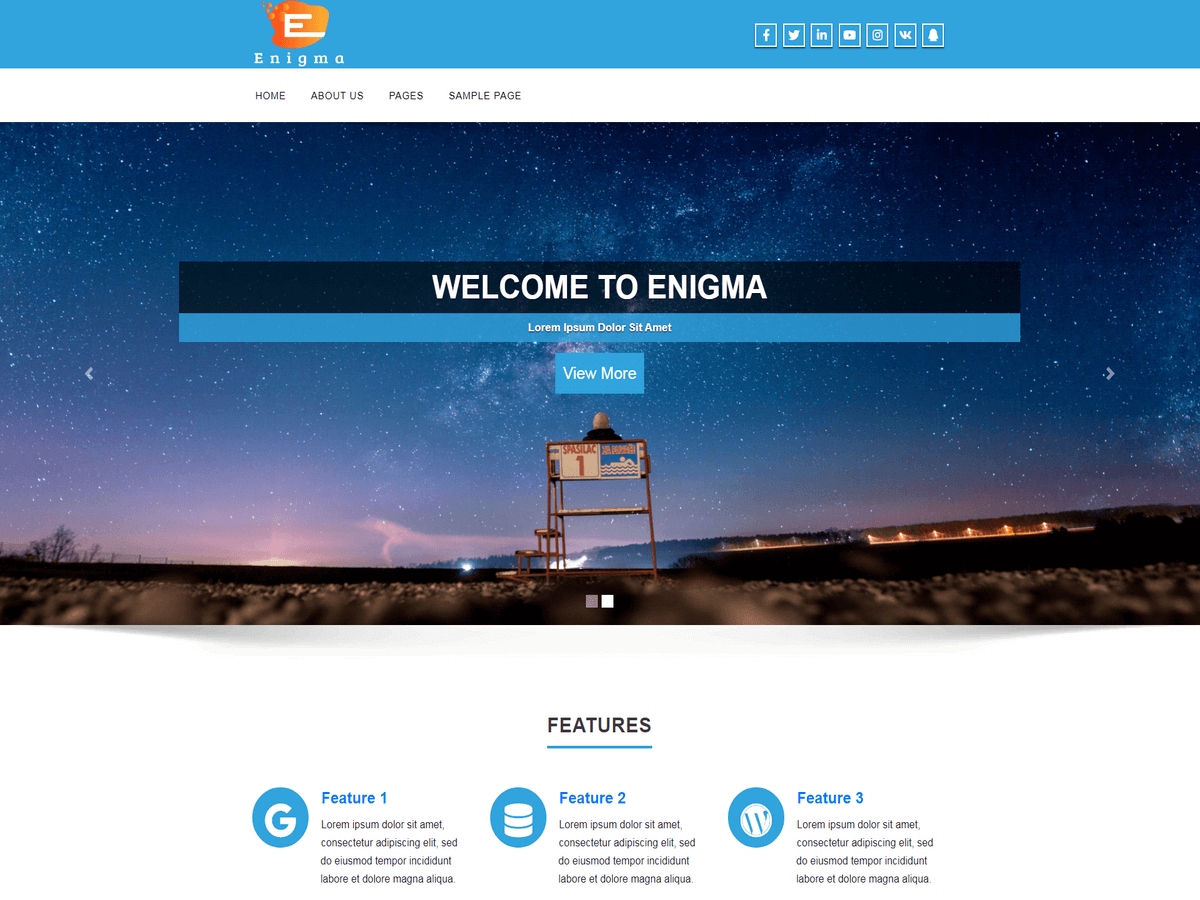
Also, I would like to change color of text in the header. (phone number, email, text under the logo
Header CSS =
The header CSS is:
.head-contact-info li a {
color: #000000;
}
Hi..
Thanks@noahcryns for suggestion.
@roulie19, Please go to Admin Dashboard >> Appearance >> Theme Options >> Theme General Settings.
Now copy above code into custom css editor.
And tell me which links color you want to changes.
Save the changes.
Thanks.
Hi,
Please use below CSS in custom CSS editor.
.head-contact-info li a {
color: #000000 !important;
}
Save the changes.
Let us know for further assistance.
Thanks.
thanks for the code, it is ok. But When I look my wesite, It is not perfect: I would like to change the color of the text under the logo, in the header (“partez en toute confiance votre animal sera choyé”) and the color of the icon letter and icon phone in the header. Also, In the page “Vos avis”, the button is blue and I would like to change the color.
How can I do that?
Hi,
Please follow the instruction given in LINK.
Please add !important in css rule if css is not apply like
.head-contact-info li a {
color: #000000 !important;
}
Thanks.