Hi @iacino
You can do this by creating and customizing Child Theme.
Note: Please customize files of child theme, so your changes will not overwrite on theme update.
To be more specific this feature is not available on the free version and is only available on the pro version of the theme. Check out this link to find more awesome features of the pro version here: http://themepalace.com/shop/wordpress-themes/biography-pro/
Hope this helps resolving your query. If you have any more questions feel free to post.
Best Regards!!!
Thanks, I’m not sure this is the theme I’m going with yet but if so, I’ll look towards the pro version.
Is there a money-back guarantee because your free one is very child-unfriendly. I’ve asked two other people whom are webmasters (experts) and they can’t change the code either. I’ve wasted a whole week on just one thing…extremely upsetting when this is the first time I’ve attempted to create a website and shouldn’t have to go through this. The templates weren’t built correctly. I would only buy the pro version if it was offered at a substantial discount.
Hi iacino
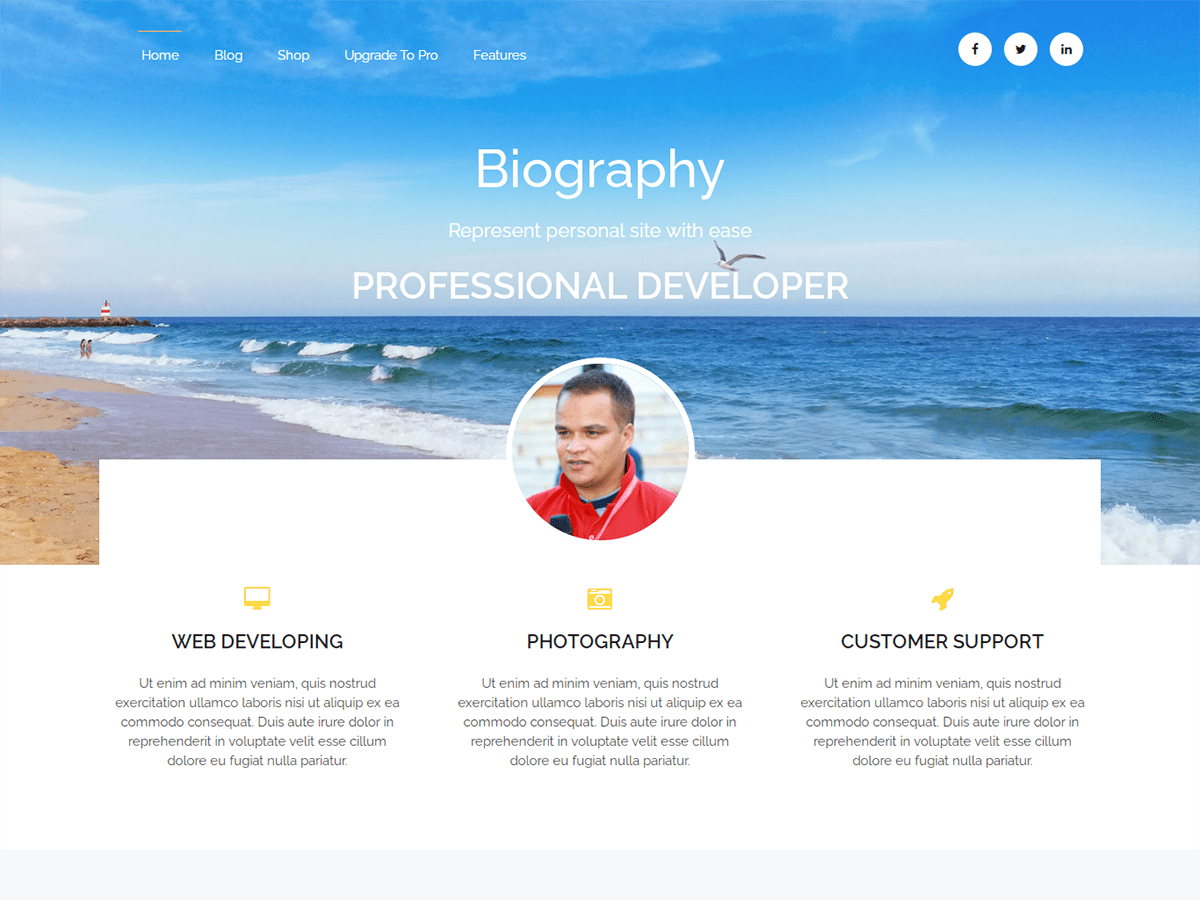
Is there a way to truncate the text that displays under the Font Awesome icons? It seems to pull in every bit of the text on the page it references. Is there a way to pull only a certain number of characters, etc.?
If this your question then there is a way to pull certain number of characters.Follow the steps below.
1. For this you need to create child theme.Reference Here for Child theme.
2. After creating and activating child theme successfully now go to main theme’s folder -> inc -> hooks you will find homepage-service.php file.
3. In this file you will see function biography_home_service_array( ){.
4. This if the function displaying content in that service section.
5. Now for the number of content you will see $biography_home_service_contents_array[$i][‘biography-home-service-content’] = biography_words_count( 30 ,get_the_content()); this line.
6. The value 30 is the number of words it is displaying.
7. Now you need to go to child theme functions.php file and copy and paste whole function function biography_home_service_array( ) and edit the line I have mentioned above.You can change 30 to any number you want.
Note: Please customize files of child theme, so your changes will not overwrite on theme update.
Best Regards!!!!