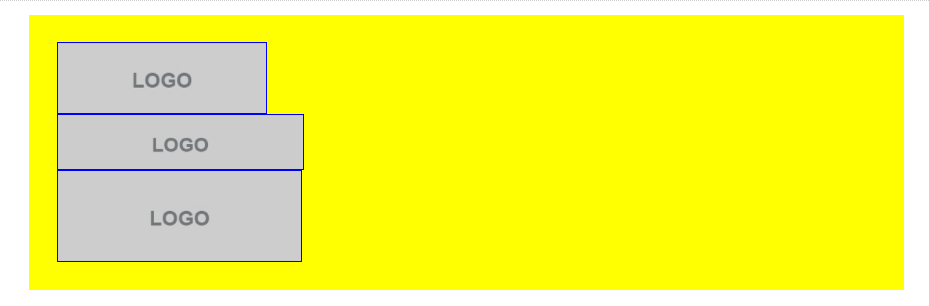
Hello,
It’s a bit difficult to actually see what the problem is as we can’t see the website but let’s see if I can help.
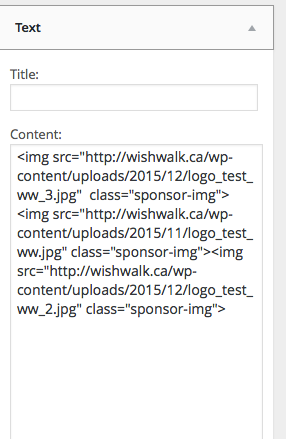
The first thing is the sometimes the white space between the <img> tags in the widget can cause the images not to line up correctly, but it looks like you’ve done it fine from the picture.
What CSS does the ‘sponsor-img’ class have applied to it? Are they float: left or display: inline-block; ?
Thread Starter
 Ben.
Ben.
(@blebel)
I’ve unlocked the website for the day so you can have a look.
wishwalk.ca
It’s the footer advertisement section at the bottom of the page. Thanks for your help!
Thanks.
Looks like you need to change your display:block to display: inline-block as below:
img.sponsor-img {
    display: inline-block;
}
There’s also this CSS rule overriding the above so delete this one or add an important to the display value above, otherwise it wont work.
footer.mh-footer img {
    display: block;
}
Thread Starter
Ben.
(@blebel)
Thanks for your help, graphicscove!
I’ve tried your solution but it didn’t work.,, but, by adding this :
img.sponsor-img {
float: left;
}
I managed to get them aligned. Now the 3 logos need to be centered vertically and horizontally.
Take off the float:left and try this:
img.sponsor-img {
    border: solid 1px blue;
    display: inline-block;
    vertical-align: middle;
}
Thread Starter
Ben.
(@blebel)
It worked perfectly.
Thank you very much for your help!
No worries, glad I could be of assistance!