Plugin Author
 KeyCDN
(@keycdn)
Are you able to see the images in our blog in MS Edge? https://www.keycdn.com/blog/
Thanks, have you a deeplink for me?
Yes i see the Pictures…
Am at a loss why the images do not go?
Plugin Author
KeyCDN
(@keycdn)
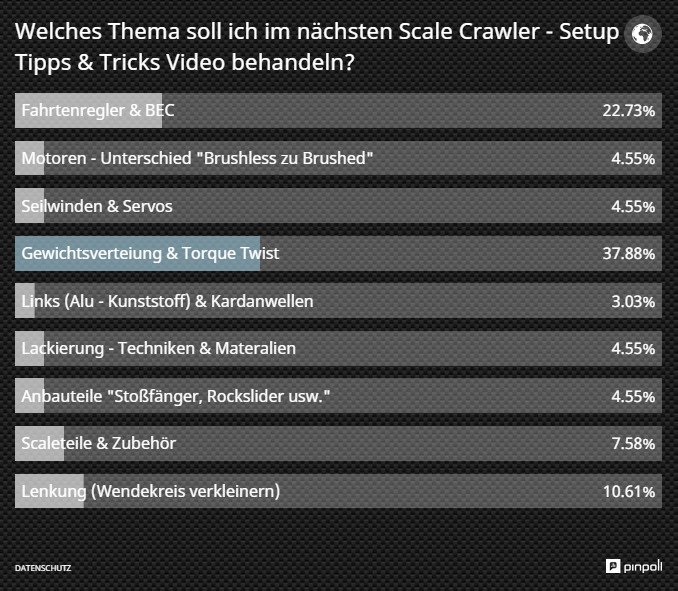
I don’t think the problem is related to the Optimus plugin. Can you open the image in MS Edge directly? E.g. http://rc-modellbau-blog.com/wp-content/uploads/2015/10/Umfrage.jpg
If yes is it very likely that another plugin is causing the problem.
Plugin Author
KeyCDN
(@keycdn)
It looks like you are delivering a webp file with a jpeg extension. Check you web server config.
My Serveradministrator found no Errors or Problems.
If I disable Optimus HQ, the error still remains, since the images schonn all been optimized by Optimus. Is there a way back or you can help me with the mistake, would also like to extend my license from Optimus next time.
I hope you can help me!
PS: Crazy, the new uploaded pictures are working?!?
Plugin Author
KeyCDN
(@keycdn)
This problem is 100% related to your apache config. Check your .htaccess file as well.
Remove the webp config snippet and all works fine again. Alternative is to remove all webp images.
x:~$ curl -I -H ‘Accept: image/webp’ http://rc-modellbau-blog.com/wp-content/uploads/2015/10/Umfrage.jpg
HTTP/1.1 200 OK
Date: Sun, 11 Oct 2015 20:16:53 GMT
Server: Apache
Last-Modified: Fri, 02 Oct 2015 13:09:54 GMT
ETag: “c44a6-160d6-5211ee13a0e52”
Accept-Ranges: bytes
Content-Length: 90326
Cache-Control: max-age=3024000
Expires: Sun, 15 Nov 2015 20:16:53 GMT
Vary: User-Agent,Accept
Content-Type: image/webp
x:~$ curl -I http://rc-modellbau-blog.com/wp-content/uploads/2015/10/Umfrage.jpg
HTTP/1.1 200 OK
Date: Sun, 11 Oct 2015 20:17:05 GMT
Server: Apache
Last-Modified: Fri, 02 Oct 2015 13:09:54 GMT
ETag: “2121d-1e125-5211ee13687f4”
Accept-Ranges: bytes
Content-Length: 123173
Cache-Control: max-age=518400, public
Expires: Sun, 15 Nov 2015 20:17:05 GMT
Vary: User-Agent
Content-Type: image/jpeg
The problem is done, it was indeed an error in the .htaccess file. Thank you very much for the professional support!