Hi there!
Can you post a link to your site and we can take a look for you.
Cheers,
Luke the Daft Duke
Can’t share it publicly as in build (not live)… Can I email you a screen shot or something possibly?
It’s hard to diagnose without seeing the code.
Perhaps something more familiar with that theme can help you out.
Sorry about that.
Hey,
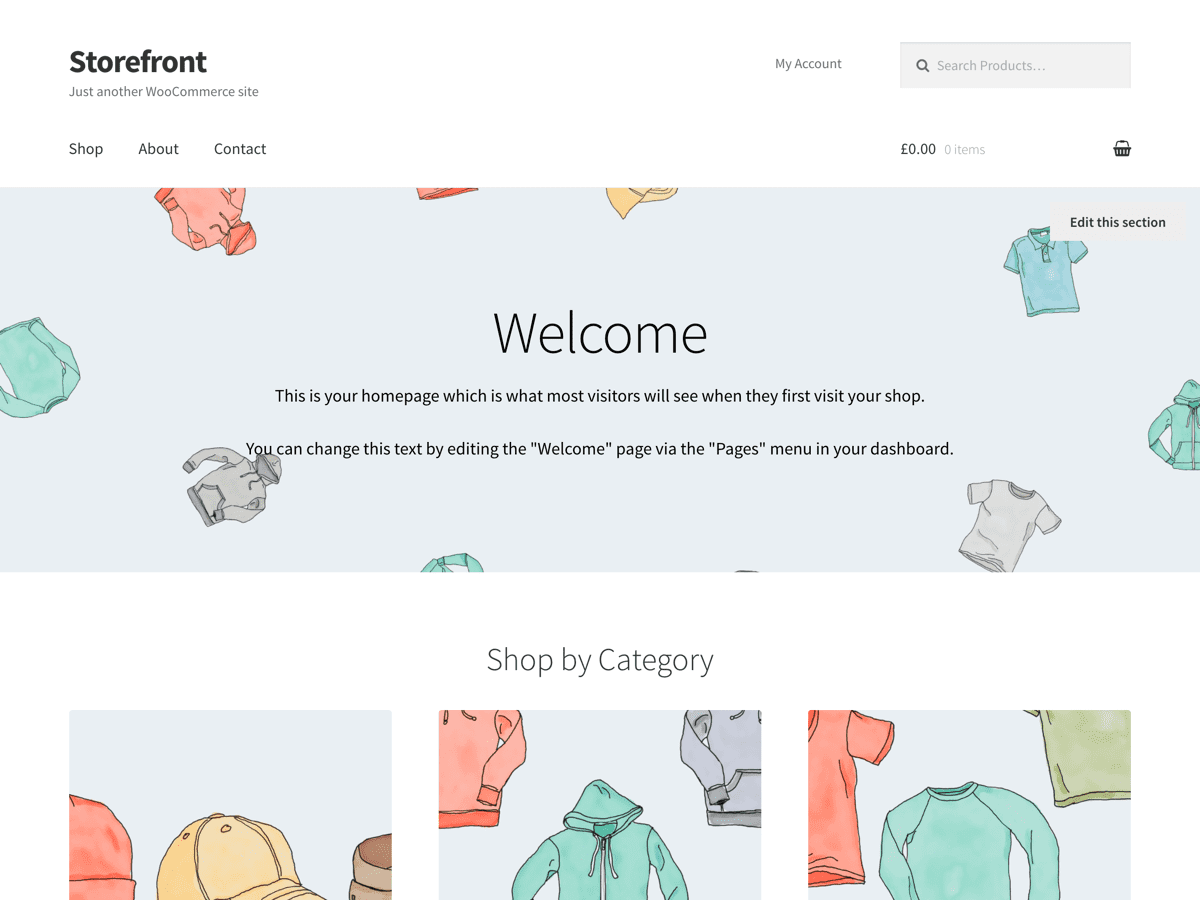
Which logo feature are you using? The Jetpack one, or the Storefront site logo plugin?
The size of the logo is determined by the element that wraps it. Increase the width of that and the logo will increase as well.
The Jetpack one. Wasn’t aware of the Storefront site logo plugin. Would this work with Boutique?
Also – just noticed that the Storefront site logo plugin states: “The max width displayed for the logo is 213px only. If your image is bigger than this, it will automatically resize it.” Perhaps that is what’s happening in my case….
*goes off to investigate*
Yes! Mine’s being resized to 213px – must be a theme setting… Any idea if I can increase that width?
Hey,
You can increase it, yes. Just be careful if you’re using a secondary navigation (the reason the logo is the size it is, is to account for the space required to display the secondary nav).
For the storefront site logo plugin you can adjust the width using some css like:
@media screen and (min-width: 768px) {
.site-header .site-logo-anchor {
width: 45%;
}
}
Just adjust that width value until you’re happy. Use a plugin like Theme Customisations (https://github.com/woothemes/theme-customisations) or a child theme to make these changes.