• Resolved ayeshajamal

    (@ayeshajamal)


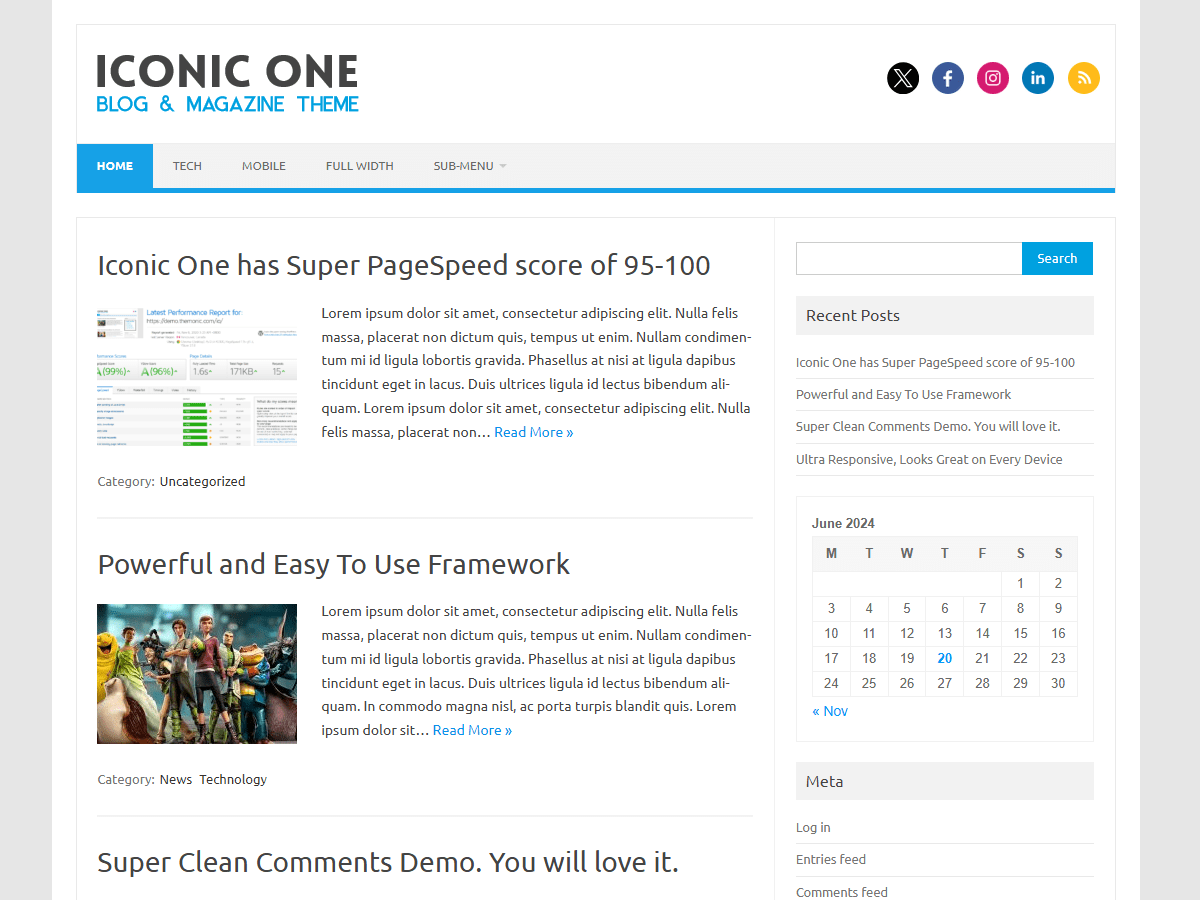
    If we click on a page, such a homepage, it gets highlighted in blue… I want to change the color to gray. What code should I insert and where should I insert it. My website is http://www.ayeshajamal.com Thanks!

Viewing 1 replies (of 1 total)
  • Theme Author Themonic

    (@themonic)

    Use this code in appearance -> editor -> Custom.css

    .themonic-nav .current-menu-item > a, .themonic-nav .current-menu-ancestor > a, .themonic-nav .current_page_item > a, .themonic-nav .current_page_ancestor > a {
    background: #16A1E7;
    }

    Replace the hex color #16A1E7 with the color code of your choice.

Viewing 1 replies (of 1 total)

The topic ‘Change the nav bar color’ is closed to new replies.