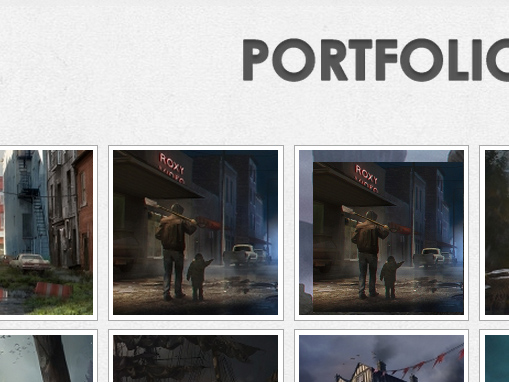
@andy – A link to the actual site would be helpful … as it is, I suspect your use of very old NextGEN Legacy shortcode will be part of the problem.
I would suggest using the IGW (“green button”) in the TinyMCE editor to insert displays as you can over-ride your thumbnail sizes specifically for each display if the default thumbnail sizes of the gallery do not suit your needs.
– Cais.
Thread Starter
 Andy
Andy
(@andythreecoaching)
Thanks for getting back to me. Here’s the page:
stayinwonderland.com/
I used the green button to insert the gallery and replace the old code but nothing has changed in terms of thumbnail size.
@andy – First off, I still really like your artwork!
Did you try using the over-ride thumbnails settings? and/or changing the default thumbnail sizes of the gallery images (although you may need to re-edit the thumbnails in these cases)?
– Cais.
Thread Starter
Andy
(@andythreecoaching)
I already have the ‘override thumbnail settings’ set to ‘yes’.
And the size of the thumbnails (150) is a size I set it to. Not the default size. Not sure if that’s what you mean though.
I never used to have problems with this gallery when the thumbs smaller. I recently resized them to 150 and all hell broke loose with the plugin. I can’t even change the crop via the NG interface since doing that. I have to download the thumbnail, change it locally, then re-upload it.
@andy – There still must be some sort of fundamental conflict on your site. If we have not started a Bug Report on this already from you, please send us one so we can get a look under the page at your site.
Link: http://nextgen-gallery.com/report-bug … please reference this topic
We will likely need log in and FTP access to your WordPress installation as well, please include that with your Bug Report.
Thanks!
– Cais.