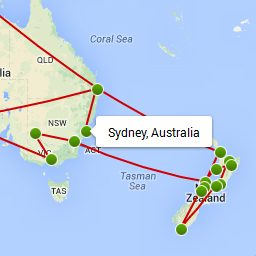
Clicking Map Arrows / Highlighting
-
Hello,
This is an issue I’ve had for a long time, and not sure if others are experiencing it — but I was hoping it would just resolve itself… but it hasn’t.
When I go to any of my maps on my page, and want to click through locations using the arrows under the map, the clicking ends up highlighting the text / images adjacent — as if it is selecting it. So, it highlights that information while I’m clicking, making it difficult to navigate (since it’s hard to see). Plus it just doesn’t look nice.
How can I fix this?
You can see an example on this page: Just click a few times on the left or right arrow below the map.
http://www.wanderluster.net/gallery/cuba-the-caymans/
Thanks so much for your help!
Samer


The topic ‘Clicking Map Arrows / Highlighting’ is closed to new replies.