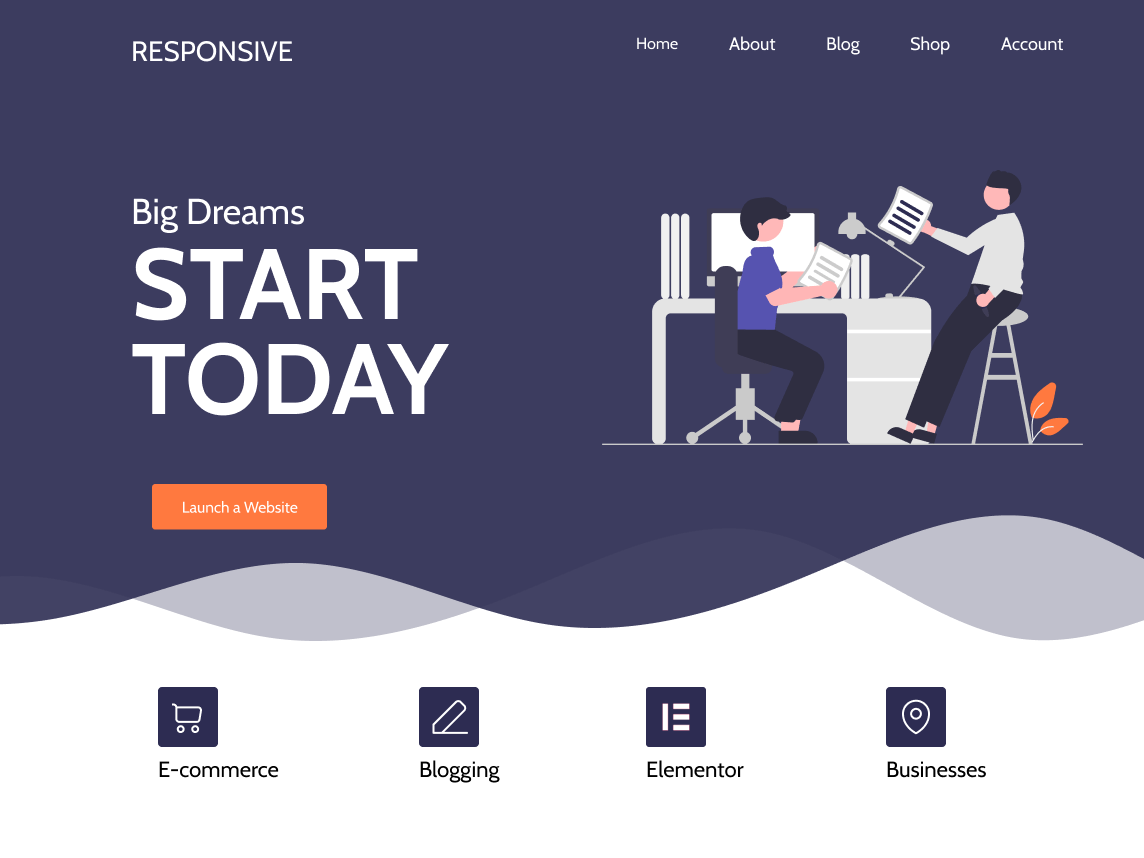
can't change header logo (RESIZABLE theme)
-
can anyone help me how to change header or insert a picture im using responsive theme
any help much appreciated thank you

Viewing 1 replies (of 1 total)

Viewing 1 replies (of 1 total)
The topic ‘can't change header logo (RESIZABLE theme)’ is closed to new replies.