Hey
I tell you how I did. Maybe there is another way, i don’t know…. (i use free demo version of the adventurous)
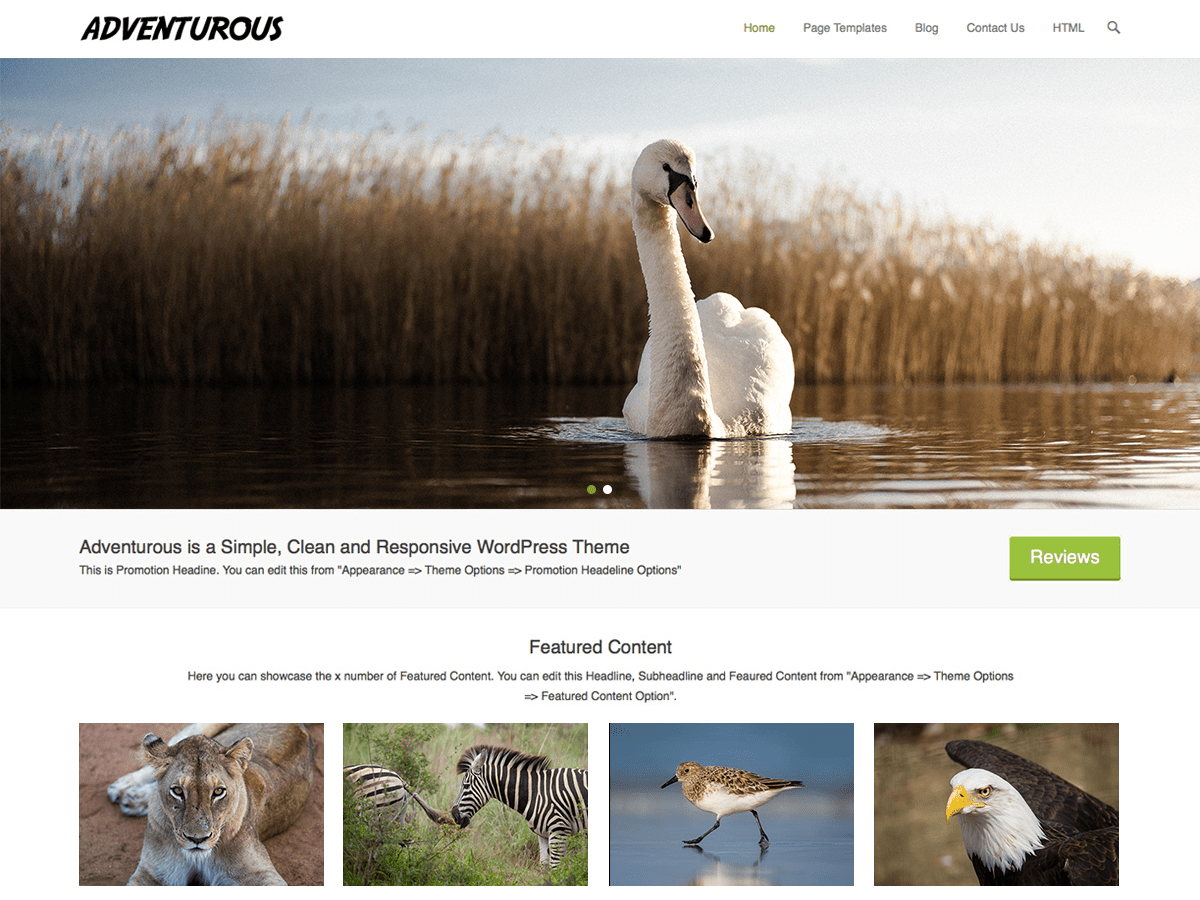
Its very simple. All you need to do is to create new image(s) that you want to upload instead of the one with tiger. Size is 1600х600px. Name it as it is named originally in the theme.
here you can locate the 2 files of the sliders (via your domains control panel or FTP manager) named slider-1-1600×600.jpg and slider-2-1600×600.jpg :
wp-content/themes/adventurous/images/demo
Just replace the images in that folder, then refresh the website and the new images should appear.
Hope it helped.
I too have just initiated the Adventurous free demo version and am having problems removing the tiger (even though I do love tigers) images.
Sorry, eduitter – you said it’s very easy but I’m floundering – It would appear I’m not that website building savvy . . How do I know what the tiger images are called in the theme?
I can’t find anything about this theme in my cpanel?? Isn’t there some way I can remove the images in my WordPress dashboard?? That would seem a lot easier to me, why is it not a simple replace of the images the designers provided?
I would be internally grateful if someone could please help . . .
The image slider is a feature of the pro version, not the free version which is why it dopes not appear in the control panel of the free version.
The work-around (of using different images more applicable to your site) is as described by eduhitter above.
Go into where you have wordpress installed and go into the subdirectory – wp-content/themes/adventurous/images/demo
The tiger images in that folder are named named slider-1-1600×600.jpg and slider-2-1600×600.jpg
Now find two images that you want on your website, instead of the tigers. Use any photo program and resize them to 1600×600 dimensions. Then save those new images in the folder under the same names as the existing images.
Refresh your website in the browser and it should now show your new images.
If you really want to be able to do it via the control panel just pay for the pro version of the theme – it appears to good value for money.
Hope that helps.
I do not have the paid version of this theme. I am using the free version.
Here is how you do it:
Go to More Theme Option from you theme- Customize. At the top there are the words More Theme Option.
This will take you to the Theme Option but there are more tabs on the top. Look there.
Click on the tab at the top that says: Featured Slider (Click on slider option)
You can disable that which will get rid of the tiger and also it gives you the option to upload your own by now clicking on featured post slider options.
This is a great theme and I will probably go with the paid version but you do not have to upgrade to get rid of the tigers.
Hey eduhitter,
that helped. Just as simple replace the images with same naming.
thanks