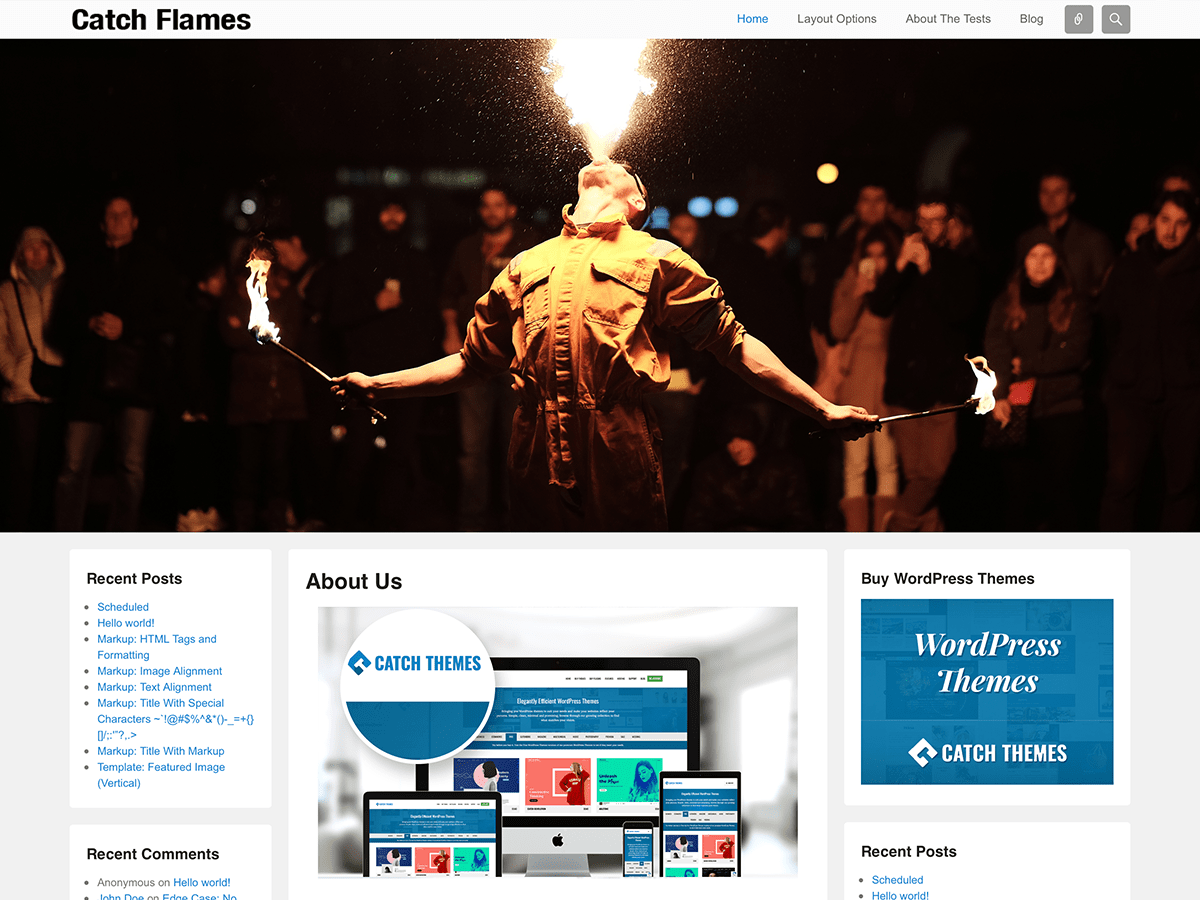
Catch Flames free version only have Featured Page Slider that is created to highlight your page. This page slider takes the page title, excerpt content and the featured image of that page. But if you want Post Slider or Category Slider or Image slider then you need to upgrade to Pro version.
To add this slider:
1. First you need to create a page and then add in Featured Image in that page. For featured image you can check this http://catchthemes.com/blog/videos-blog/video-series-adding-featured-image-wordpress-postpage/
2. Go to “Appearance => Theme Options => Featured Slider”
3. Click on Slider Options and check “Featured Page Slider” in
Select Slider Type
4. Then select your pages from “Featured Page Slider Options”.
5. Save changes
Fore more, check theme instructions page at http://catchthemes.com/theme-instructions/catch-flames/
We have dedicated support at our support forum at http://catchthemes.com/support-forum/