• Resolved nostepback

    (@nostepback)


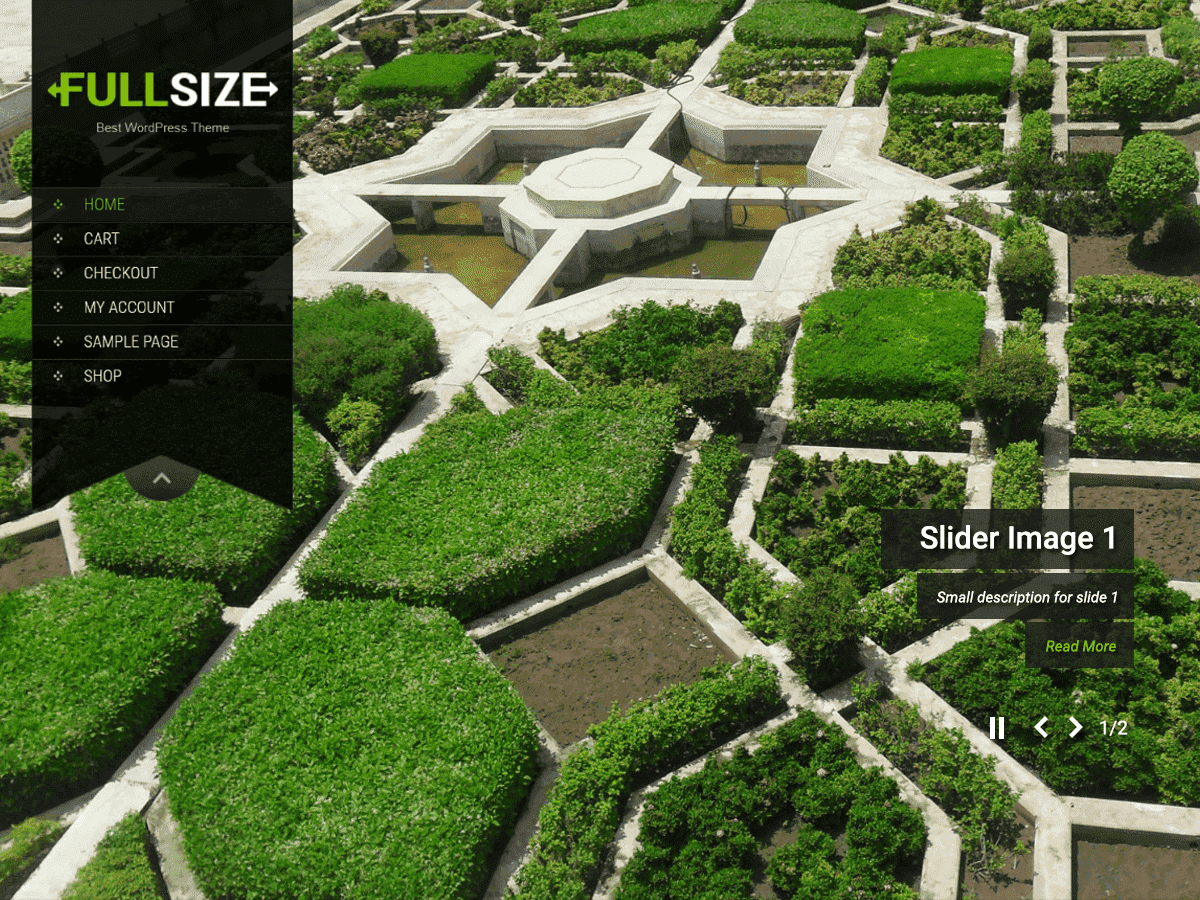
    How can i change the size of the main menu list items?
    How can i prevent the titles of the main menu list items from being transformed to uppercase?

Viewing 4 replies - 1 through 4 (of 4 total)
  • Theme Author sonalsinha21

    (@sonalsinha21)

    Check main.css

    Path of main.css: wp-content/themes/skt_full_width/css/main.css

    Check this line or class: h2#page-title, .archive h1.page-title, .page h1.entry-title

    change text-transform: uppercase to Capitalize or lowecase or remove the line.

    Thread Starter nostepback

    (@nostepback)

    I found out that the class i needed was #site-nav.(so i can edit the font of the main menu)

    Thread Starter nostepback

    (@nostepback)

    how can i change the color of the first letter of the title in every page?
    and how can i change the rest letters?

    Theme Author sonalsinha21

    (@sonalsinha21)

    Hi,

    From main.css there are classes which will change the first letter color.

    Please search the green color using dreamweaver or editplus and replace them with your color.

Viewing 4 replies - 1 through 4 (of 4 total)

The topic ‘Main menu font-size’ is closed to new replies.