i was able to get to edit this through admin panel.
might be a bug.
SKT Full Width setting contains nothing. Not sure why some of the people are able to see it and other don’t see it at all.
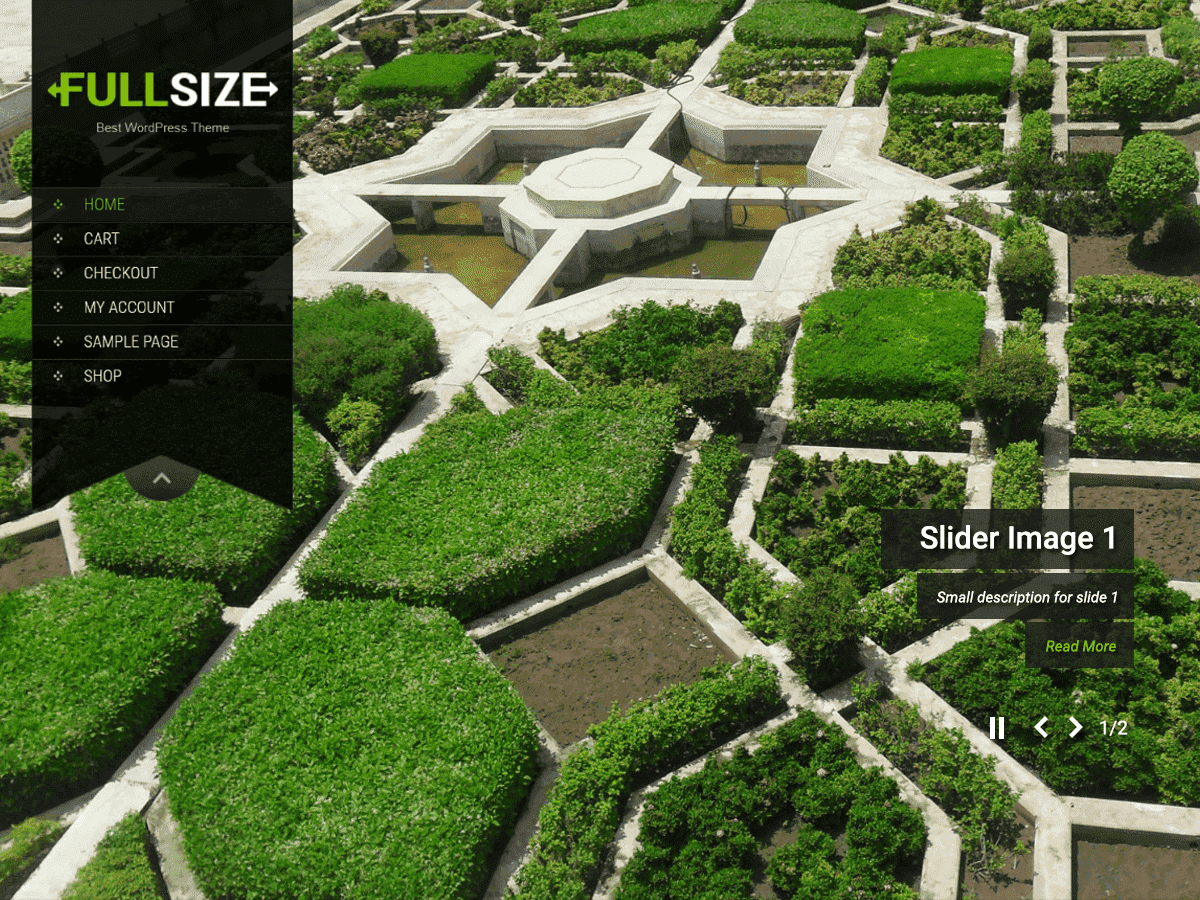
Kindly visit Appearance>Background to set up a static image as a background to be shown on all the pages.
For slider on home page: Appearance>Theme Options>Slider Settings to upload images for the slider.
I am using your SKT I am One Pro theme. I have tried several methods of changing the background image of the pages not the sections and I am not having any luck. Can you please explain how to change the background image of the pages please. My site is 1905.mediarescue.us. Thank you.
Hi,
Not the proper area to post your PRO version questions. Have sent an email to you about the same.
Is there a way to change the top background (masthead) image to a customized one that I’ve created… if so, how is this done?