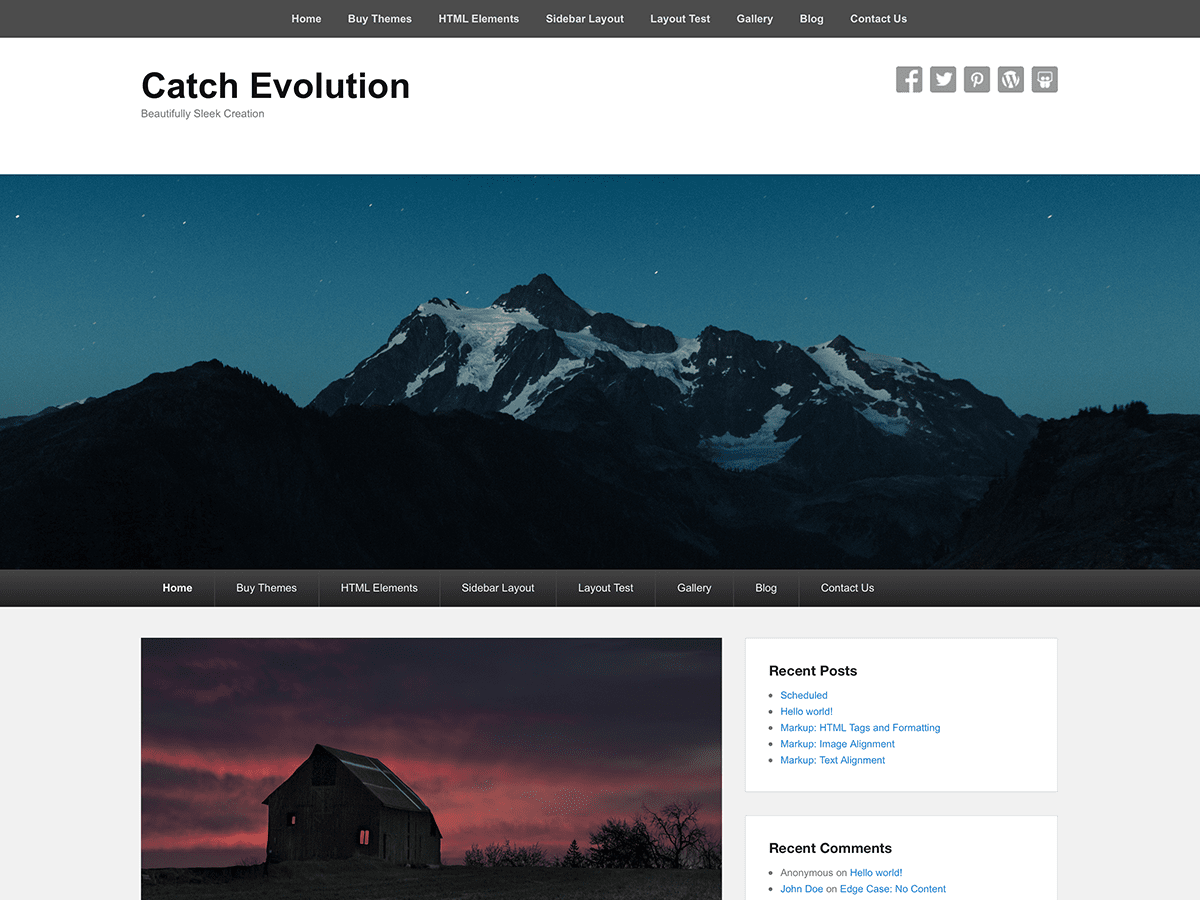
Header Logo is blurry
-
My Header Logo is blurry. I’m using Catch Evolution theme and latest WordPress.
Logo original art is in Illustrator, I’ve tried exporting huge files, tiny files, png, jpg, 72ppi, 300ppi, nothing seems to work or preserve image quality. Most frustrating is when I look in my Media Library, I see these nice crisp 60×60 thumbnails. How can I get equivalent quality into my header logo space???
Theme’s support forums claim that it does not scale the image it places there, even for “responsive” design. So where are things going wrong here? Is it some funky Apple Retina Display scaling thing, is something breaking between the Media Library and the theme? I’m running out of things to try here. Any help is appreciated!


The topic ‘Header Logo is blurry’ is closed to new replies.