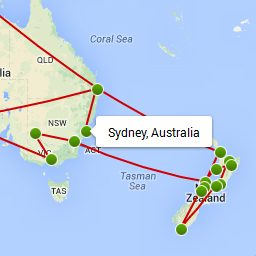
I have seen this problem before. It has something todo with the structure of your template, and the outer wrapper div that the plugin adds to it.
If you create a normal page with a long white background, so without the separate white sections ( this is what breaks it ), does it work fine then?
Hi,
Thank you for your reply — I created a test page as you mentioned, and just listed the shortcodes for each map one after the other to see if they display together. And it worked no problem.
However, I am using my theme’s “builder” which does break up elements into modules, which I believe is what is causing the problem. I’d like to continue using this if possible, instead of a workaround.
What I’ve found by trial and error is if I display the FIRST map normally on the page (without using the builder module), and then display the others below using the modules, then they display just fine:
http://www.wanderluster.net/where-next
Also, right now the location text in the list of destinations under the map does not show up because the text is default white on the white background — how can I change the default text color to black?
Thanks!
Samer
Hi! I resolved the first issue — so just need to know how I can change the color of the location text from white to something else.
Thanks!
Samer
Add this to your stylesheet to make the header black.
#nwm-outer .nwm-destination-list h2, #nwm-outer .marker-content h2 {
color:#000 !important;
}