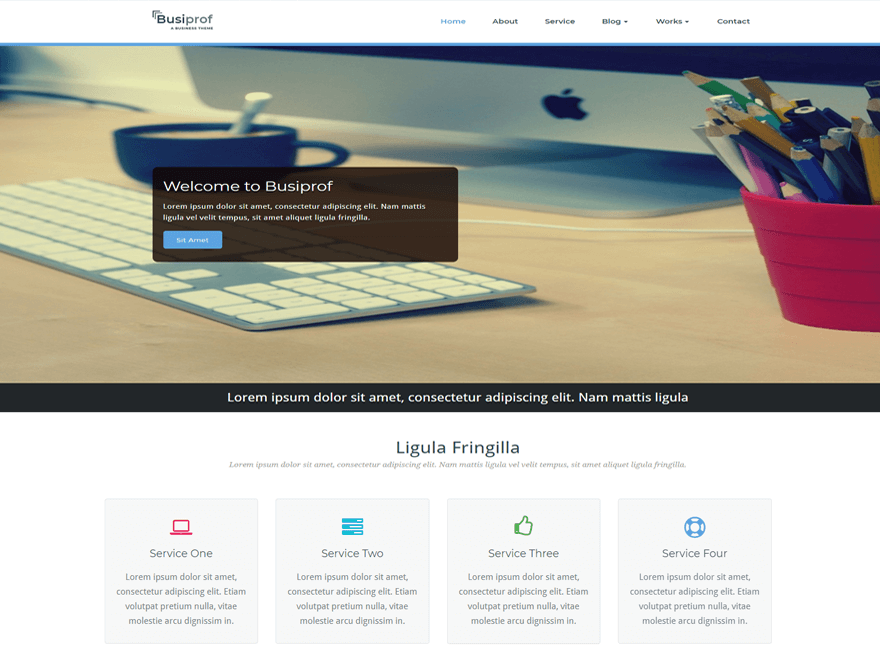
Hi,
Can you pls share the URL.
Here is the link: http://borg.avant.si/~oknatims/
Also the logo and the header image are stretched out/in on the phone instead of being resized. Has anybody had the same issue?
Same problem here – testimonials are shown on tablets and mobiles…
Hi @katjaavb
Thanks for using our theme.
For logo image to we provide setting option in theme option panel.
You can set your logo height and width with your specific size.
Upload your logo image using option panel.
Thanks
-Hari Maliya
Hi @fonziskrat
Can you share your site URL. We look it.
Thanks
@katjaavb,
Try this in custom css editor.
.testimonial_mn,.recent_blog{display:none;}
@hari, @vibhorp
In my child theme css I added theese lines, but testimonials and blogs are still visable:
.testimonial_mn,.recent_blog{display:none;}
.testimonial_mn,.services_mid_mn,.recent_blog {display:none}
The page works just fine on computers, but looks like on android tablets and phones something else is wrong.
@fonziskrat ,
Try this CSS rules in the same Custom CSS Box editor and Save the Settings.
@media (max-width: 767px) {
.testimonial_mn{display:none;}
}
Thanks
Now the testimonials are gone, but recent blog is still there 🙂
Anyway, I got stuck fruther more – I can’t fint how to change “Search” label in top right search widget. Usually I simply just change it in searchform.php or something, but now it does not work. It works in 404 or in widget areas, but not in top right position.
Also, why is a blue icon, labeled “Kontakt” under home page service icons not in the center of the page?
Thank you for your help and for wonderful theme.
For your information, here’s what I added in child style.css:
.blog_link { display: none; }
@media (max-width: 767px) {
.testimonial_mn{display:none;}
}
.testimonial_mn,.recent_blog{display:none;}
Need to say that I only change child file, I don’t touch custom css options in theme options…
You want to change the Label right ?
Go to banner-header.php
Find the <?php _e( 'Search', 'busi_prof' ); ?> here you can change the search label.
Thanks
You want to change the Label right ?
Go to banner-header.php
Find the <?php _e( 'Search', 'busi_prof' ); ?> here you can change the search label.
Thanks
Oh my.. It works now. I wonder why I could not find it before…
thx from Slovenia.