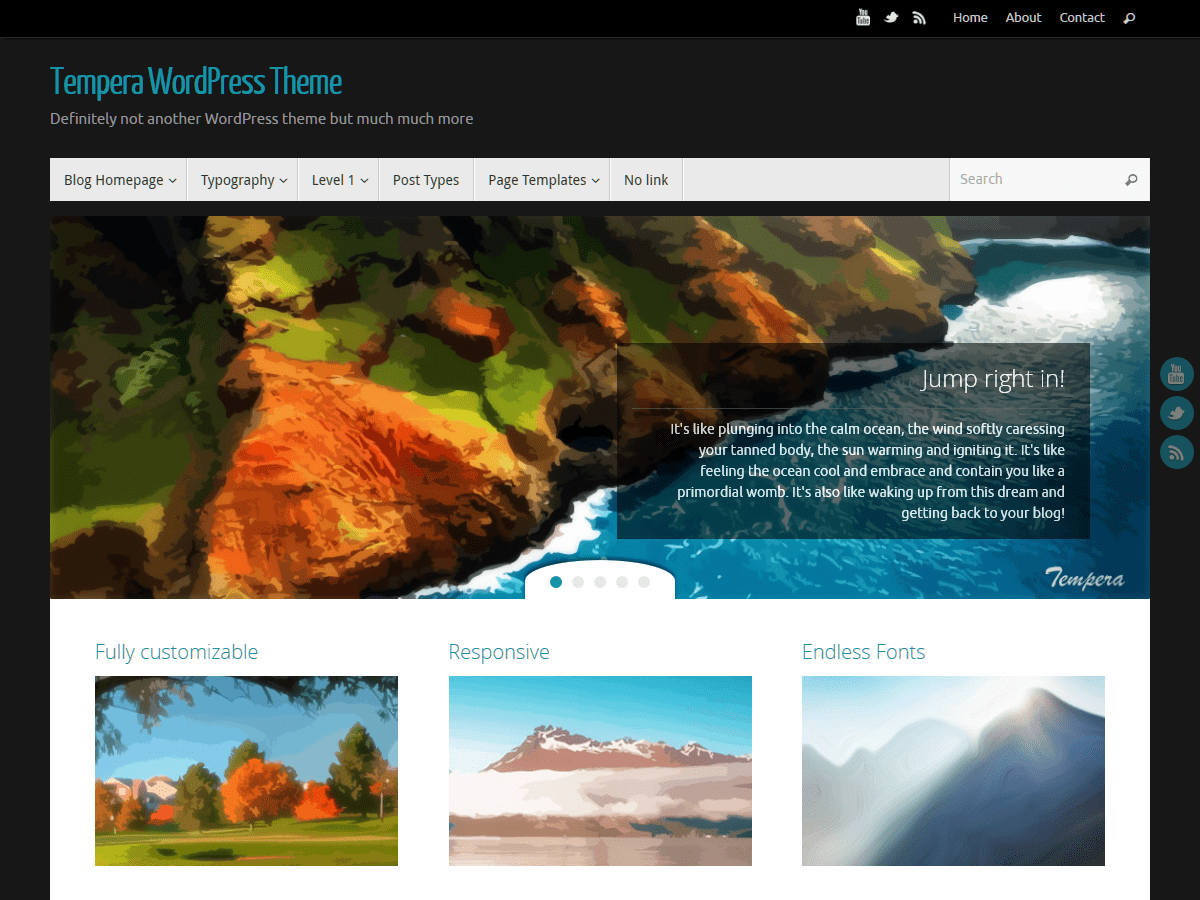
Tempera – Menu Help (Change Menu Order / Display Setting)
-
Hi,
I have just started putting together a Tempera based site and have come stuck on something that should in theory be simple.
I was trying to change the main menu (top) to show the menu order that I preferred but it would not change no matter what I tried. I have come to the conclusion that it is because it is displaying the latest posts (I may be wrong) but I can’t for the life of me find where to change this setting.
I have tried adding a new menu and looking in menu setting but I really can’t see it, am I missing something? or is there another method to this?
Any help on this would be much appreciated.
Thanks in advance
Rowley

Viewing 2 replies - 1 through 2 (of 2 total)


Viewing 2 replies - 1 through 2 (of 2 total)
The topic ‘Tempera – Menu Help (Change Menu Order / Display Setting)’ is closed to new replies.