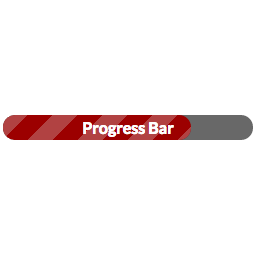
I haven’t tried it but it’s theoretically possible if you know CSS. Just replace the gradient backgrounds with an image file.
Here, I tried this out and it seems to work. Here’s the demo:
http://museumthemes.com/progress-bar/image-test/
…and this is the CSS I used to make it:
.hhhhold {
  background: transparent!important;
  background-image: url(http://hhhhold.com/320x25)!important;
  background-repeat: no-repeat;
}
In the shortcode, I added a custom option, hhhhold, to the shortcode which adds that class to the actual progress bar, so the shortcode looks like this:
[wppb progress=80 location=inside option="hhhhold"]