Andrew Nevins
(@anevins)
WCLDN 2018 Contributor | Volunteer support
Thread Starter
 rabble
(@rabble)
OK thanks. Still, any advice as to how I can make the color change to the modline element using the child theme?
Andrew Nevins
(@anevins)
WCLDN 2018 Contributor | Volunteer support
What is the CSS you’re using for the modline that isn’t working?
Thread Starter
rabble
(@rabble)
/* Module style 1 */
.modline-outer {
	height:2px;
	border-top:1px solid #78a5b6;
	border-bottom:1px solid #78a5b6;
	margin-bottom:18px;
}
.modline-inner {
	width:25%;
	height:2px;
	background-color:#78a5b6;
}
Just trying to change the color
Andrew Nevins
(@anevins)
WCLDN 2018 Contributor | Volunteer support
Which page element is the modline? Sorry, I don’t know what a modline is.
Thread Starter
rabble
(@rabble)
It is the line that appears below sidebar and widget titles.
Andrew Nevins
(@anevins)
WCLDN 2018 Contributor | Volunteer support
I can’t see a sidebar on the theme’s demo website.
Can you provide a link to a webpage with it?
Thread Starter
rabble
(@rabble)
For example under the title ‘Quick Gallery’
Andrew Nevins
(@anevins)
WCLDN 2018 Contributor | Volunteer support
Try using these selectors for the modline outer;
.module.amber .modline-outer
As well as the ones you are using;
.modline-outer
Thread Starter
rabble
(@rabble)
Still does not work…
I tried changing all too:
/* Module style 1 */
.modline-outer {
	height:2px;
	border-top:1px solid #0d6e9b;
	border-bottom:1px solid #0d6e9b;
	margin-bottom:18px;
}
.modline-inner {
	width:25%;
	height:2px;
	background-color:#0d6e9b;
}
.module.red .modline-outer {
	border-color:#0d6e9b;
}
.module.red .modline-inner {
	background-color:#0d6e9b;
}
.module.grey .modline-outer {
	border-color:#0d6e9b;
}
.module.grey .modline-inner {
	background-color:#0d6e9b;
}
.module.amber .modline-outer {
	border-color:#0d6e9b;
}
.module.amber .modline-inner {
	background-color:#0d6e9b;
}
.module.purple .modline-outer {
	border-color:#0d6e9b;
}
.module.purple .modline-inner {
	background-color:#0d6e9b;
}
.module.mycustom .modline-outer {
	border-color:#0d6e9b;
}
.module.mycustom .modline-inner {
	background-color:#0d6e9b;
}
Andrew Nevins
(@anevins)
WCLDN 2018 Contributor | Volunteer support
Is your website online, can you provide a link to the webpage that doesn’t apply your CSS?
Thread Starter
rabble
(@rabble)
Sure, I am turning off the ‘under construction’ plugin briefly.. Frankie Blue.
Andrew Nevins
(@anevins)
WCLDN 2018 Contributor | Volunteer support
Resolve your syntax error;
#showcase p {
	margin:0;
{
Thread Starter
rabble
(@rabble)
Oops! Well that explains everything.
Thanks a million Andrew!
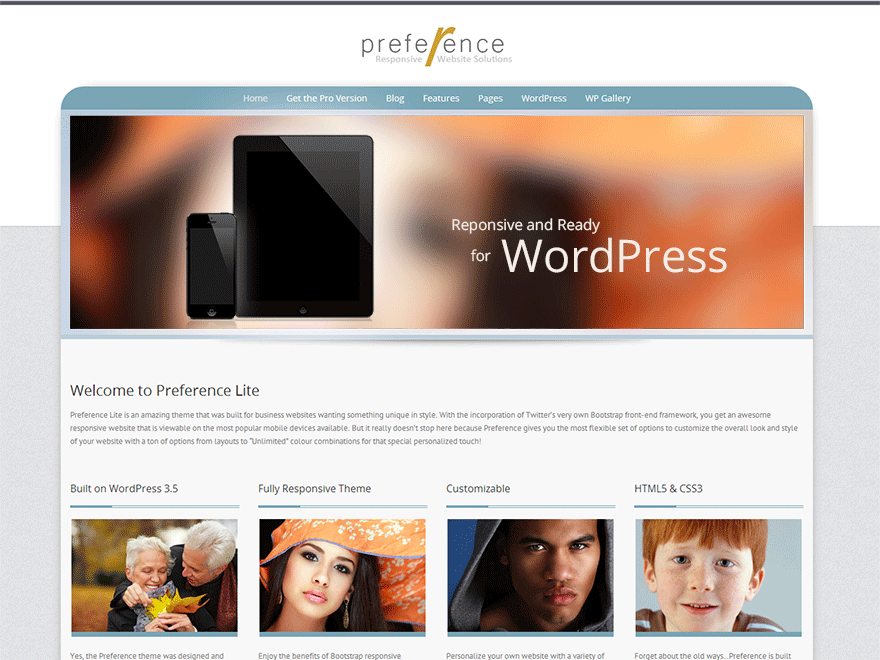
Glad to see you found a solution… I wanted to note that the link to the demo site with the Quick Gallery is actually the Pro version of Preference. Regarding the issue of not being able to change the size of the H1 font size, are you still having that issue or is everything ok?
(Andrew) for a better demo site, the theme home page is linked to the actual one here: http://demo.styledthemes.com/preference-free/ I never did like the WP Previews, but not sure how many people realize the “Theme Homepage” takes the person to my version of the demo…perhaps the WP team could consider putting a demo button to the developer’s own demo site on the theme item description pages 🙂
Anyway, I was curious about this #showcase p {margin: 0;} syntax error that seems to helped at the end here because this has nothing to do with the widget styling that was posted? Did I miss something here?