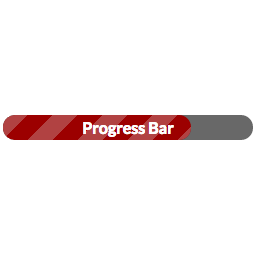
Try
<div style="width: 100%; text-align: center;">
[wppb progress=50 percent inside]
</div>
or do [wppb progress=50 percent=inside fullwidth=full] and it will take the full width of the container (content area or wherever you put the progress bar) and it won’t matter if it’s centered or not.
Thx for your help. This didn’t work:
<div style="width: 100%; text-align: center;">
[wppb progress=50 percent inside]
</div>
It just stays left-aligned. I also thought about setting its width to 100%, but i simply don’t like it this way.
Okay, then, if you can, try adding this to your CSS:
.wppb-wrapper {
     margin: 0 auto;
}
The thing is, I think we’re going to be fighting with your theme’s CSS on this one because if you look at my demo page, all of my progress bars are centered and all I did was use the center align button in the visual editor (which adds a <div class="aligncenter"> wrapper to the contents.
http://museumthemes.com/progress-bar/
Didn’t work either…
But you are definitely right, I am fighting against my theme – it’s the “Responsive” theme, which is very confortable but restrictive at the same time. If I find a solution, I’ll post it here.
Thanks anyway.
This worked for me (in Chrome) for centering the progress bar in Responsive:
.wppb-wrapper {
     margin: auto;
}