@infinitee any luck downgrading to 3.112.0?
I am seeing the same thing. Downgraded to 3.112.0 but the problem persists.
Hi @dsprpete,
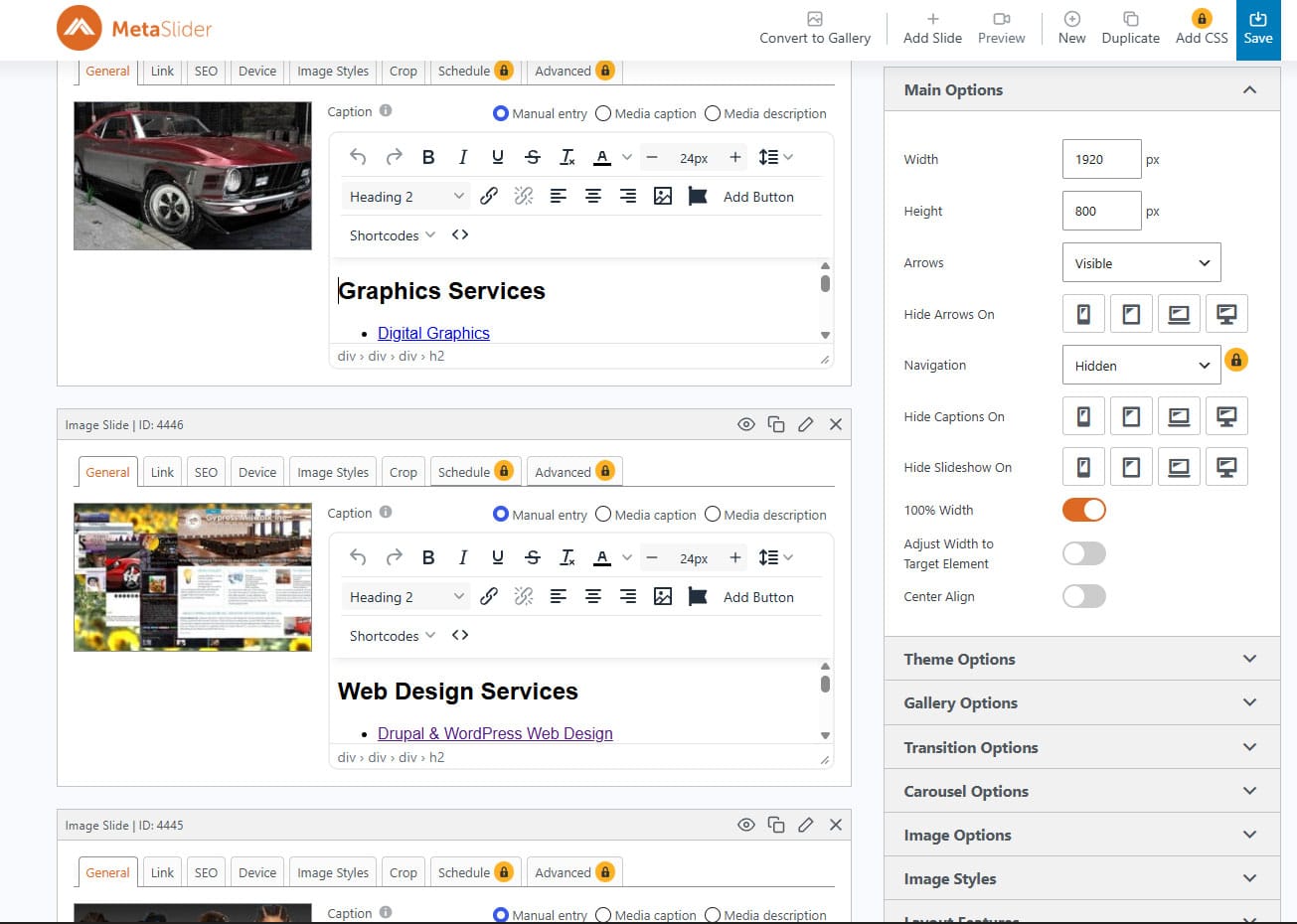
If you deactivate (NOT uninstall) all plugins for a minute except MetaSlider Slideshow, does it look better?
@infinitee @dsprpete we figured out the problem and created a new package with the fix. Please download it from here and install as any new plugin; it will update over your installed version.
Please confirm the problem is solved in your end, so we can include it in the next update.
That cleared up the HTML displaying but now my caption CSS is not right. I will play with the CSS in the morning.
Thanks!
Hello, I’m currently experiencing a similar problem; following this recent update (3.113.0), the sliders across the entire website have stopped working. I’ve tried reinstalling previous updates, but none of them have managed to get them working again. The strange thing is that if I deactivate the MetaSlider Gallery plugin (2.38.0), the sliders reappear. I’ve tried installing 3.113.1-beta.1, but that doesn’t work either
@infinitee may we have a link to your slideshow?
@artipmi 3.113.1-beta.1 solved the problem for other users. Is possible you would need to clear site cache if you are using a cache plugin? Please share a link to see your slideshow.
Slideshow is working and I rewrote a lot of the custom CSS for the HTML in the slides.
https://www.infinitee-designs.com/
Thanks @infinitee ! I can see you are using custom CSS, however the core CSS for captions is working fine. You seem to be using a cache plugin that bundles all the CSS.