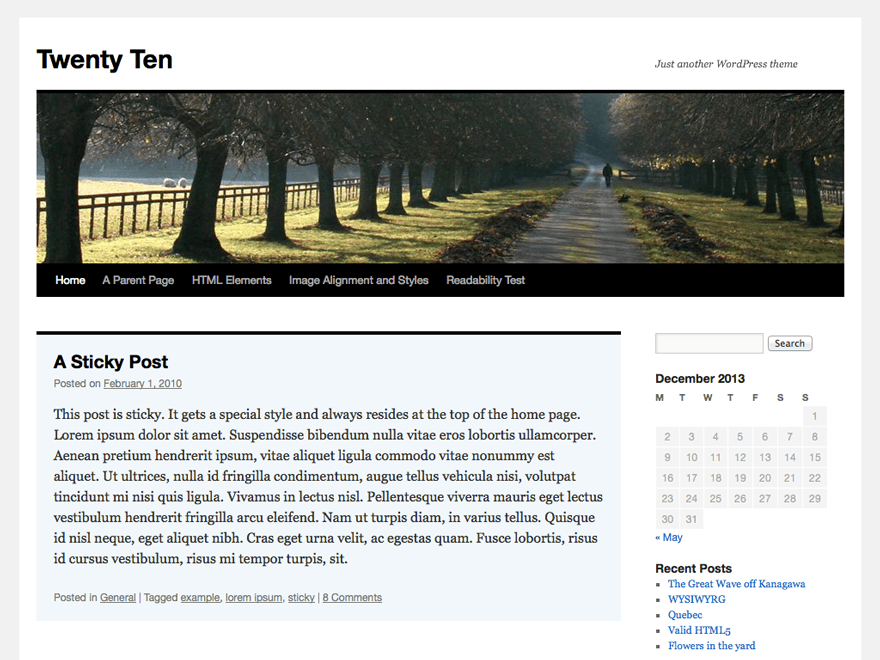
There are several ways to do this. The reason is that, by default, the privacy policy page configured in WordPress is automatically displayed and linked there. This gives you the following options:
- In the admin panel, go to Settings > Privacy and set the page selection there to “Select”. Save. This will deselect the page and remove the link.
- Or set the page selected under Settings > Privacy to “Draft”. Then it won’t be accessible either, and the link will no longer be displayed.
- Or create a child theme: https://developer.wordpress.org/themes/advanced-topics/child-themes/ – copy the
footer.php file from the TwentyTen theme into this child theme and then customize the copy to your liking.
- Or hide the link using CSS:
.privacy-policy-link { display: none } – add this under Appearance > Customizer > Additional CSS.