• gwledford

    (@gwledford)


    I’m trying to create an image bar and I’m able to do it in Elementor and it looks great. When I publish it to the site with the Sydney theme, the bar changes back to full screen in the actual page. Is this a CSS change or is something missing in Sydney? I’m at a loss.

Viewing 5 replies - 1 through 5 (of 5 total)
  • Hi @gwledford,

    Thanks for contacting us!

    To help narrow this down, could you share a short screencast showing what the image bar looks like in the Elementor editor and how it appears on the live page? That contrast will help us figure out exactly what’s going on and whether it’s a CSS fix or a settings issue.

    Thread Starter gwledford

    (@gwledford)

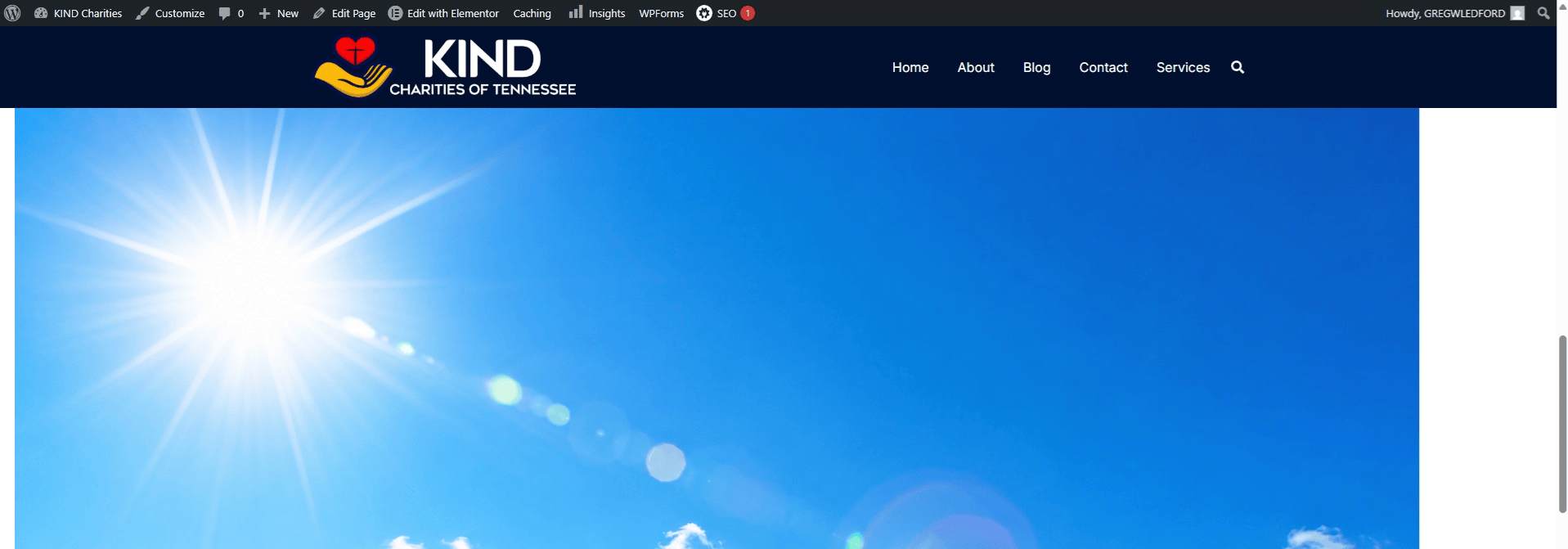
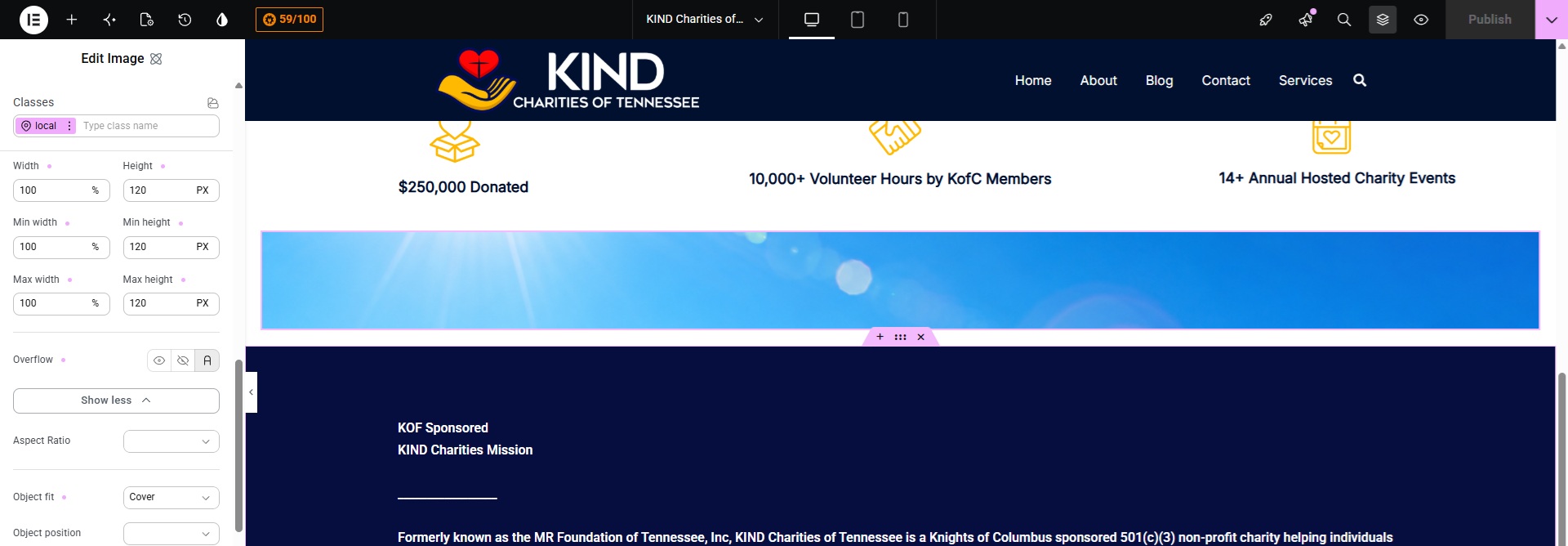
    I’ve put them on my site and I’ll share them here. The first one is what is looks like in Elementor (and is correct in appearance) and I’ve got it set to 100% width and 120 pixels in height with object fit as cover. The second image is the actual page which is completely wrong.

    Hi @gwledford,

    Thanks for sharing those screenshots; that makes the issue much clearer!

    Do you happen to have a staging site where we can take a closer look? If so, just share the URL of the page where you’ve added the Image element. That way, we can inspect the element and work on a fix without risking any disruption to your live site in the meantime.

    Thread Starter gwledford

    (@gwledford)

    I did something different. I no longer need this. Thanks.

    Hi @gwledford,

    Thanks for the update.

    We’ll close this topic for now. If you have any other questions, please create a new topic and we’ll be happy to help!

Viewing 5 replies - 1 through 5 (of 5 total)
You must be logged in to reply to this topic.