Hello @redepiabanha,
Thanks for reaching out. To provide context, please share screenshots that highlight the issue you are experiencing. You can use any image-sharing service like https://pasteboard.co/, https://snag.gy/, https://imgur.com/, https://snipboard.io/, or even upload the screenshot to your own website. Once you upload it to an image-sharing service, please share the link to the image here.
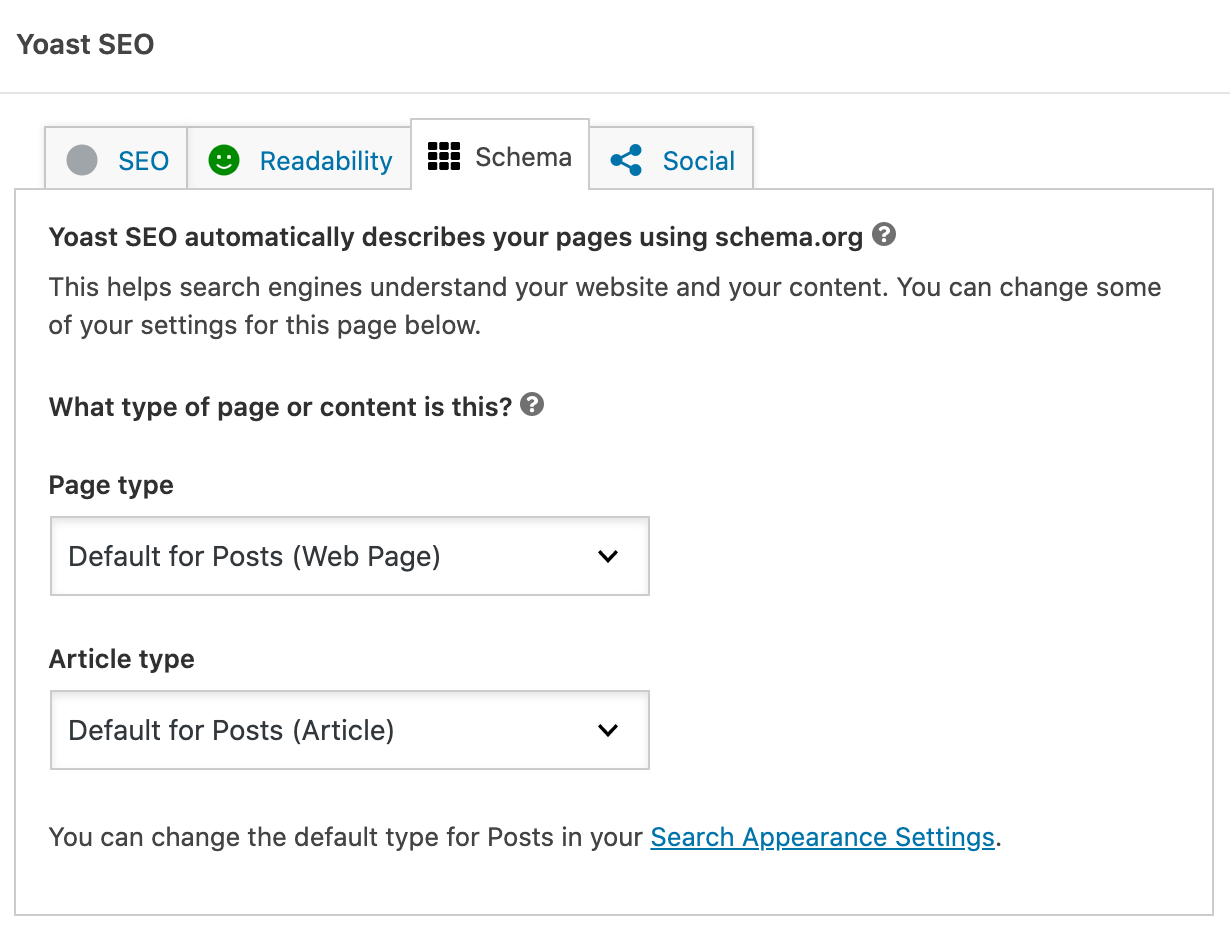
I’m talking about this.
The article type selector doesn’t appear in forum, topic and reply tab and so it’s impossible to correctly set bbPress content as Social Media Posting schema.
Since I don’t believe you’ll provide the functional solution, I just need the hooks to make it on my own.
Nevertheless, I think you should provide that option for forum plugins since otherwise it’s impossible to select the right macation schema for them.
bbPress is the example I’m dealing with, but it may be interesting for more forum plugins for sure.
You can extend the current Yoast SEO Schema offering. Please refer to our Schema API documentation here: https://developer.yoast.com/features/schema/api/.