Hi
Thank you for reaching out to us.
Our Webriti Companion plugin is currently under review. You can download and install the latest version of the plugin from this link: https://drive.google.com/file/d/1DyYJ10AKITYJPHef1g3kC23IJVvC7gNz/view Once the review process is completed, it will be available on WordPress.org.
Please install and activate the plugin, then update your theme to the latest version. If you have any further questions or issues, feel free to email us at themes@webriti.com. Our support team will respond with a detailed solution to assist you.
Thanks & Regards,
Support Team
Hi!
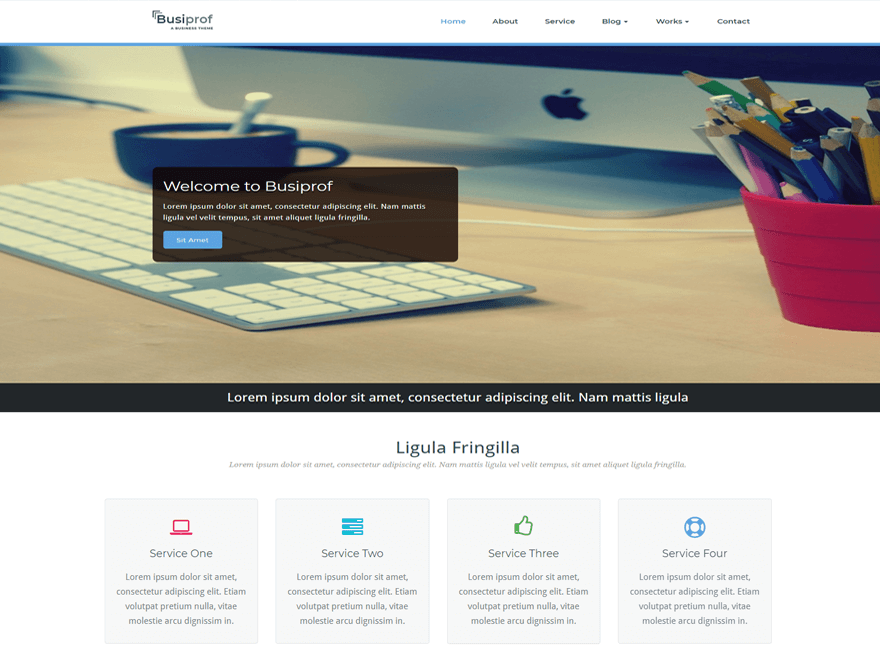
I’ve carried out the instructions, that is, I downloaded the plugin from the link provided, and then I updated the theme to the latest version. The outcome is that the picture in the homepage doesn’t show the full image… (my head is cut). Also, I keep on not being able to edit the services… All the other pages are ok. I’ve tried to restore the previous version through backup (plugin UpdraftPlus), but there was an error, so I couldn’t make it. Back-up is carried out every Sunday.
The good news is that the menu on the cell phone started working.
What should I do to fix the problems?
Thanks,
Elisa
Hi
To fix the home page image issue add the below css code inside the additional css box.
@media screen and (min-width: 650px) {
.slides .item {
height: 80vh ! important;
background-size: 100% 100% ! important;
}
}
To edit service section go to Customizing ▸ Homepage Section Settings >> Service settings .
Change content as your need. More detail see the snapshot https://prnt.sc/8JoZTkMbIxNt
Let me know if you have any confusion.
Regards
Busiprof Support Team
Hi!
I’ve edited the services section successfully! 🙂
However, the image remains distorted even after adding the css code inside the additional css box. Maybe some change in the coding could do the trick…
Looking forward to your reply.
Thanks
Hi
It looks like the image is distorted because the aspect ratio of the image you uploaded is incorrect. To achieve the best results, please upload an image with the dimensions 1800×400 px.
Currently, the image you uploaded is 1603×1668 px, which doesn’t have the correct aspect ratio for the intended design.
If you need further assistance, feel free to reach out.
Thanks & Regards,
Busiprof Support Team
Hi!
Sorry, I had replied to your message, but for some reason, the answer was not uploaded… but ok
I’ve tried the recommended dimensions (1800 x 400 px), but they didn’t look good… the height was too small, so it cut my head… The current picture is 1280 x 479 px, which was the best proportion without distorting the image. However, the title box looks too small on the cell phone and the picture is shown partially, differently from the computer…
I don’t know how to fix it…
Thanks,
Elisa