Hello there,
I hope you’re doing well :D.
After you create the preset. Try to click in the following button in order to create your first filter
See the following image
In this way, you’ll be able to create filters.
Please, try it and let me know.
Have a good day.
That’s how it works. Not very intuitive unfortunately.
But is the display style defined by the theme? Is it possible to change it in some way?
Hello there,
I hope you’re doing well 😀
Please, could you explain me in more details about what you want to style?
Maybe we can help you with some CSS code in order to help you.
Have a good day.
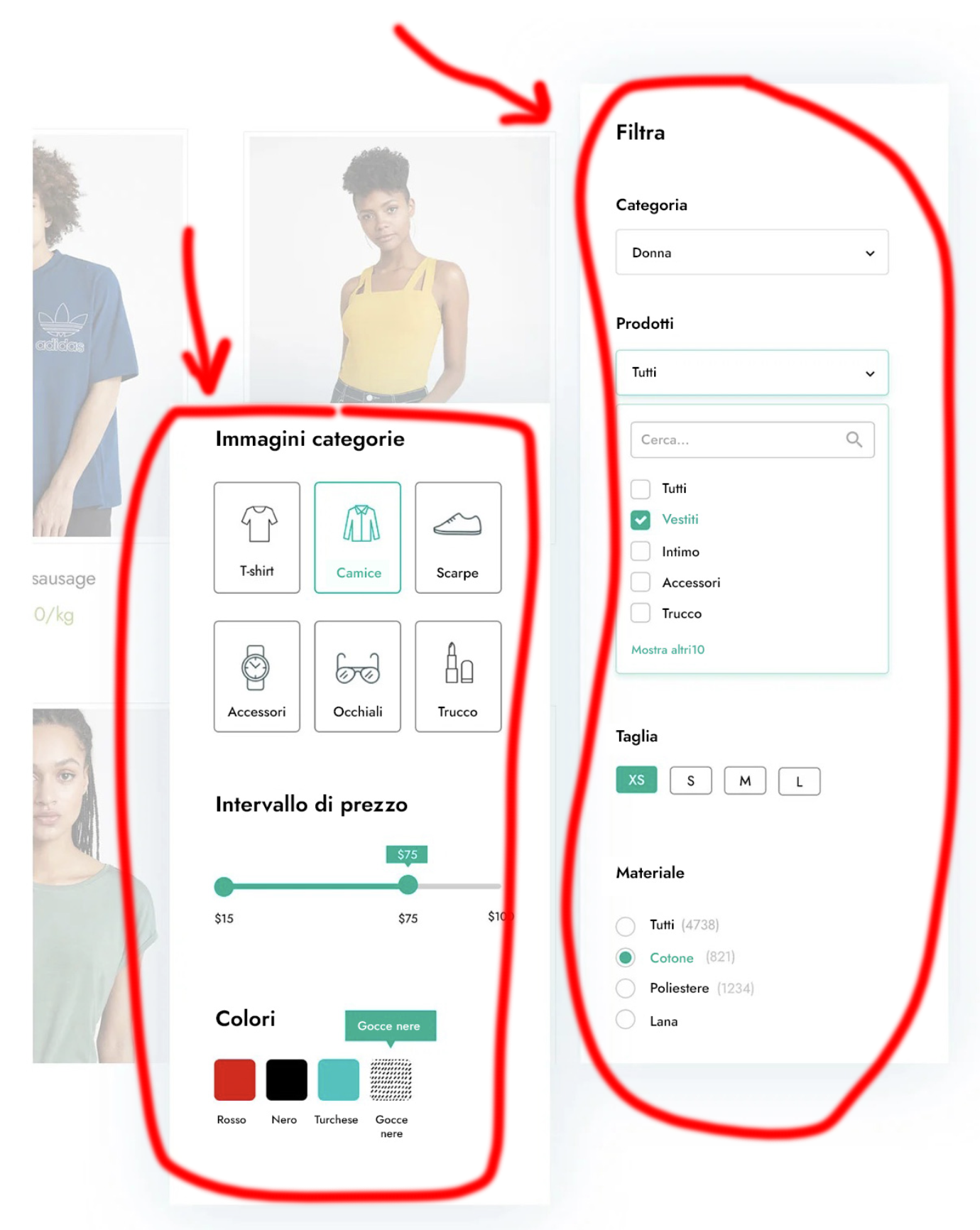
In your example the filters look like this: http://davide.multimedia-novara.it/002.png
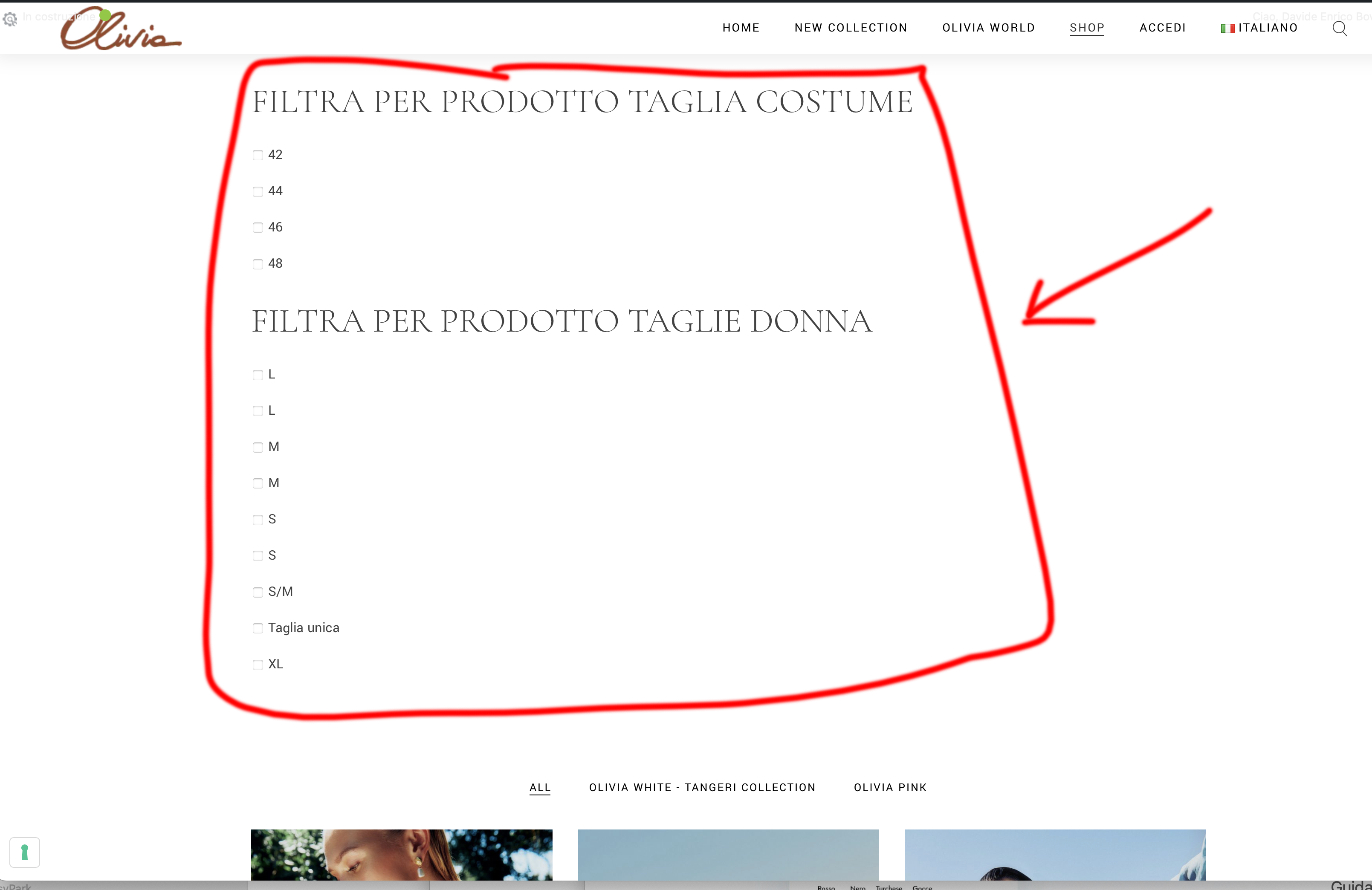
If I activate them on my site I see them like this: http://davide.multimedia-novara.it/001.png
Obviously yours are definitely nicer to look at.
Hello there,
I hope you’re doing well :D.
I tried to access to your image but it returns a 404. Maybe you moved the images to another section. Could you use a service like sendgb or wetransfer and send me the images?
Also send me an url where I can see the problem and evaluate if we can help you with some CSS rules.
I’m looking forward your response.
Have a good day.
Hi there,
You can change the Filter type option of each filter to select between different styles/types for the taxonomy filters.
You can find more information in the following page: https://docs.yithemes.com/yith-woocommerce-ajax-product-filter/free-settings/filter-presets-2/
Let us know if you need more help
Ok, but from a graphic point of view? Is there a possibility to render them as seen in your demo?
Hi there,
design depends by theme, in our live demo we use the free theme YITH Proteo